Connecting Stripe to get paid
3 min read
Comps never touches your money directly, entry fees and ticket sales pay out straight to your own Stripe account, using the exact same standard Stripe Connect onboarding thousands of other real businesses use, not something custom-built and unfamiliar.
What onboarding actually asks for
Stripe's own hosted flow collects what it always collects: your business details, a bank account to pay out to, and identity verification. It takes a few minutes for a straightforward setup, longer if Stripe needs extra documentation, which is entirely their process, not anything Comps adds on top.
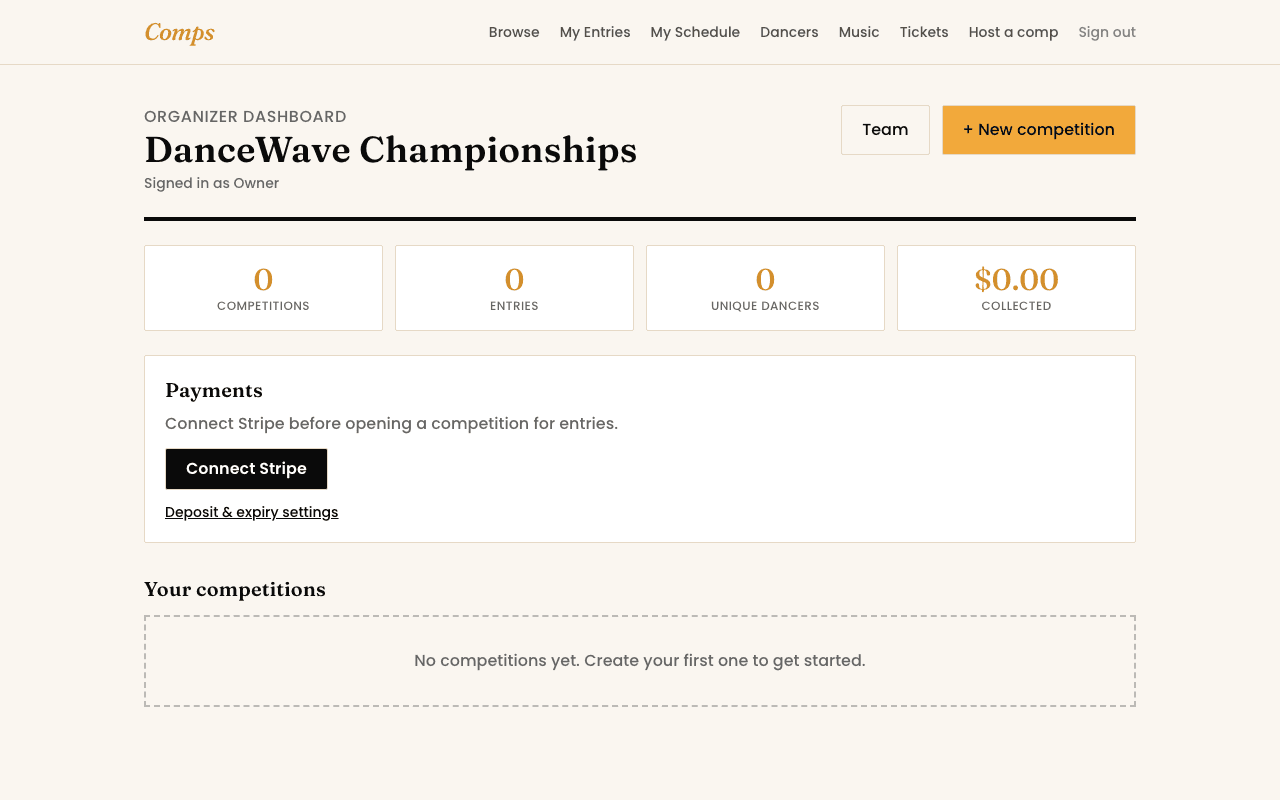
Before it's finished
You can build out your whole competition, sections, pricing, declarations, even open it for entries, before Stripe's fully connected. What won't work yet is taking a real payment, entries can still be submitted, but checkout will tell a dancer to try again shortly rather than silently failing.
Revisit it any time
You might also want to read