Hosting your first competition
5 min read
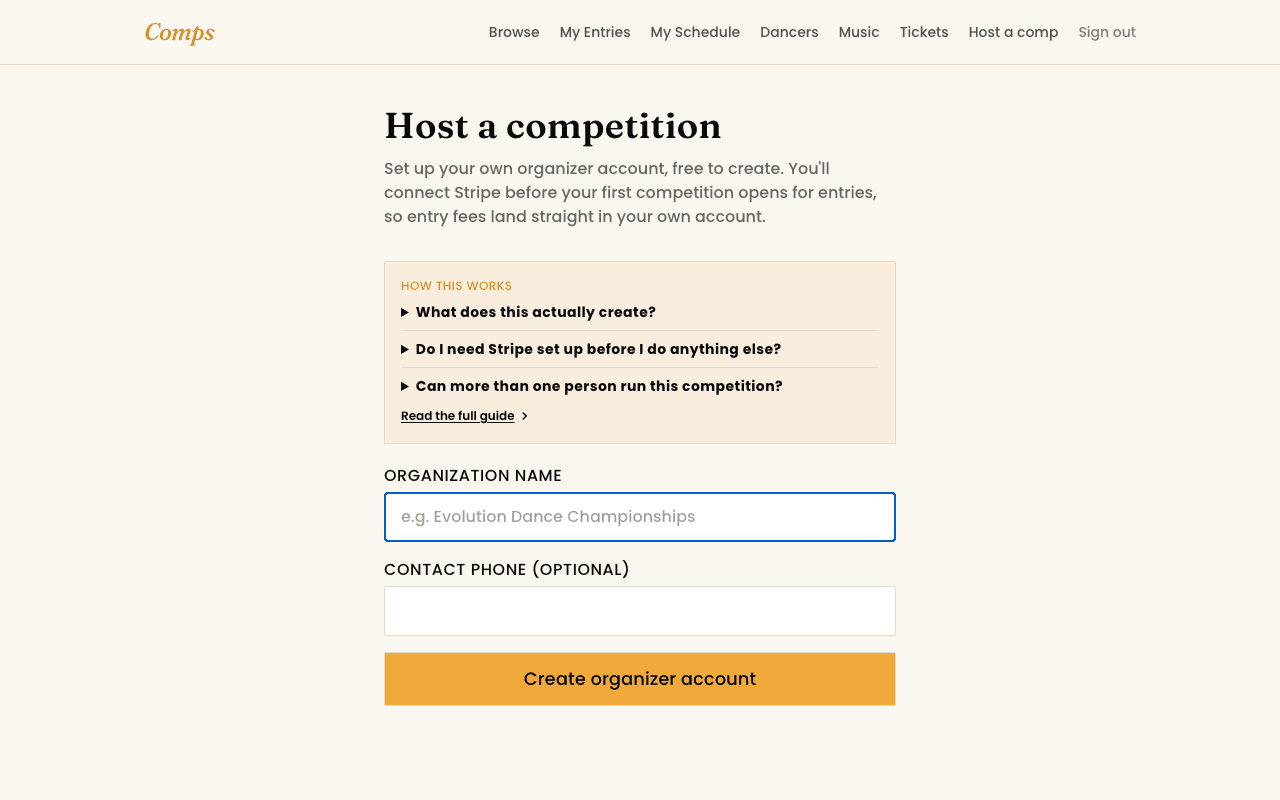
Running a competition on Comps starts the same way entering one does, sign in with your email and a code. From there, "Host a Comp" turns your account into an organizer, free to set up, no commitment before your first real competition.
The order that actually works
- 1Connect Stripe. Entry fees pay out straight to your own account, not through Comps. Standard Stripe onboarding, a few minutes, and you can revisit it any time from your dashboard.
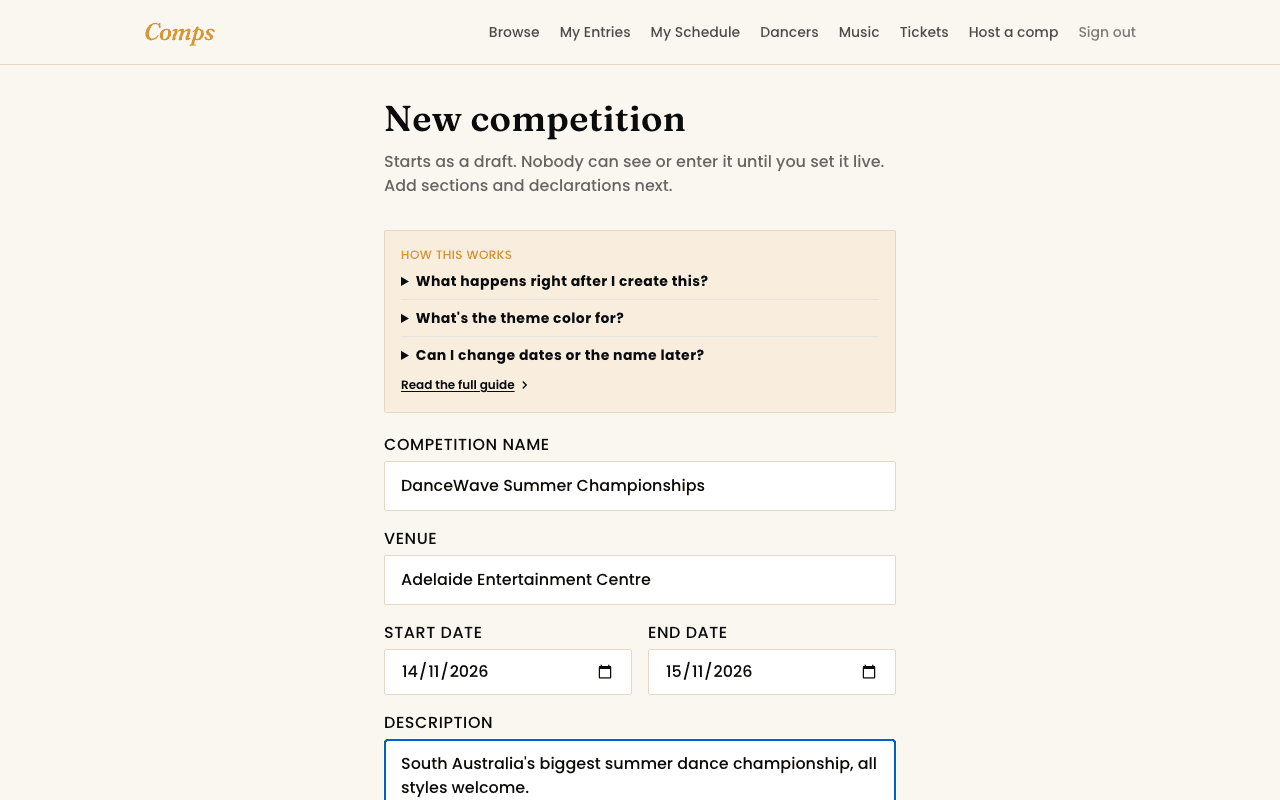
- 2Create the competition. Name, dates, venue, and a theme colour if you want the page to feel like yours. It starts as a draft, invisible to everyone but your own team, until you set it live.
- 3Add entry types and sections. Solo, duo/trio, group, whatever your competition actually runs, each with its own price, age range, and entry cap if you want one.
- 4Add any declarations you need agreed to before someone can enter, a Working With Children Check number, a rules acknowledgment, whatever's relevant to your event.
- 5Set the competition to "Open." That's the one switch that makes it visible and enterable. Everything above can be adjusted after the fact, but nobody sees it until this step.
Reviewing entries
Most entries sort themselves, accepted automatically unless a cap's been hit, in which case they land on the waitlist with a plain reason attached. From your competition's entries list you can manually accept, waitlist, scratch, or swap one entry for another directly, exactly the control a real competition needs when plans change.
Money, beyond the entry fee itself
- Turn on partial payment if you want dancers able to pay a deposit and settle the rest later.
- Create discount codes, percentage or flat amount, with their own use limits and dates.
- Issue credit directly to a dancer or parent's account, applied automatically on their next payment.
Your team
See also
You might also want to read
Running a Competition
Connecting Stripe to get paid
Entry fees pay out to your own account, not through Comps as a middleman.
Running a Competition
Setting up sections and pricing
Entry types, sections, age brackets, and what each one actually costs.
Running a Competition
Running event day
Venues, the running order, and publishing results, all from Event Day mode.