Downloading your student list (CSV export)
2 min read
The Students page has an Export CSV button, right next to the search bar, that downloads exactly the list you're currently looking at (whatever your search and tier filter narrowed it down to), not always your entire roster.
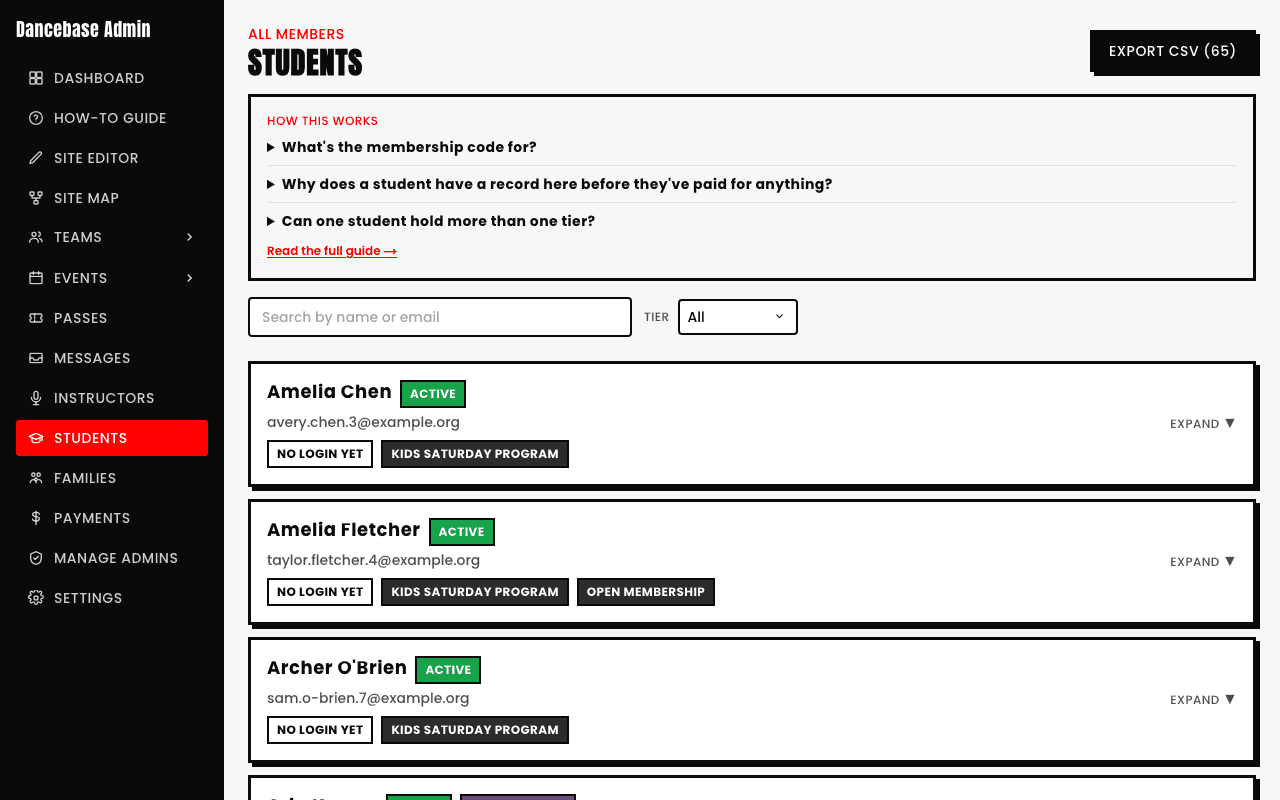
What's in the file
- First name
- Last name
- Email
- Phone
- Username
- Tiers
- Status
- Date of birth
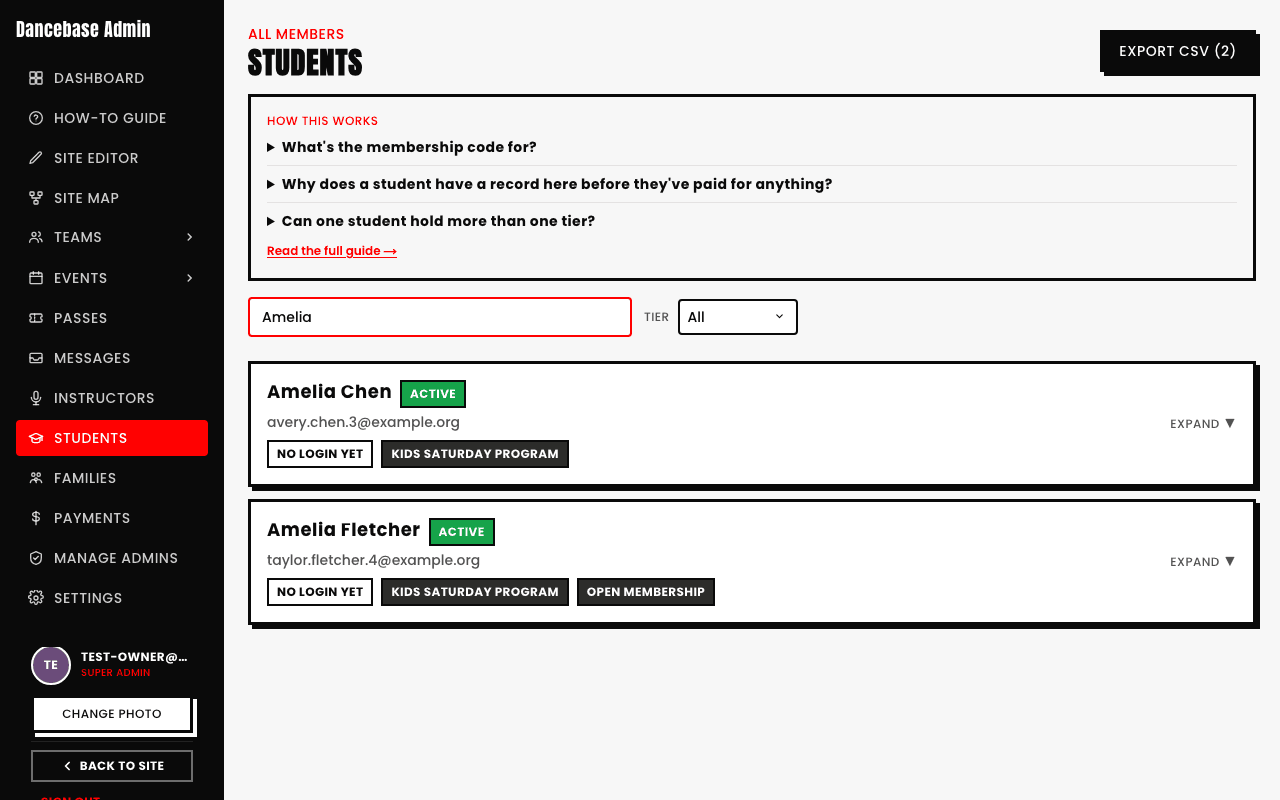
Narrow it first, then export
Since the export follows your current filter, searching or filtering by tier before you click Export is a genuinely useful way to get exactly the subset you actually need, e.g. everyone on one specific tier, without hand-editing the file afterward.
See also