Adding a photo to a student's profile
2 min read
A student photo makes a family's own portal dashboard genuinely easier to use at a glance, especially for a household with more than one child enrolled, cards with real faces are just faster to tell apart than a wall of names.
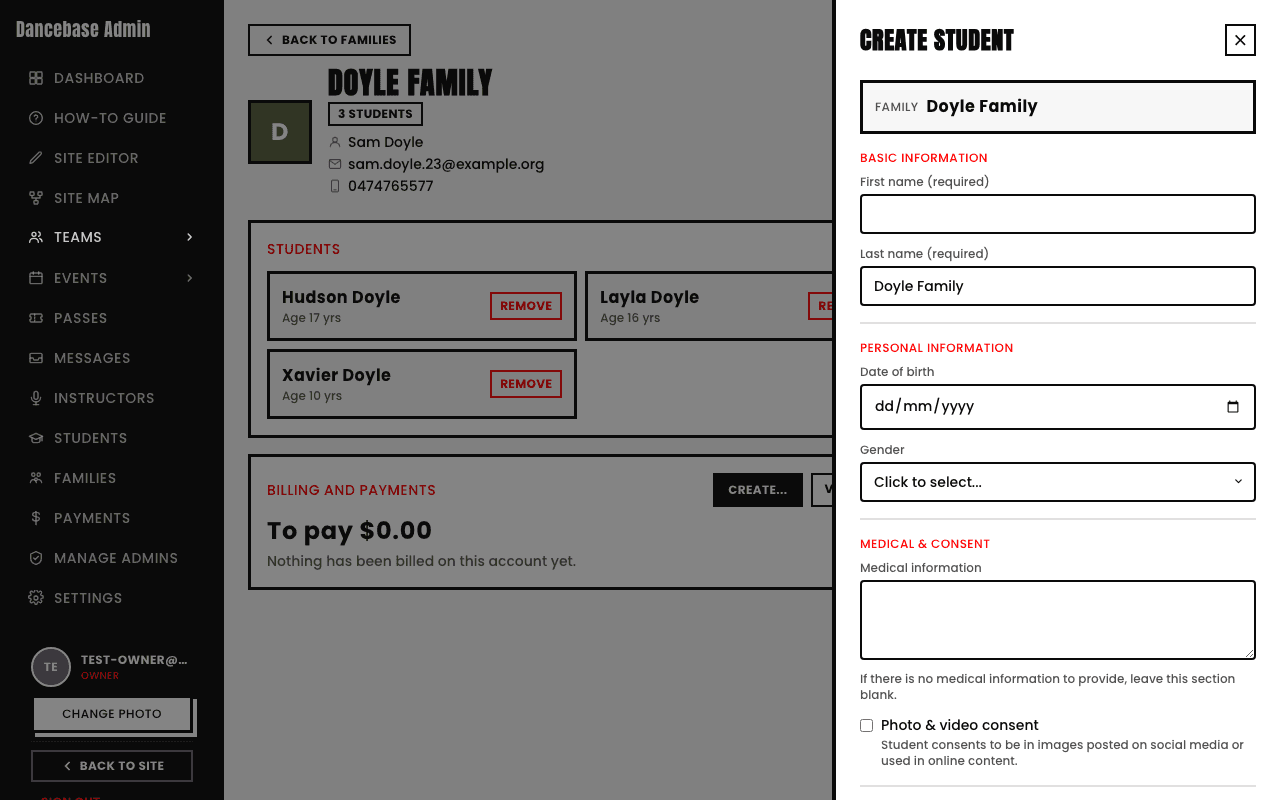
This is genuinely family-side only, not something an admin does
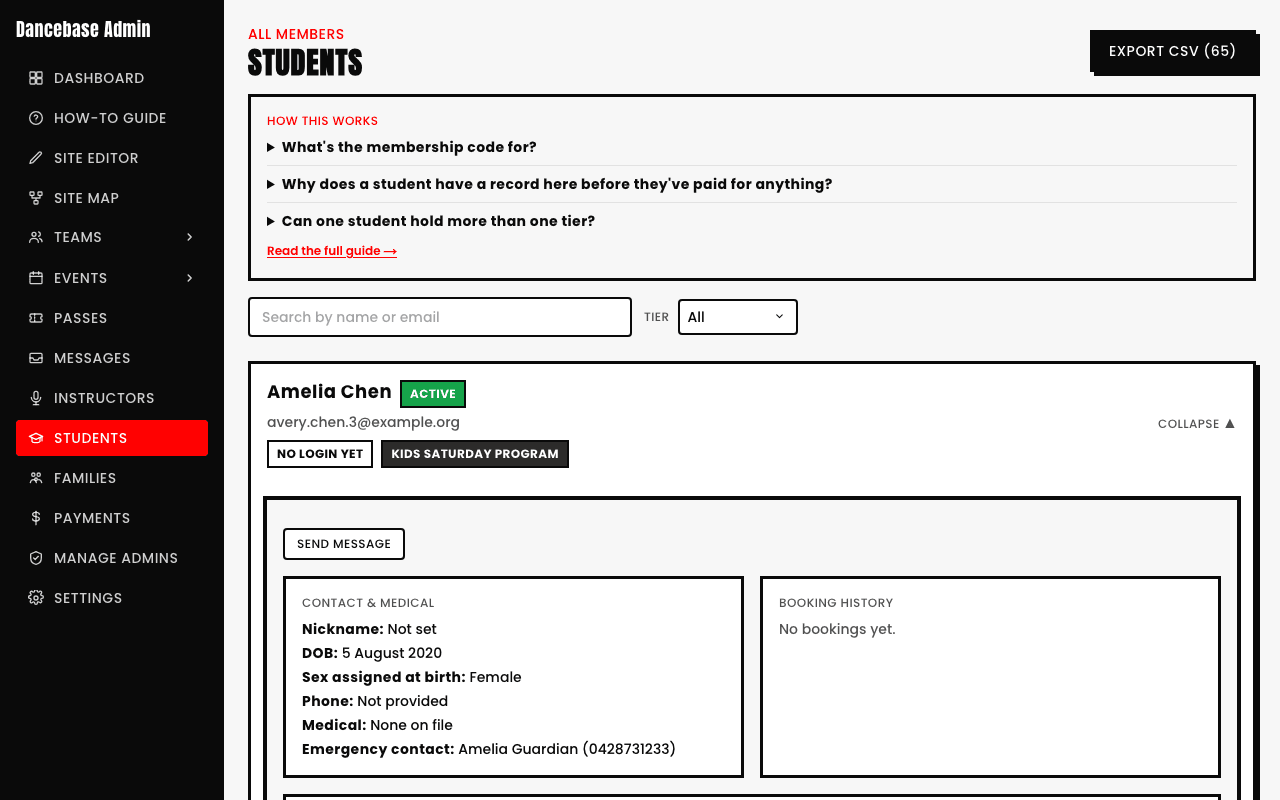
There's no photo upload anywhere in the admin panel, not on a student's own record, not when creating one. The primary contact adds or changes a photo themselves, from their own family portal, for any member of the household (or an adult student on their own account does it from their own portal). If a family can't find it, point them to their portal's member settings, not to you.
PNG, JPG, or WebP, same as every other photo upload in Dancebase. There's no required photo, a student with none simply shows a fallback avatar instead, a real fallback, not a broken image.
See also