Finding a competition to enter
2 min read
The Comps home page is a real, live list of every competition running on the platform, not a static directory someone updates once a month. Anything an organizer has genuinely opened for entries shows up here, searchable, the moment it goes live.
Search and filter
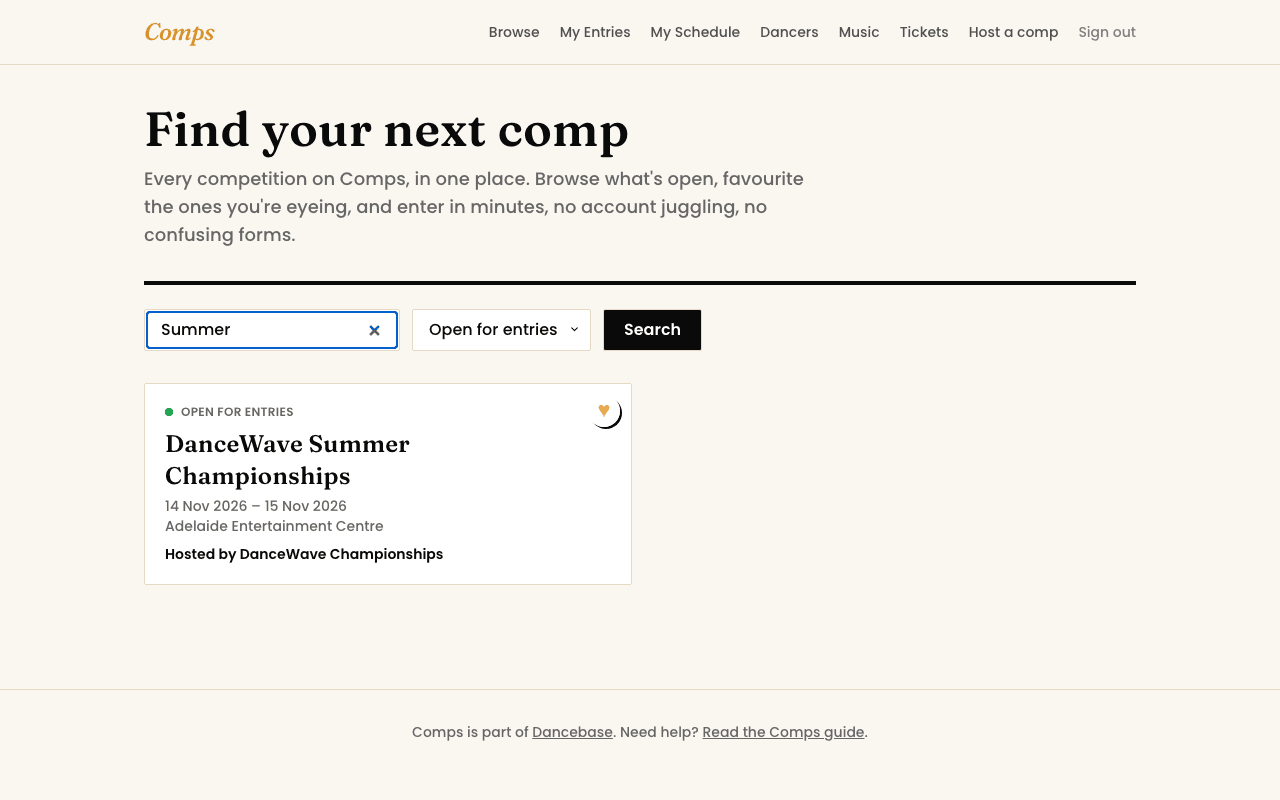
Type a competition's name into the search box, or narrow the list by status, open for entries, opening soon, waitlist only, or closed, using the dropdown beside it. Both work together, so "open competitions with 'classic' in the name" is one search, not two separate steps.
Favouriting
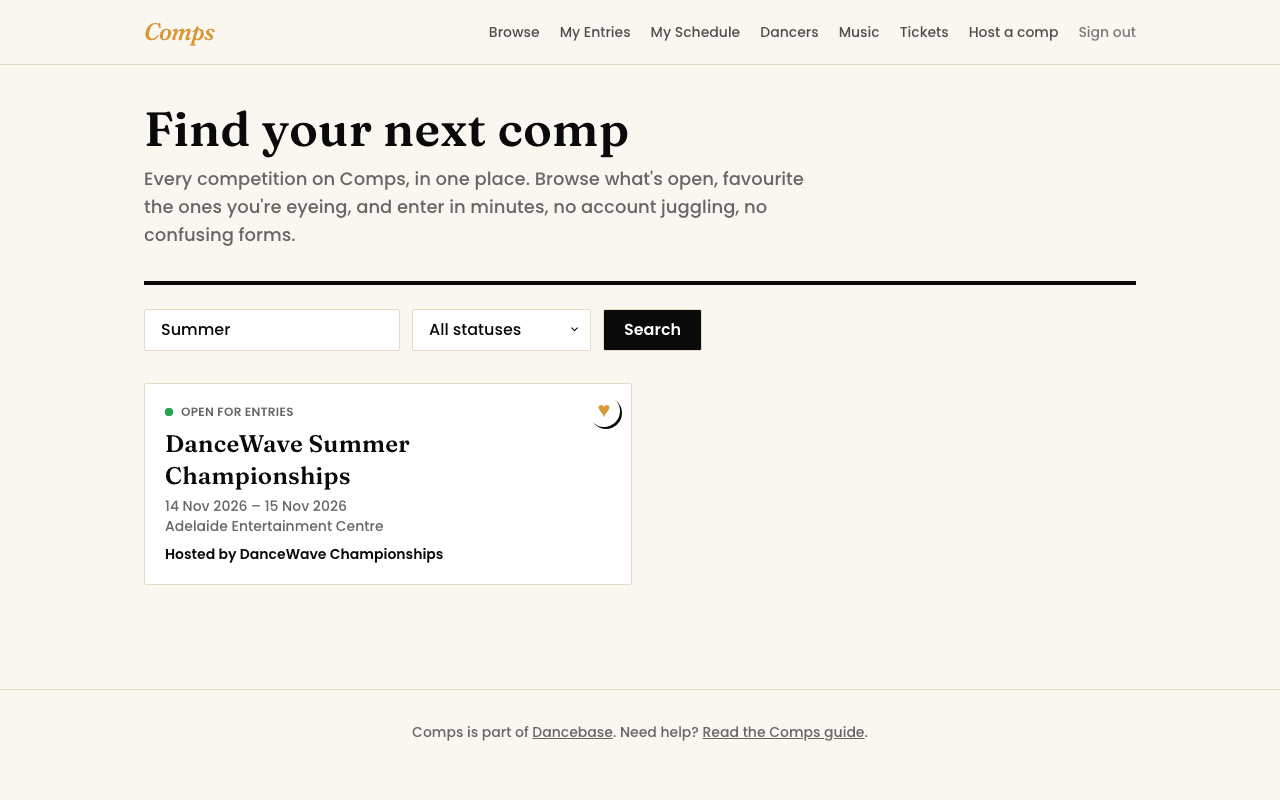
See the heart icon on a competition's card? Tap it to pin that competition to the top of your own home page view, genuinely useful once you're tracking three or four competitions across a season and don't want to search for the same name every time you check in. You'll need to be signed in for it to stick, a favourite is saved to your account, not just your browser.
Draft competitions stay invisible
You might also want to read