What Comps actually is
3 min read
If you've ever entered a dance competition before, you already know the drill: an account you have to create, a password you'll forget by next season, a form with forty fields, and a PDF schedule someone emails you the night before that's already out of date by the time you open it. Comps exists because none of that is actually necessary.
Signing up takes a minute: your name, email, and a password, and you're straight in, no email to go find and click first. From there, everything else, browsing competitions, building a dancer's profile, entering sections, paying, and checking the live running order on the day, lives in one place, written so a first-time parent and a ten-year veteran teacher can both find their way around without asking anyone how.
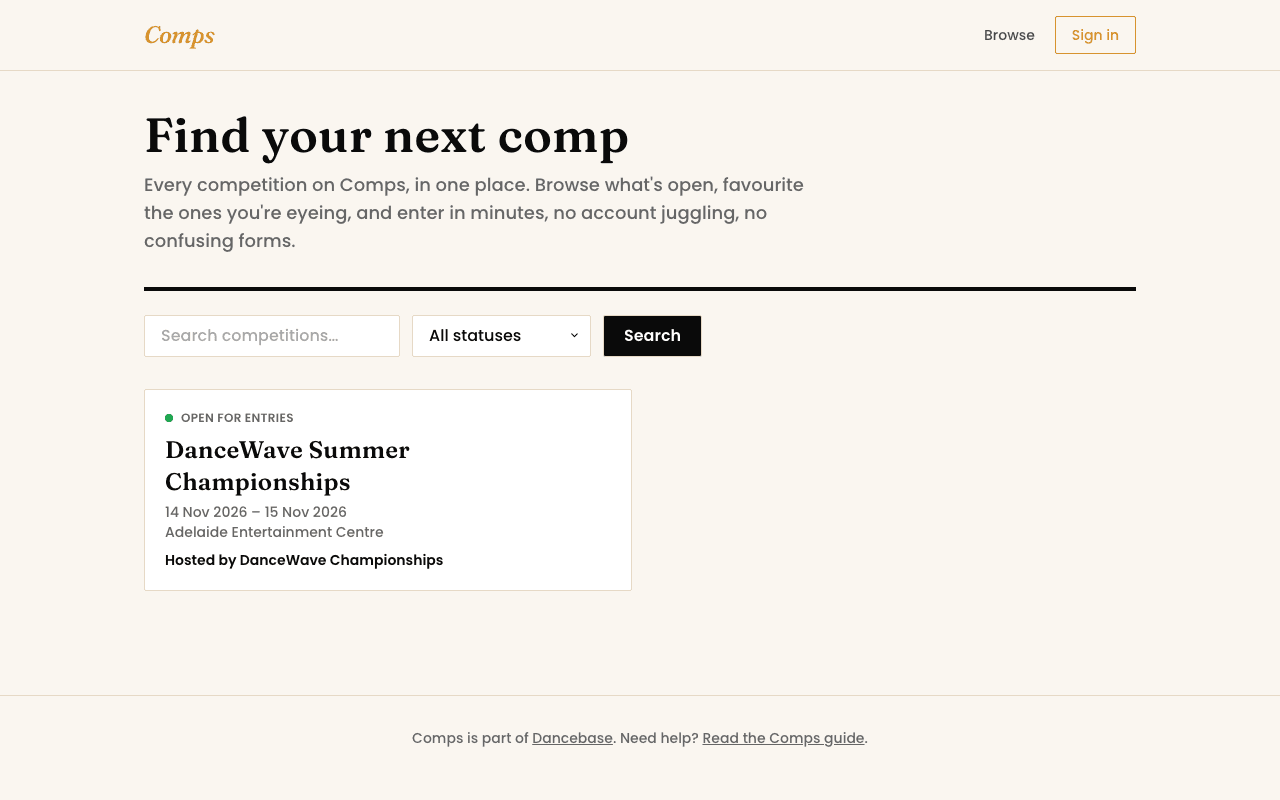
What you can actually do here
- Enter a competition. Browse what's open, build a dancer's profile once, and reuse it for every entry from now on.
- Pay your way. In full, by deposit, with a discount code, or with credit already sitting on your account, whichever the organizer allows.
- Follow the day itself. A live running order, real-time status per venue, and your results the moment a judge publishes them, no refreshing a Facebook group for updates.
- Or run the whole thing. If you're the one hosting a competition, Comps is also the organizer side: sections, pricing, declarations, entry review, and the live event-day tools, all in the same account system.
Your first five minutes
- 1Go to
/comps/login, choose Create an account, and enter your name, email, and a password. - 2You're signed in immediately, no email to wait on.
- 3Head to Dancers and add a profile for each dancer you'll be entering, name, date of birth, and studio.
- 4Browse competitions from the Comps home page and open one that's accepting entries.
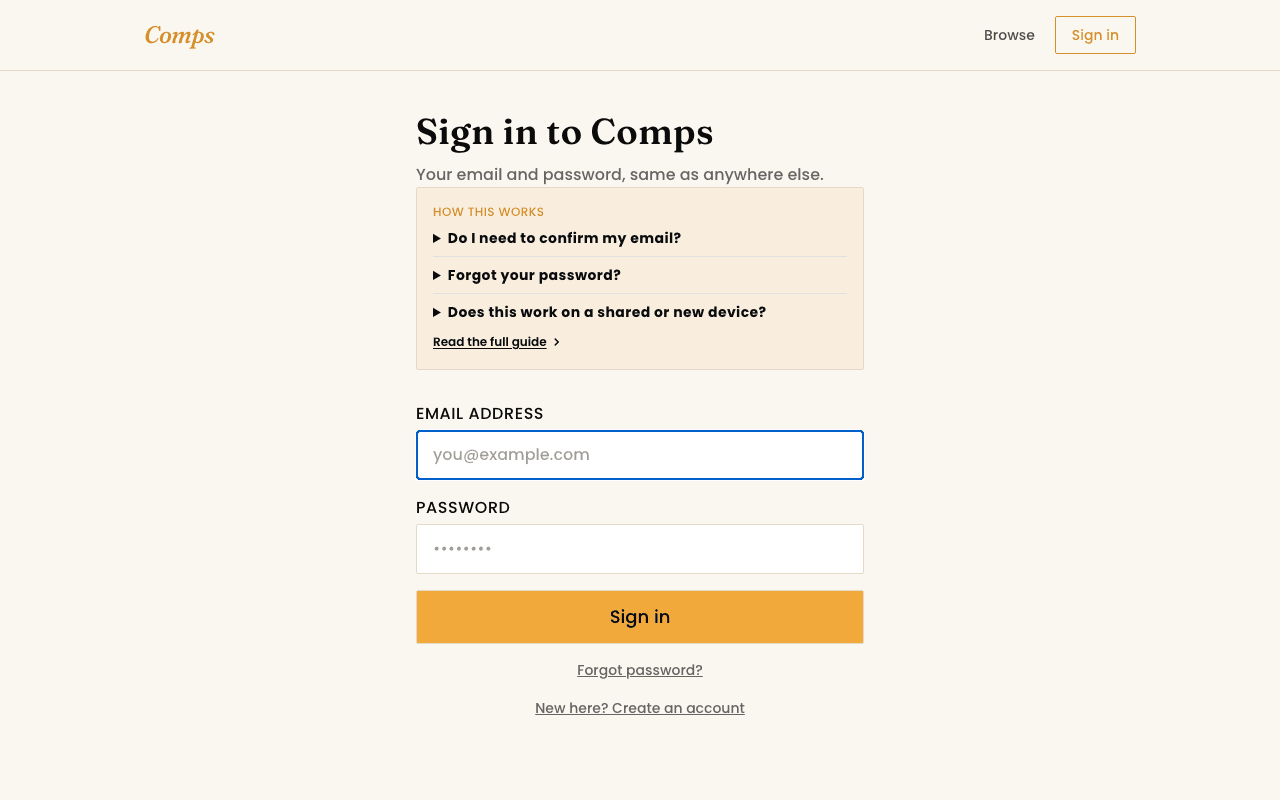
Forgot your password?
You might also want to read
Entering a Competition
How entering a competition actually works
From browsing to a confirmed entry, and what happens if a section is full.
Running a Competition
Hosting your first competition
From a blank organizer account to entries open, in the order you'll actually do it.
Getting Started
Finding a competition to enter
Browsing, searching, and favouriting the ones you're watching closely.