Discount codes and credits, from the organizer side
3 min read
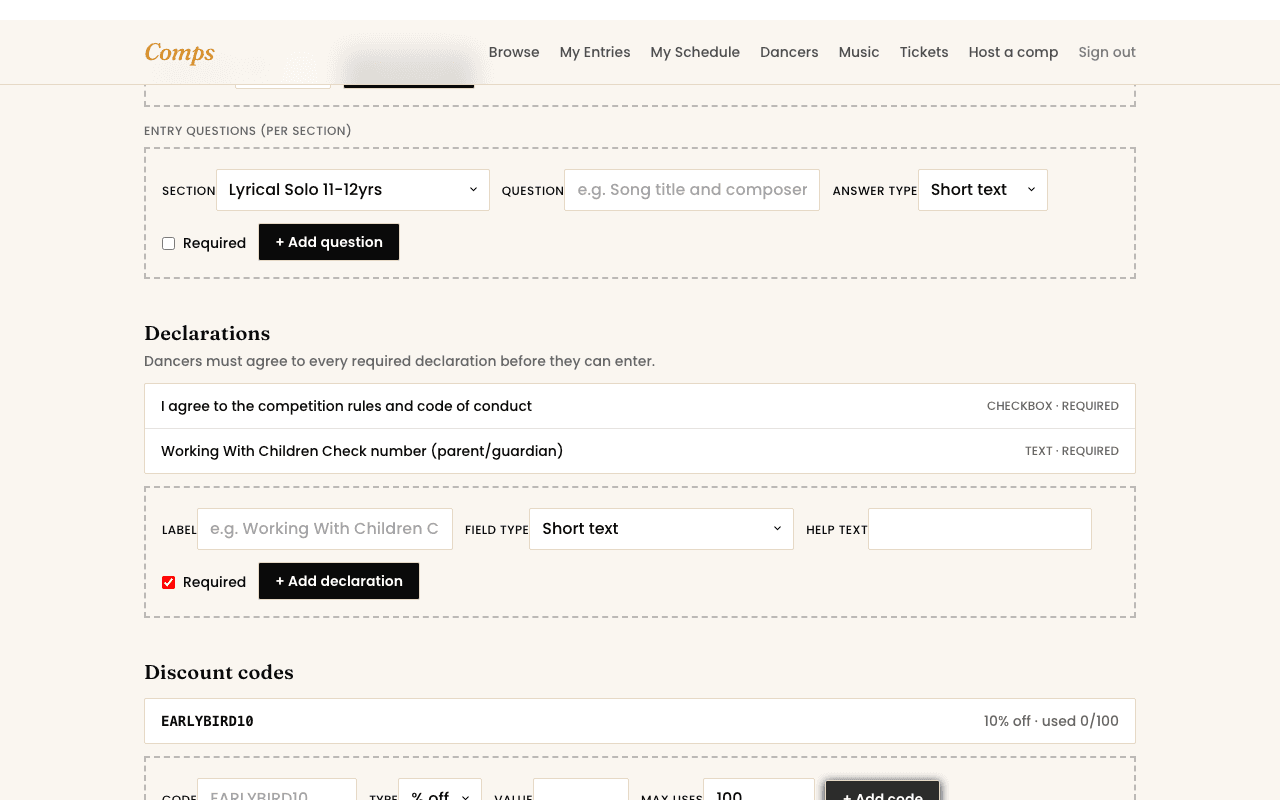
Two separate tools, both live on your competition's payment settings: discount codes a dancer types in themselves, and credit you issue directly to a specific account.
Discount codes
- 1Pick a code, a percentage or flat amount off, and whether it's a one-time code or open to everyone.
- 2Set an active date range if the discount should only apply for a limited window, an early-bird rate, say.
- 3Share it however you'd normally reach dancers, it's checked live at checkout against exactly the rules you set.
Credit
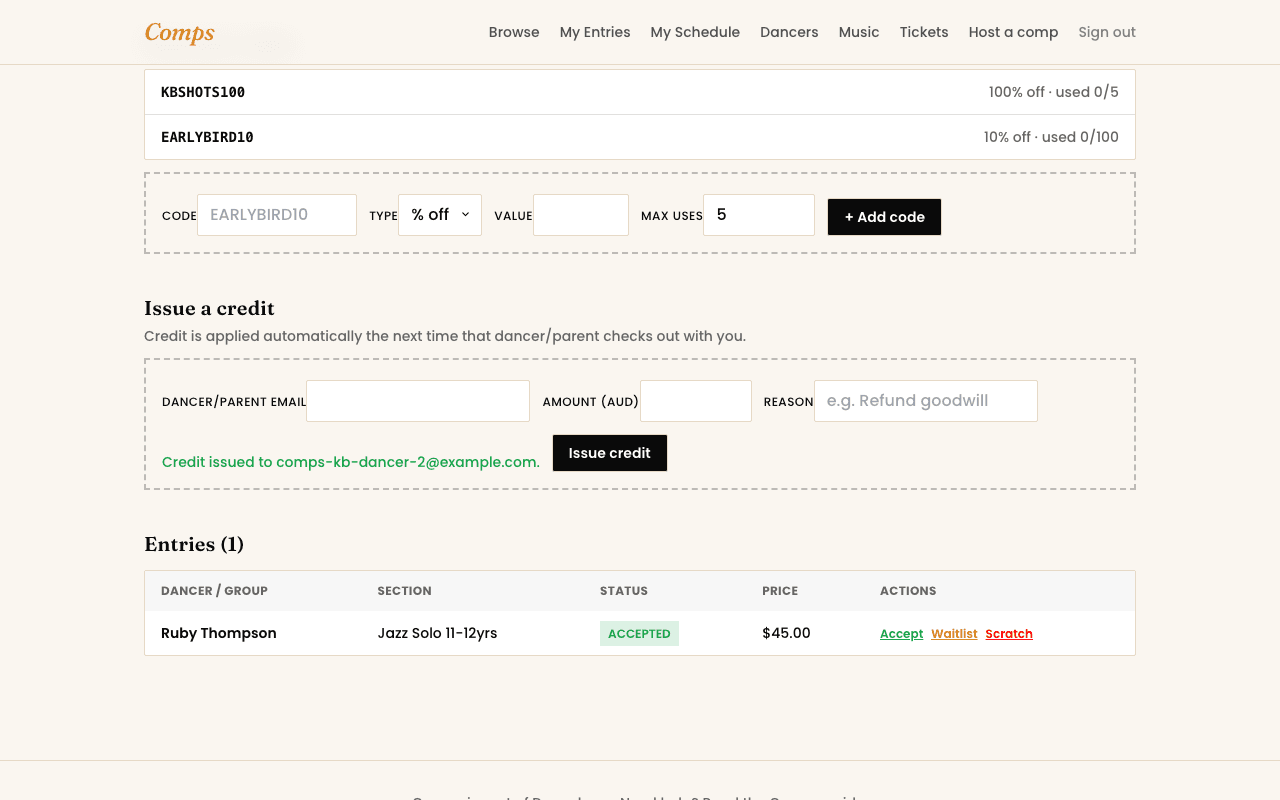
Credit is different, it's issued directly to one dancer or parent's account, not a code anyone can use. It's the right tool for a genuine one-off adjustment, goodwill after a cancellation, correcting an overcharge, rather than a discount meant for everyone.
Both apply automatically
Once a code's entered or credit's issued, neither needs anything further from you, the dancer's own checkout applies them in the right order without you having to step in again.
You might also want to read