Reviewing and managing entries
3 min read
Most entries never need you to touch them, accepted automatically the instant they're submitted, unless a real cap's been hit somewhere, the whole competition, that entry type, that specific section, or a dancer's own solo limit. When one of those triggers, the entry lands on the waitlist with the actual reason attached, visible to the dancer too, not just to you.
Your entries list
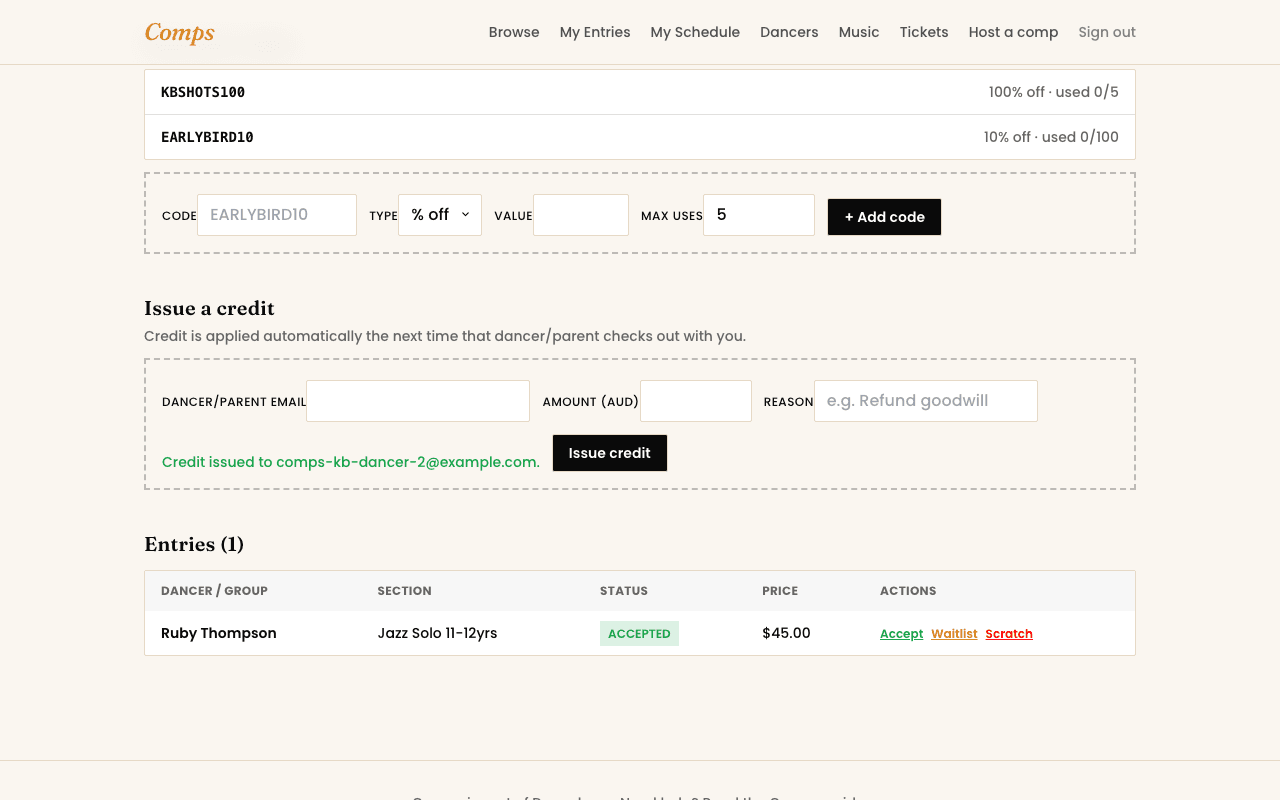
Every entry for your competition, filterable by section and status, with the controls a real competition needs when plans shift:
- Manually accept a waitlisted entry, space opens up, you decide who moves in.
- Manually waitlist an entry that was auto-accepted, if you need to revisit a decision.
- Scratch an entry that's withdrawn, keeping a real record instead of deleting it outright.
- Swap a waitlisted entry directly in to replace one that's scratched, one action instead of two separate manual steps.
Every change is visible to the dancer
Whatever you do here shows up on the dancer's own My Entries immediately, there's no separate step to "notify" them, the real status is the notification.
You might also want to read