Inviting your team
2 min read
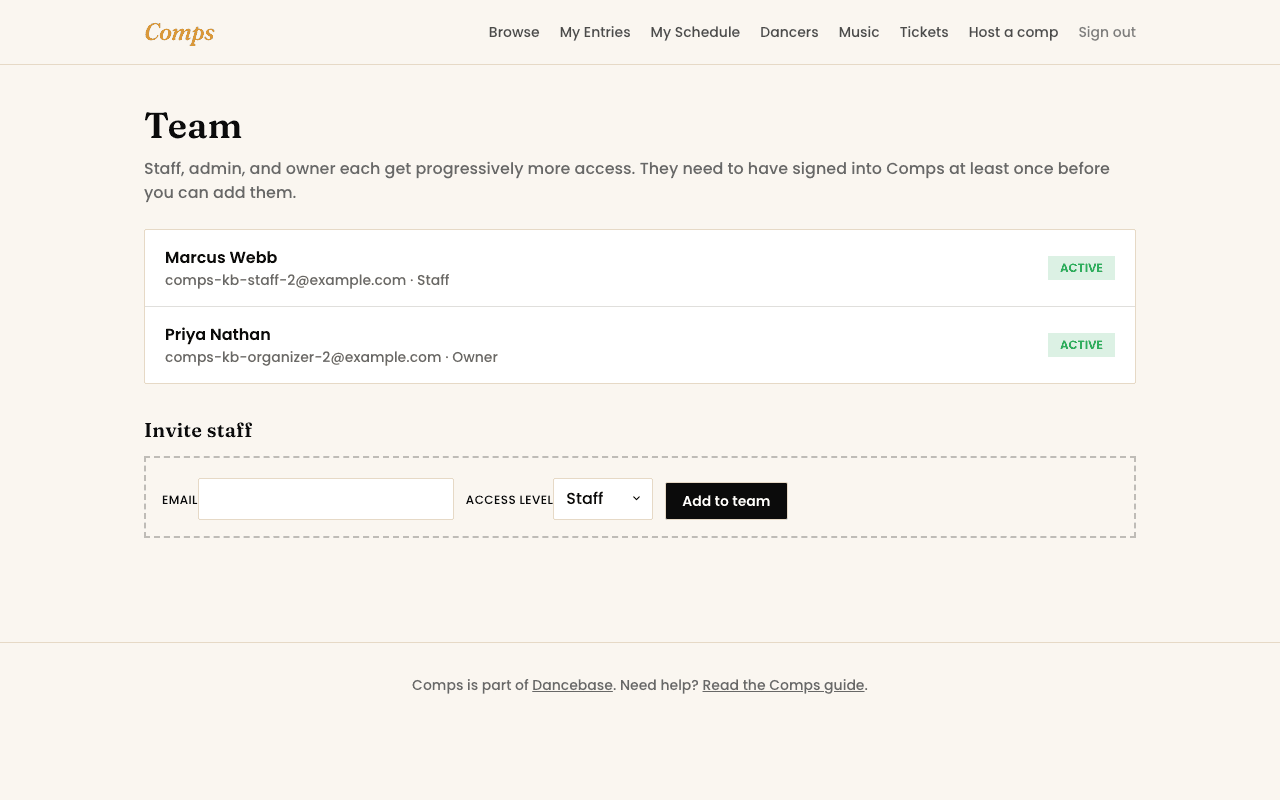
Running a real competition is rarely a one-person job. Add whoever helps you, co-organizers, event-day volunteers, from your dashboard's Team page, real people with their own real sign-in, never a shared login.
Before you can add someone
They need to have signed in to Comps at least once themselves, same email and code login as anyone else. Once they have, invite them by email and assign a tier.
What each tier unlocks
- Staff. Event-day tools, running order, check-in, results, exactly what someone needs to help run the day without touching money or settings.
- Admin. Everything Staff can, plus entries, sections, and discount codes, the real day-to-day running of the competition.
- Owner. Everything, including Stripe and who else is on the team. Reserve this for whoever's genuinely accountable for the competition.
Deactivating, not deleting
Removing someone from a role deactivates their access rather than erasing the record of them having been on your team, useful if a volunteer only helps out for one season.
You might also want to read