Selling tickets and sharing the programme
3 min read
Two separate, optional pieces for a competition open to spectators: ticket types you set up and sell, and a couple of public pages, the Programme and the Event Board, you can share or print without building anything extra by hand.
Setting up tickets
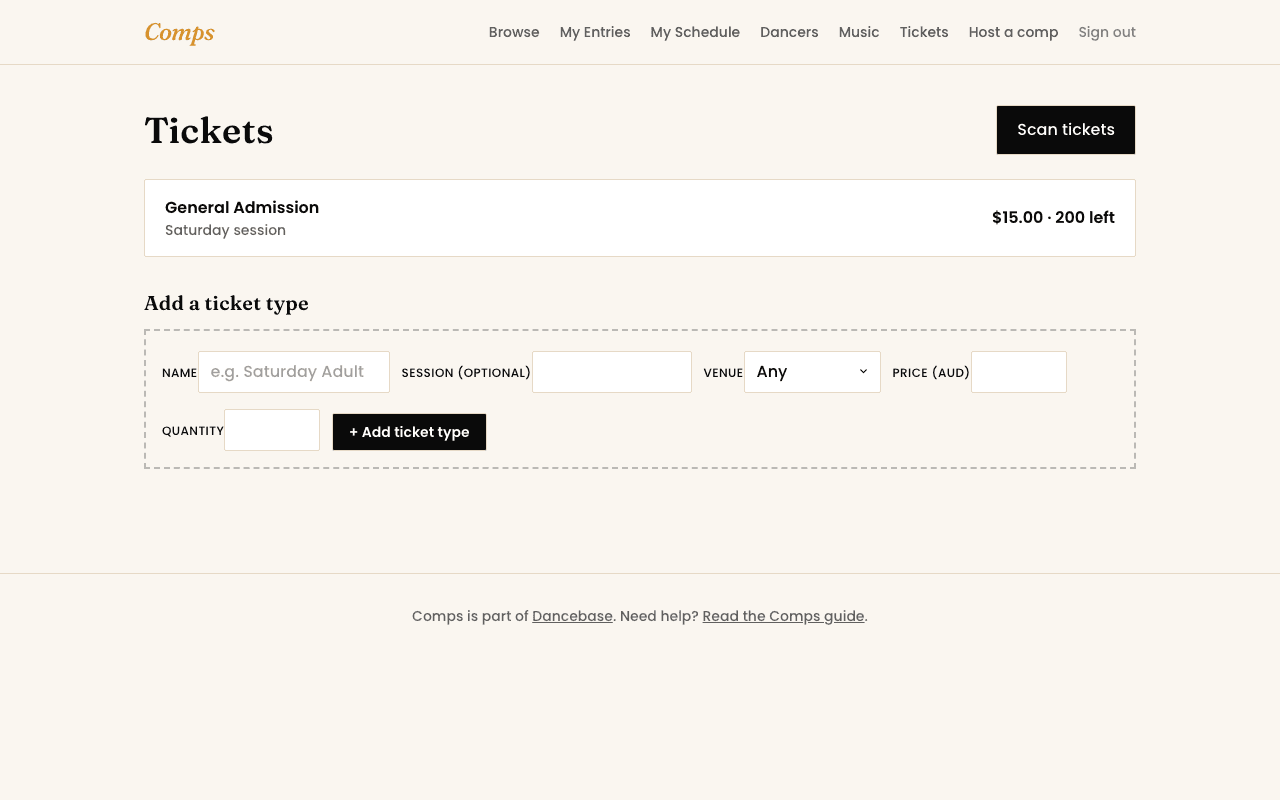
- 1Create a ticket type: a name, a price, and how many are available.
- 2Optionally tie it to a specific session if your event runs in blocks rather than one continuous day.
- 3Once created, it appears on your competition's own public page automatically, nothing further to publish.
Scanning at the door
A ticket holder's QR code is checked at a simple code-entry screen, most phone cameras will auto-fill it from a focused field when pointed at the code, no separate scanner app to install. A second scan of the same code is flagged as already used, not silently accepted twice.
The programme and the public board
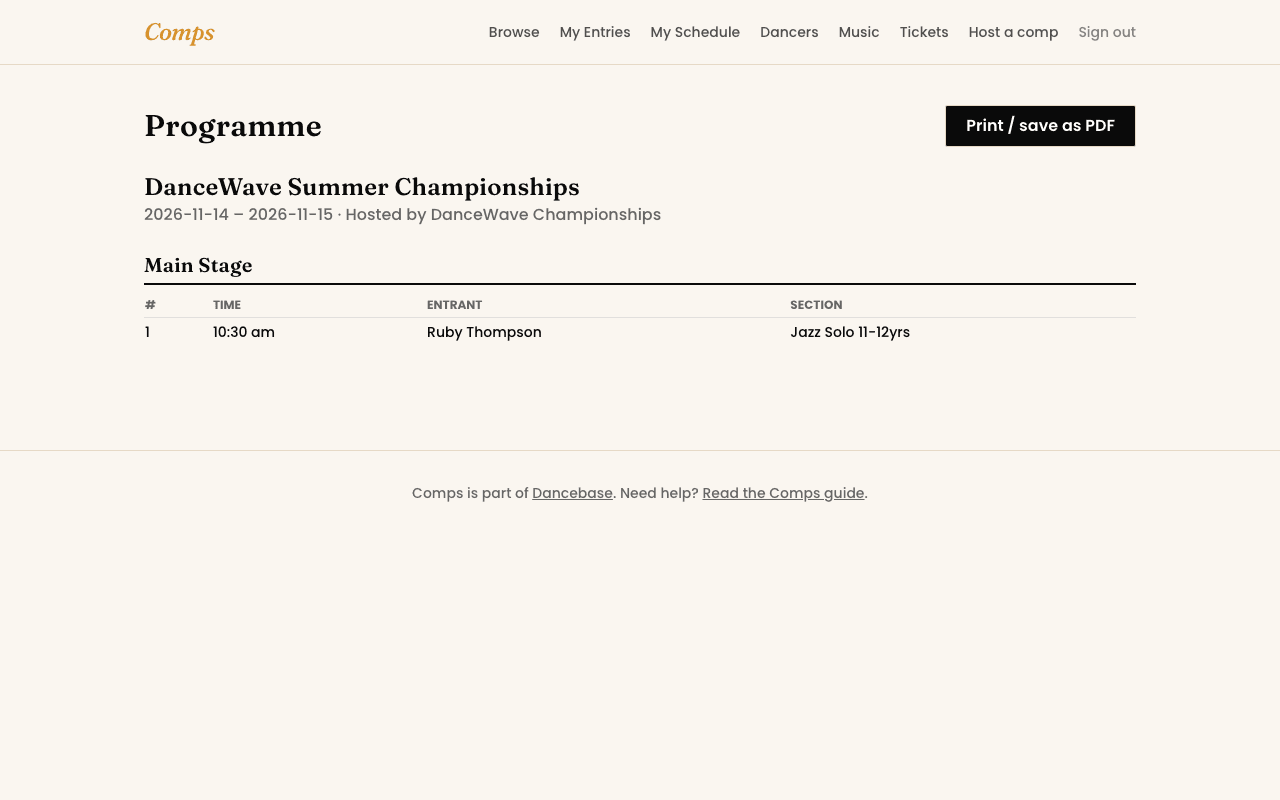
The Programme page turns your real running order into a clean, print-ready document straight from the browser, no separate file to keep updated by hand. The Event Board is the live, self-updating public screen covered in Reading the live board, both pull from the exact same running-order data you're already maintaining in Event Day mode.
Both are free, real features
You might also want to read