Buying and using tickets
2 min read
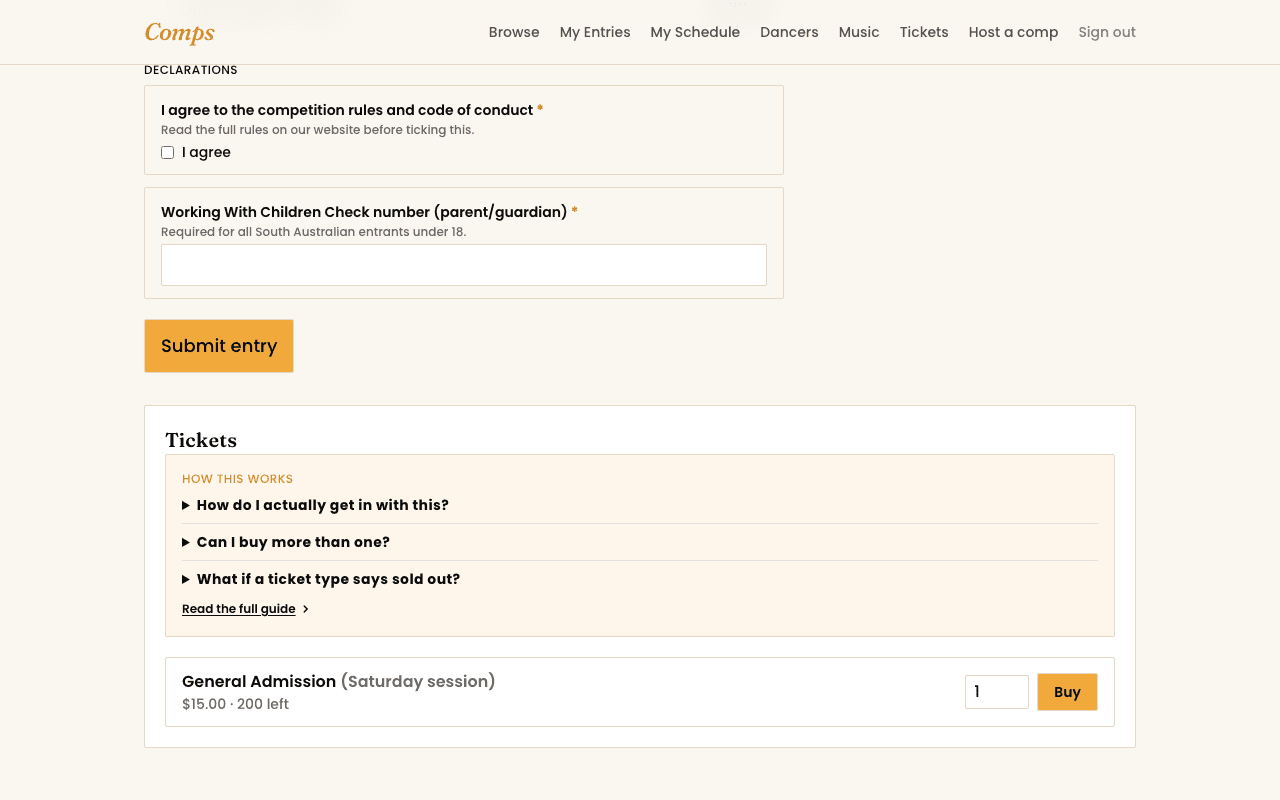
Not every competition sells tickets, but where one does, you'll find it on that competition's own page. Tickets are for watching, not entering, you don't need a dancer profile to buy one.
Buying
- 1Pick a ticket type and how many you need.
- 2Comps holds your tickets for 30 minutes while you check out, so nobody else can grab the last one mid-payment.
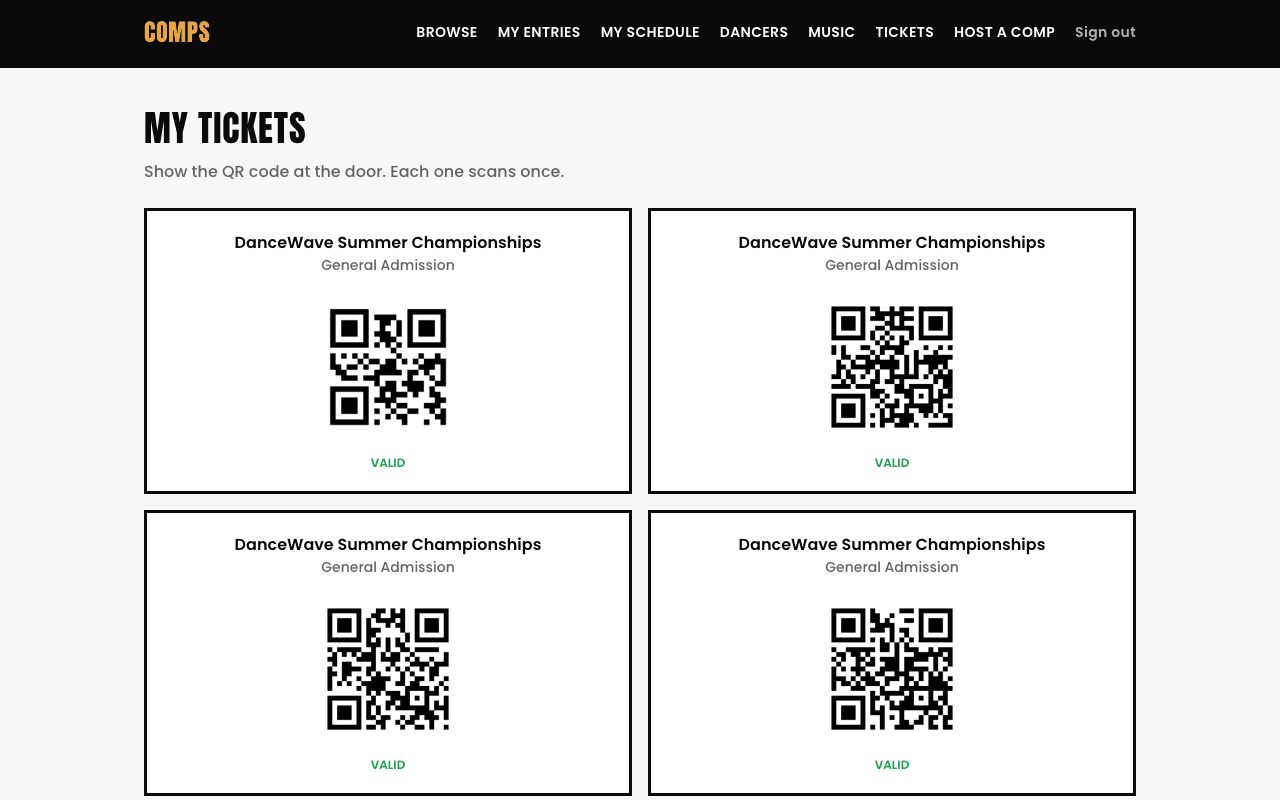
- 3Pay, and your tickets, and their QR codes, land on My Tickets straight away.
At the door
Show the QR code from My Tickets (or the confirmation email), it scans once. A second scan of the same code is flagged as already used, not silently accepted twice.
Sold out doesn't always mean gone
A hold that isn't paid within 30 minutes releases automatically, so a type that reads "sold out" can open back up. Check again if you're close to the cutoff.
You might also want to read