Following the day itself
3 min read
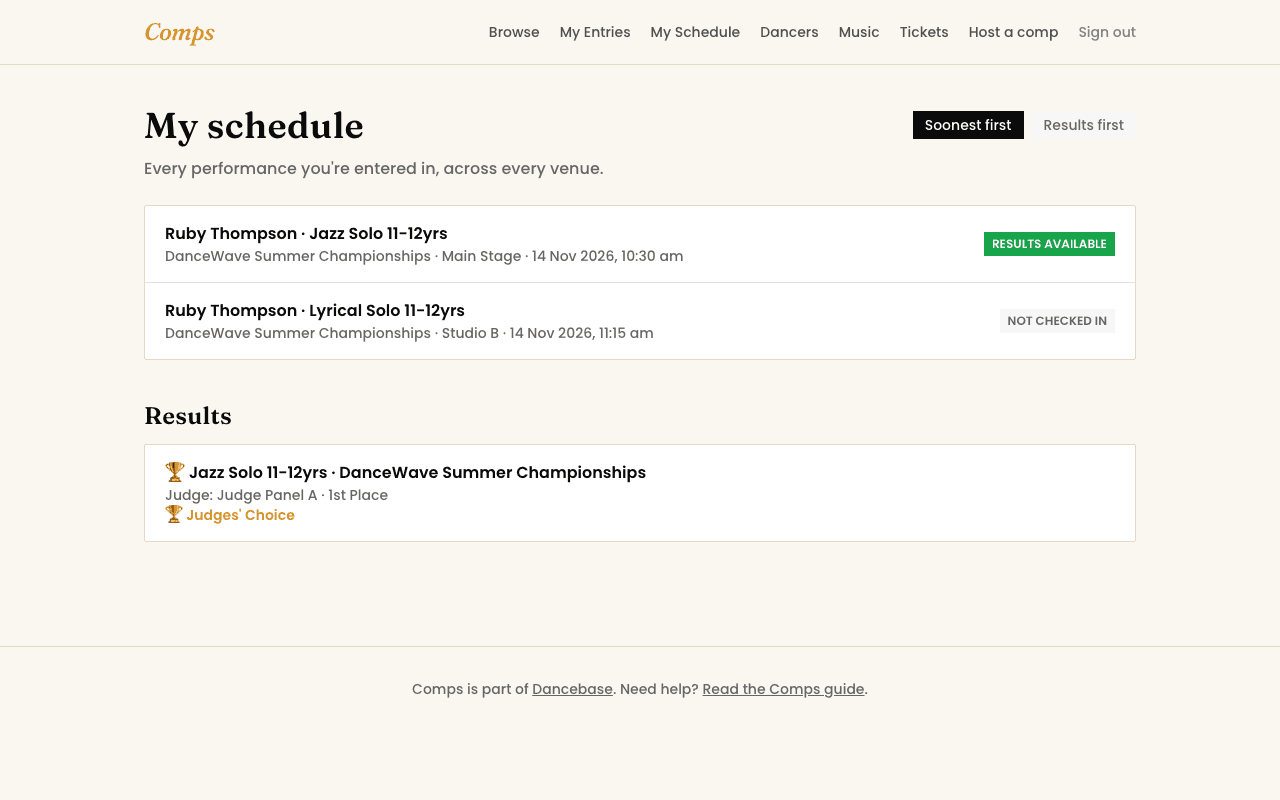
Once entries close and an organizer builds the running order, everything you need on the day lives in one place: My Schedule. Every performance you're in, across every venue that competition is running, soonest first.
Reading the status
Each entry on My Schedule shows exactly where it stands right now:
- Not checked in, the default, before anything's happened.
- Checked in, you or the organizer has confirmed you're present.
- Performing now, exactly what it says, and it updates live.
- On hold or required backstage, a genuine heads-up from the organizer, not just noise.
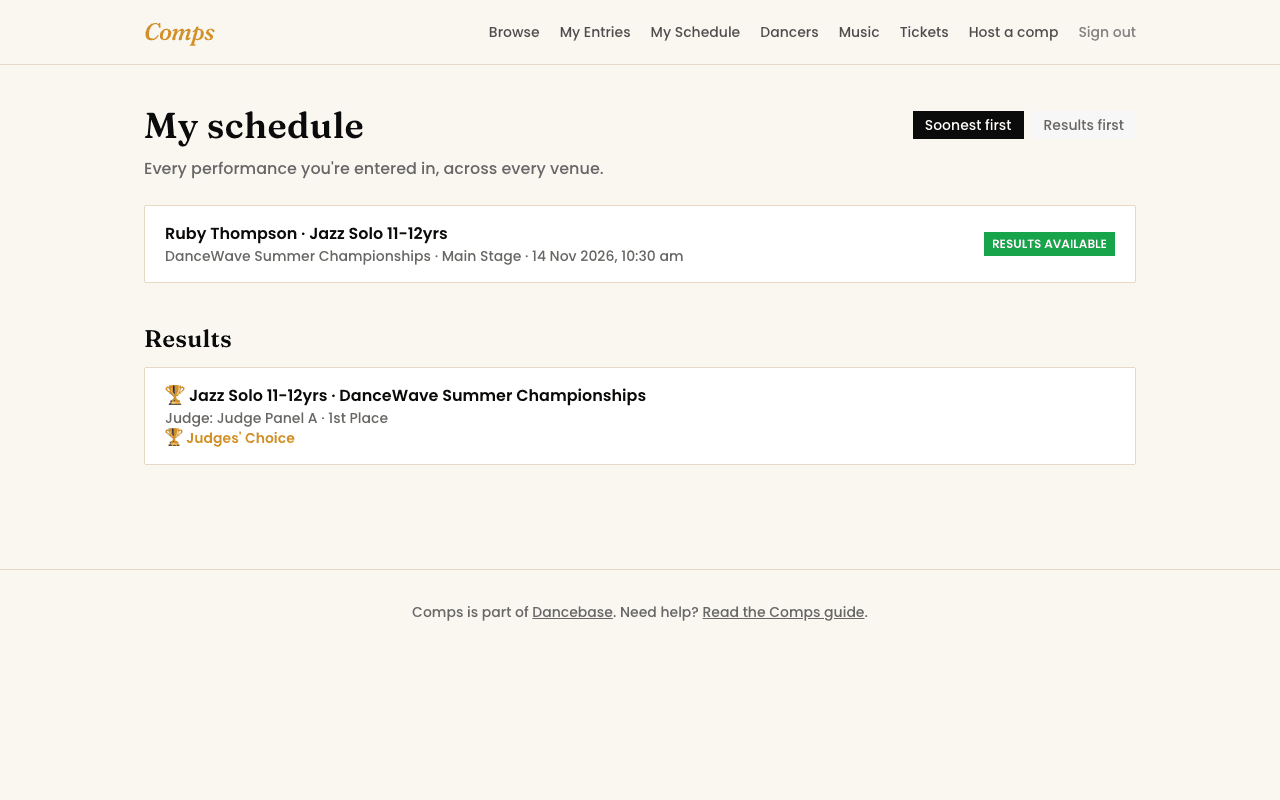
- Complete, then results available once a judge has actually published something.
If props or an accompanist are needed for an entry, that's flagged right there too, so it's never a surprise five minutes before you're on.
The live board
Bigger events also run a public board, one screen per venue, showing who's performing right now, who's up next, and whether that venue is running ahead or behind schedule. It's built to sit on a lobby screen and update itself, nobody needs to refresh it.
Results
The moment a judge publishes a score or placement, it lands on My Schedule under Results, along with a downloadable report and, where the organizer offers it, an audio critique. Nothing's visible before that, an unpublished result is still a working draft, not your actual answer.
Music, sorted once
See also
You might also want to read
Event Day
Checking in on the day
How you or the organizer marks an entry present, and why it matters.
Event Day
Reading the live board
The public, self-updating screen every venue can run on the day.
Tickets
Buying and using tickets
For spectators, not entrants, one QR code per seat, scanned once at the door.