Setting eligibility rules for a category
4 min read
Some categories genuinely should be open to anyone, no questions asked. Others need real gates, an under-13s class shouldn't quietly let a 22-year-old book in, and a Team-only perk shouldn't be bookable by someone who's never auditioned. Turn on Do students need to qualify? in the builder's Capabilities step, and a real Eligibility step appears where you set those gates, one condition at a time.
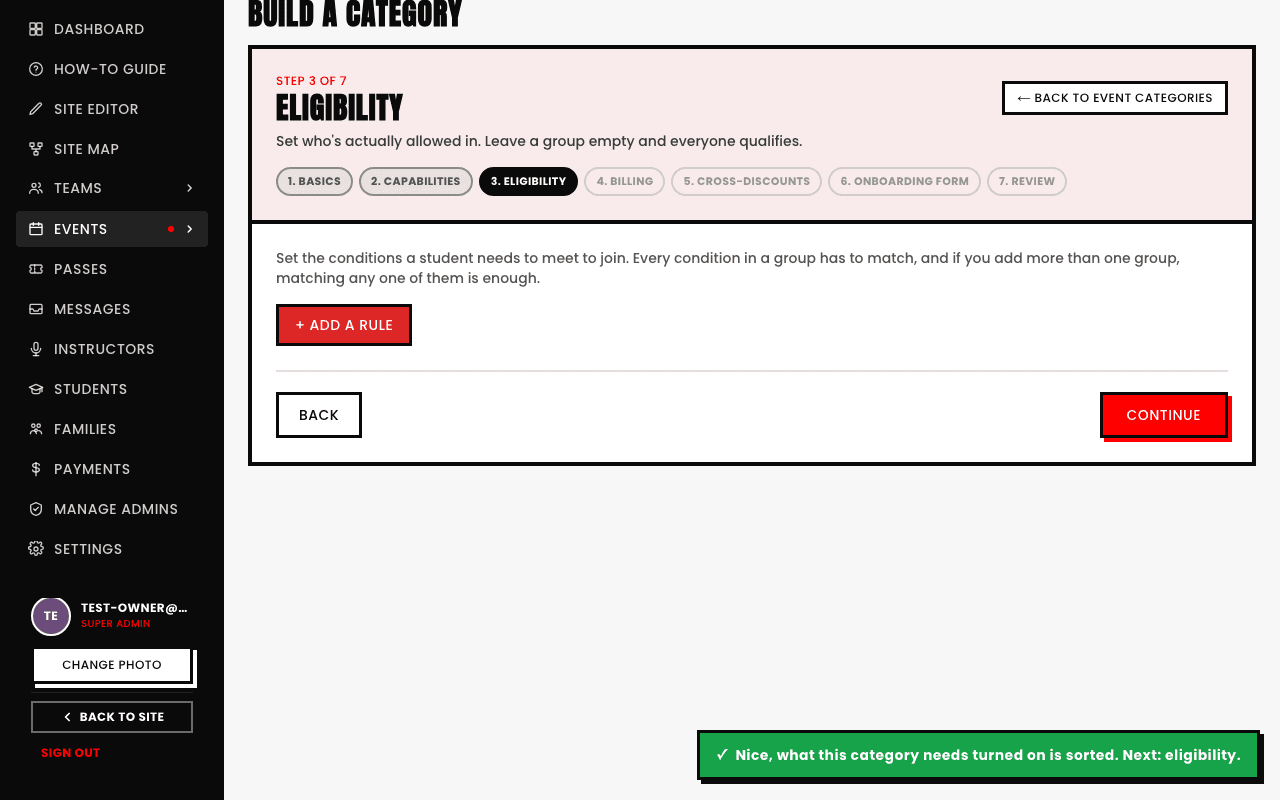
The rule types on offer
- Age. The most common gate, a minimum or maximum age, exactly what an age-banded program with a hard cutoff needs.
- Gender. Restrict to a specific gender, or leave open to everyone.
- Days since joining. Useful for anything meant for brand-new students only, or the opposite, a loyalty perk for people who've stuck around.
- Founding member. Gate a benefit to the small early group you've tagged as founding members.
- In any team / In a specific team. Open only to team members generally, or to one named team specifically.
- Active in another category / Active in a specific category. A real prerequisite, e.g. Advanced Jazz only bookable by someone already active in Intermediate Jazz.
- Holds an active pass. Only bookable by someone with a live, unexpired pass.
- Attendance count / Attendance rate (%). A minimum number of past sessions attended, or a minimum attendance percentage, another way to gate an "advanced" offering behind real experience.
You can also gate on a custom question, anything you've asked on that category's own onboarding form, if you've collected an experience level or similar answer, you can build a rule directly off it.
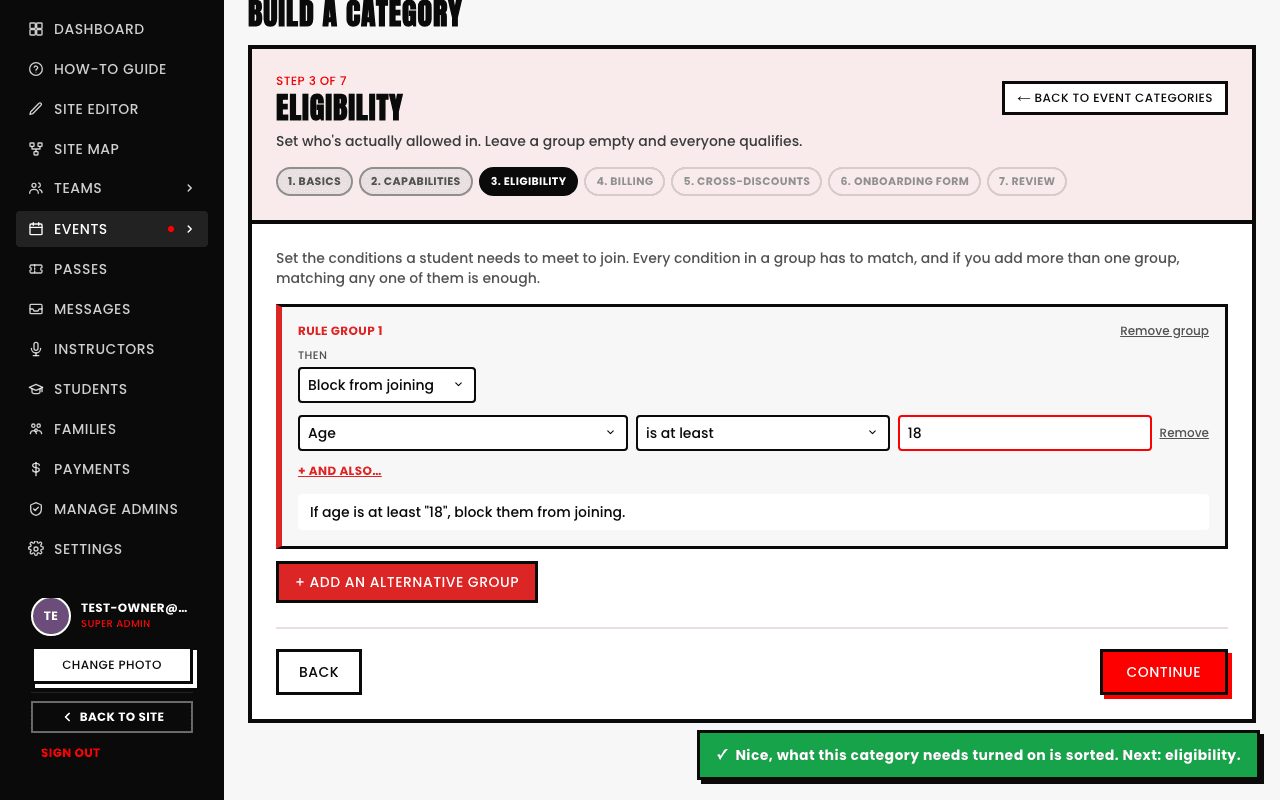
What a rule does when it matches
Each rule group has its own action: Block from joining (a hard stop, the student simply can't book) or Flag for your review (lets the booking through but marks it for you to look at, useful for softer gates you want a human eye on rather than an automatic rejection).
Rules combine, they don't replace each other
See also