Choosing a billing structure
4 min read
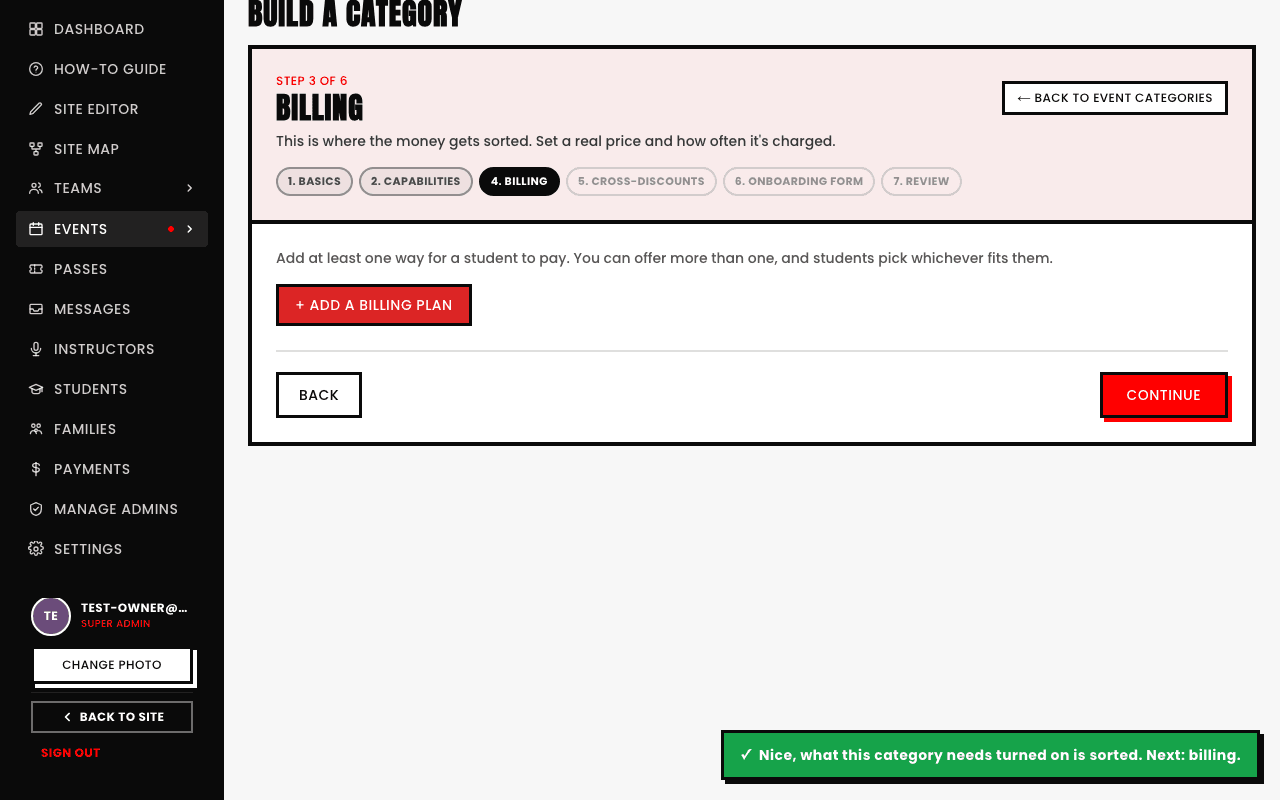
Once you've picked Pay to join in Basics, the Billing step is where you set up the actual price. A category isn't limited to a single price either, add more than one named plan and a student picks whichever fits them, a standard rate alongside a time-limited Early Bird rate, for example.
What each plan actually sets
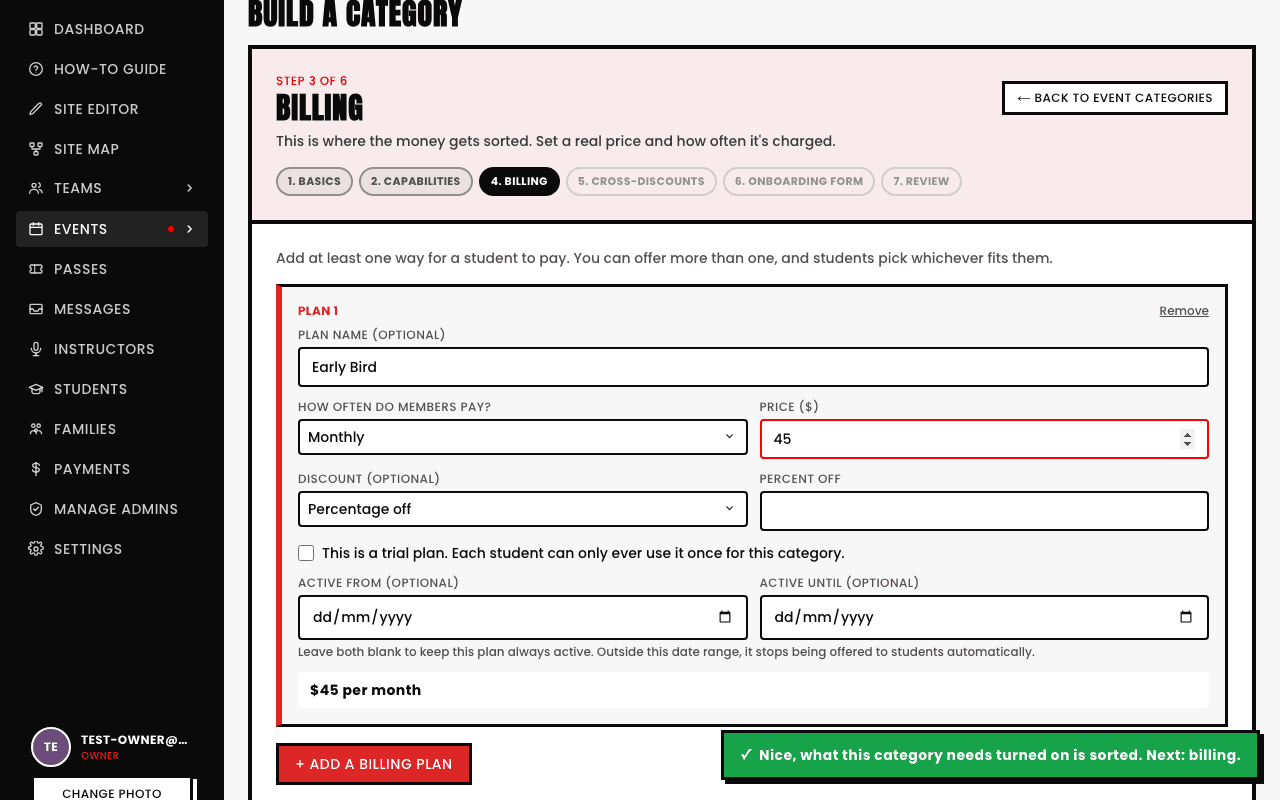
- Plan name (optional). A label like "Early Bird" or "Standard," shown to students choosing between plans.
- Cadence. How often it bills: One-off (pay once), Weekly, Fortnightly, Monthly, Per term (every 3 months), or a fully Custom interval in days.
- Price. The real dollar amount charged at that cadence.
- Discount (optional). A straightforward Percentage off or flat Dollar amount off this specific plan's price.
- Trial plan. Marks it as a plan each student can only ever use once for this category.
- Active from / Active until (optional). The date window this specific plan is actually offered in, leave both blank to keep it always active.
This is how early-bird pricing actually works
There's no dedicated "early bird" toggle, instead you add a second plan, name it "Early Bird," give it its own discount, and set its Active until date to whenever the window closes. Once that date passes, the plan simply stops being offered and everyone sees only the standard plan going forward.
Building a Season instead, an intensive, term, or camp with classes priced by lesson, by month, or as one flat season price? That's a different, dedicated pricing structure set once for the whole season, not per-category billing plans, see Seasons: fees, installments, and pricing.
See also