Duplicating or retiring a team
2 min read
Setting up a second team with mostly the same policies as an existing one doesn't mean starting from a blank builder every time.
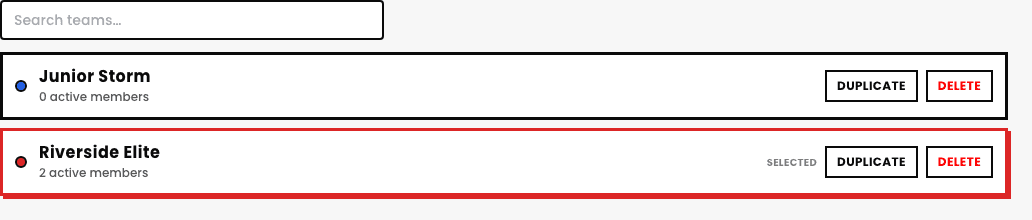
Duplicate team
From the team list, duplicating an existing team copies its whole setup, eligibility rules, billing, culture & perks, straight into a new team you can then rename and adjust just the parts that are actually different.
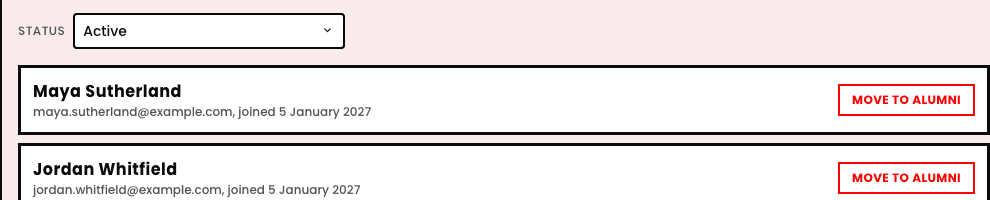
Filtering members by status
A team's roster is filtered by a Status dropdown: Active, Alumni, Interested, Applied, and Accepted (pending onboarding), so you can see at a glance exactly where every member or applicant currently stands. Each active member's row has its own Move to Alumni button, right there, no separate bulk tool needed for one person.
Quick answers
What happens when I delete a team?
This is a genuinely permanent action on the team record itself, worth treating carefully, past attendance and payment history tied to real students isn't quietly erased, but the team stops being an active, bookable thing going forward.
Is there a lighter-touch alternative to deleting?
Yes, moving members to Alumni and simply not renewing the team for a new season keeps its history intact and reachable without a permanent deletion.
See also