Reordering and organizing your custom fields
2 min read
A form's custom fields appear to a student in exactly the order you've arranged them, scoped independently to whichever form they belong to, a term-based program's questions have their own order entirely separate from a recurring-membership form's or any other category's own onboarding form.
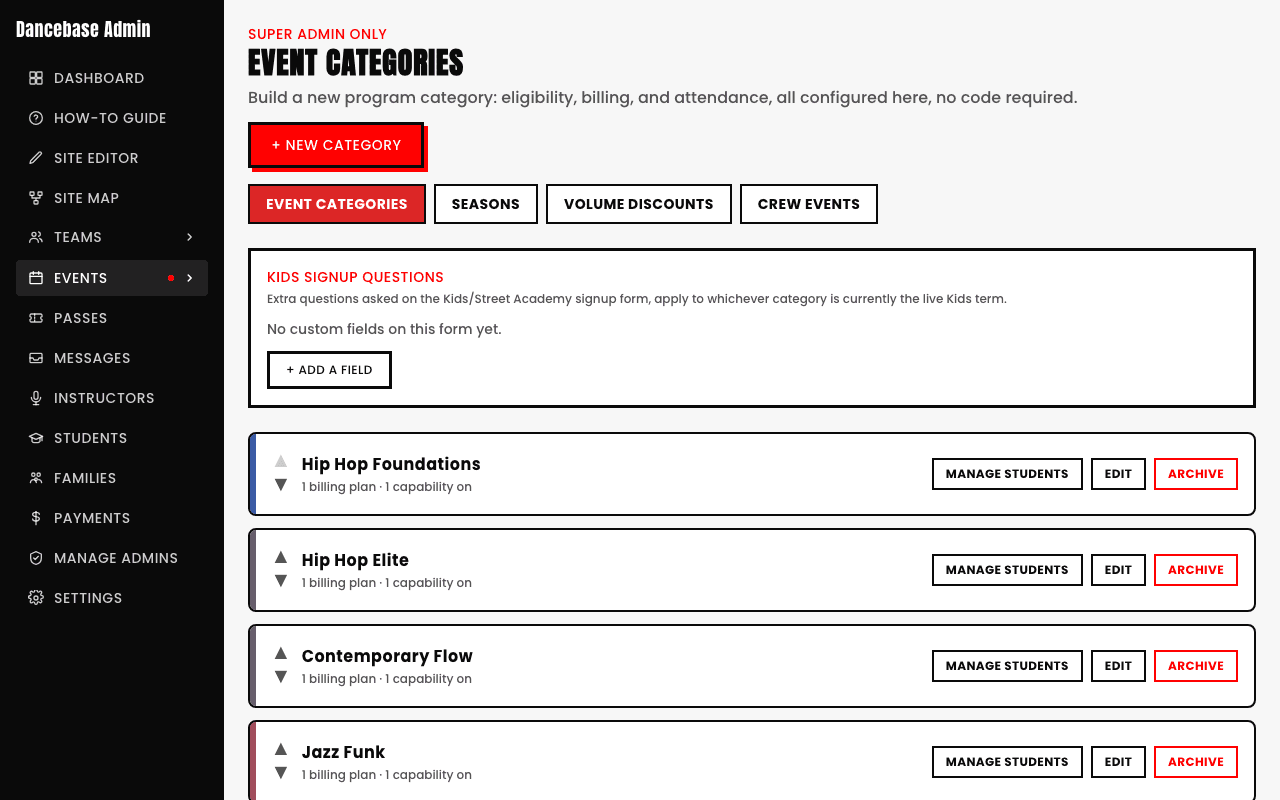
- Drag any field up or down within its own form's list to reorder it.
- Reordering never changes what's already been submitted, it only affects how the form looks going forward.
- Each form's field order is entirely its own, reordering one form's questions doesn't touch any other form's.

Put the most important or sensitive questions first
A student who abandons a long form partway through has still answered whatever came earlier, worth putting anything genuinely important near the top rather than at the very end.