Editing a recurring series without breaking it
2 min read
A recurring class or category session isn't really one event, it's many, all generated from one pattern. Change something on one occurrence and Dancebase has to ask what you actually meant, whether you're editing from a category's own Sessions tab or straight from the calendar, it's the exact same form underneath.
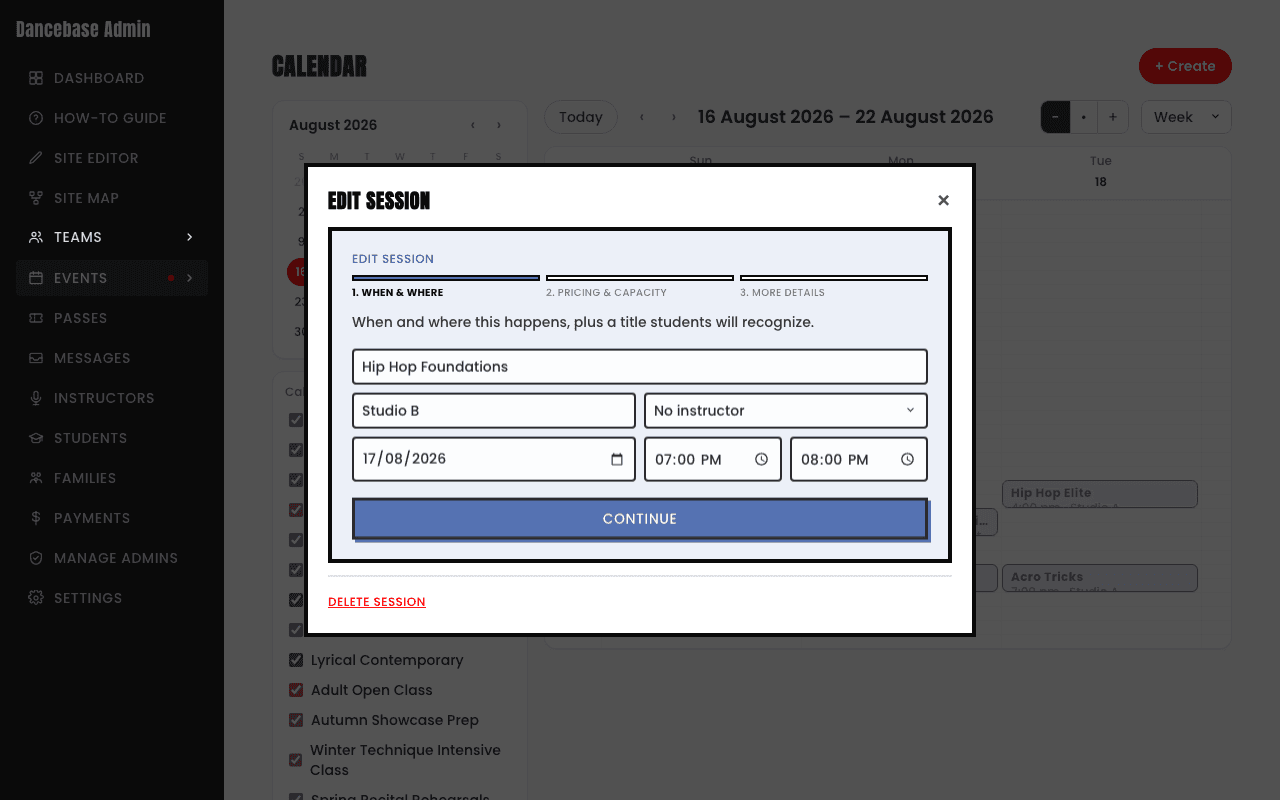
What actually happens when you save
If the session you're editing is part of a recurring series, saving a change triggers a real browser prompt, not a polished in-app dialog, your browser's own native popup, asking you to type one word:
- 1this. Only the one specific occurrence you're looking at changes, everything else in the series stays exactly as it was.
- 2future. This occurrence and every one after it changes, past occurrences are left alone.
- 3series. Every occurrence, past and future, changes, including ones that already happened.
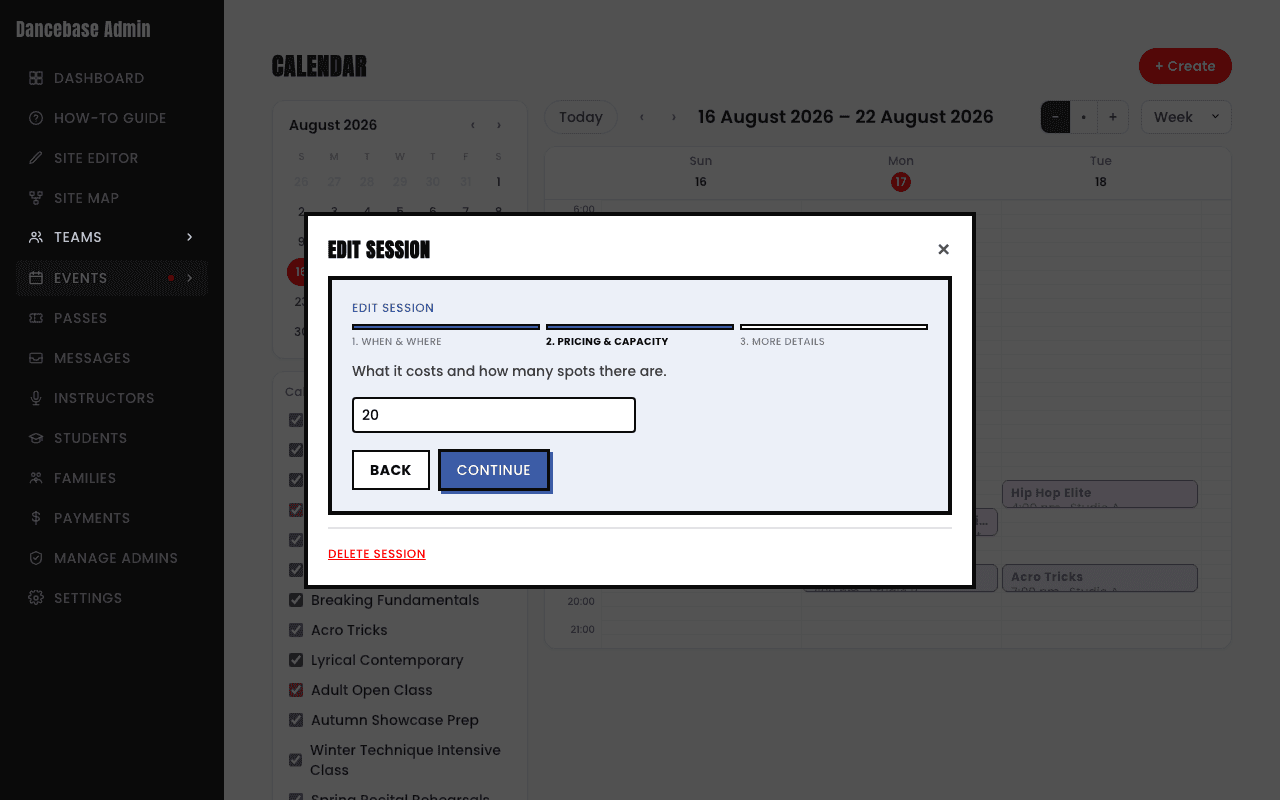
Easy to miss, and easy to get wrong
Because it's your browser's own popup rather than a button inside the app, it's worth reading carefully rather than clicking through on autopilot, the default text field starts pre-filled with
this, so if you meant to reschedule every future class and just hit Enter, nothing past that one occurrence actually changes. Type exactly this, future, or series, any other text cancels the whole edit.