Reading the calendar: views, density, and filters
3 min read
Beyond the basic Week view, the calendar has real controls for how much it shows you at once, worth knowing once your schedule genuinely fills up.
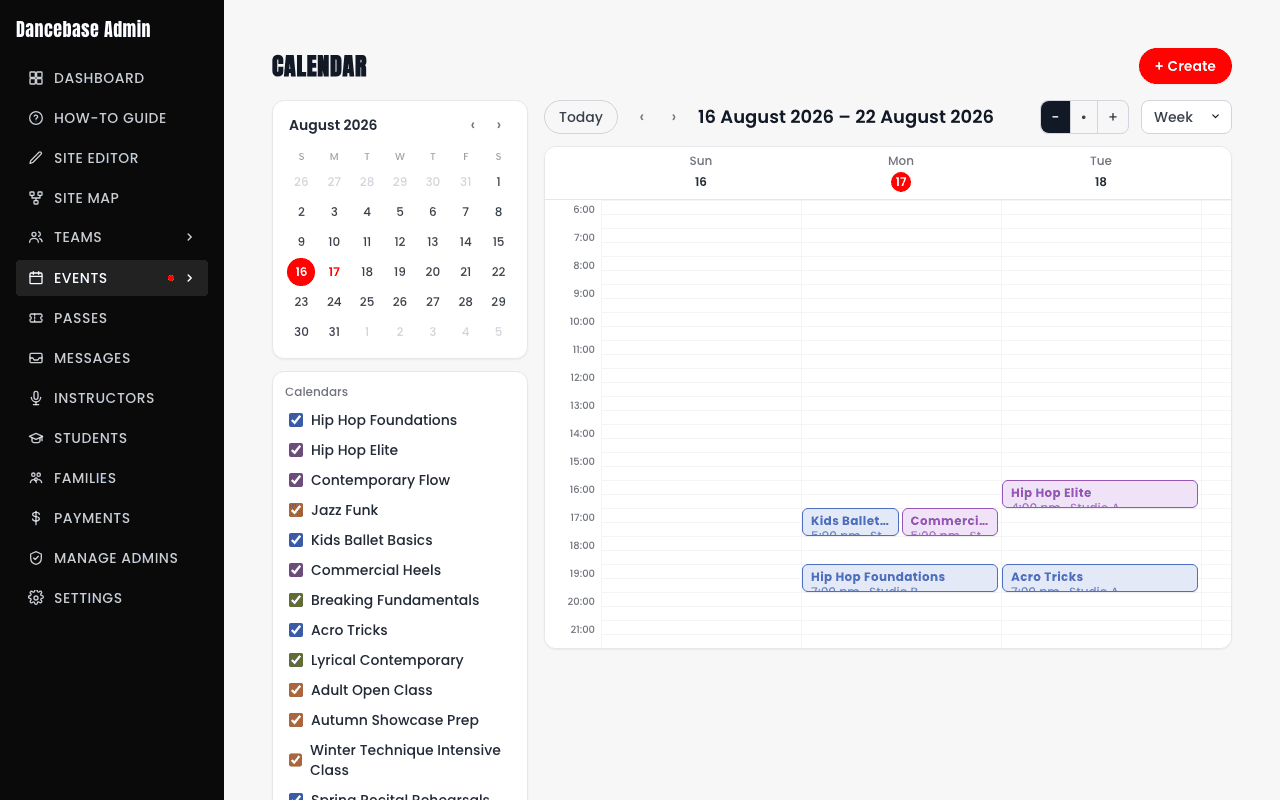
Views and density
- Day, Week, or Month views, switch depending on whether you're planning far ahead or just checking today.
- A three-button zoom control, labeled
−,•, and+on the buttons themselves, hover for the full name: Compact, Regular, or Spacious. Controls how much vertical room each session gets, only shown on Day and Week (Month has no hour rows to stretch or compress). - A single-select studio filter, if you run more than one physical space, narrows the view to just one.
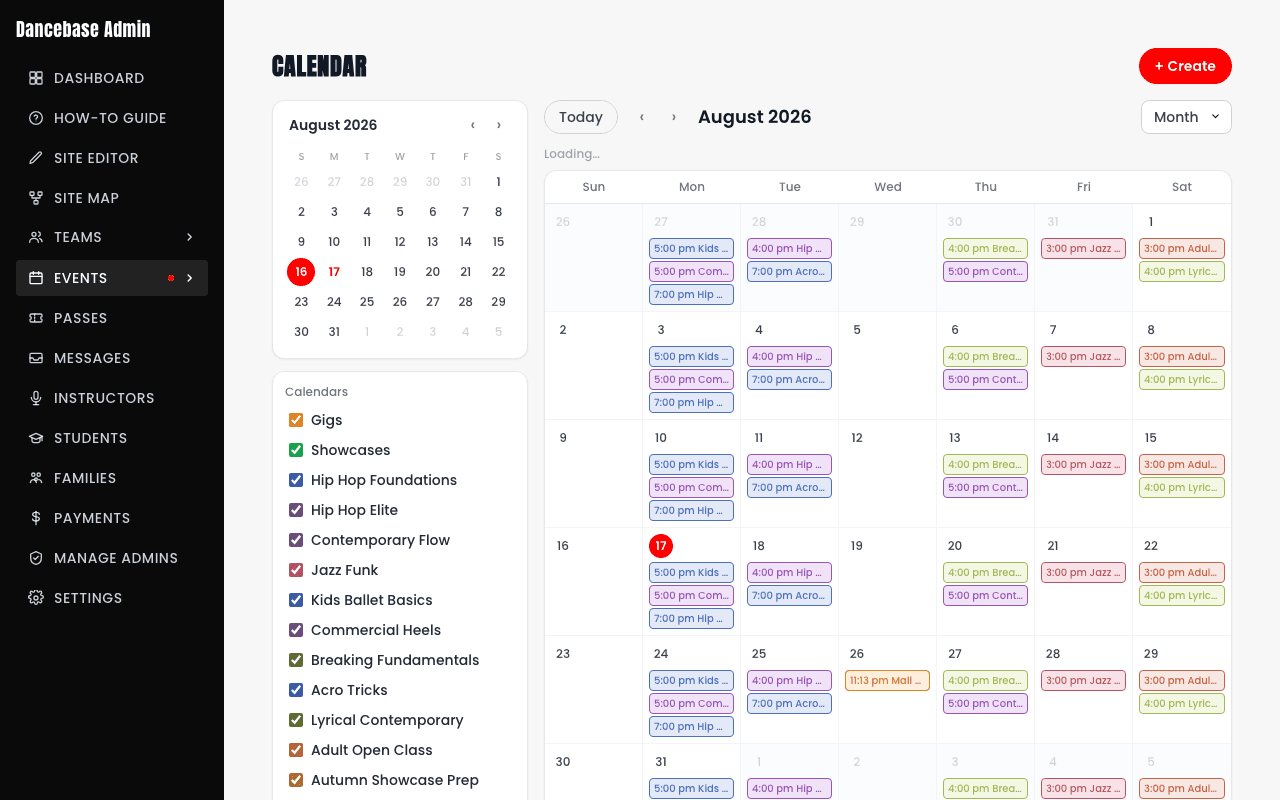
On mobile, there's no Day view
The mobile calendar drops the Day view (Week and Month only) and adds a "Jump to today" shortcut plus its own hamburger calendar menu, a deliberately simpler set of controls for a small screen, not a missing feature.