DancebaseCreate Your Studio

Meet Eve, the chat widget your students see

3 min read

There's a small, animated character docked in the bottom-right corner of your student-facing site, a chat bubble that opens into a full conversation. That's Eve, Dancebase's own onboarding assistant, and she's on for every studio by default, no setup required on your part.
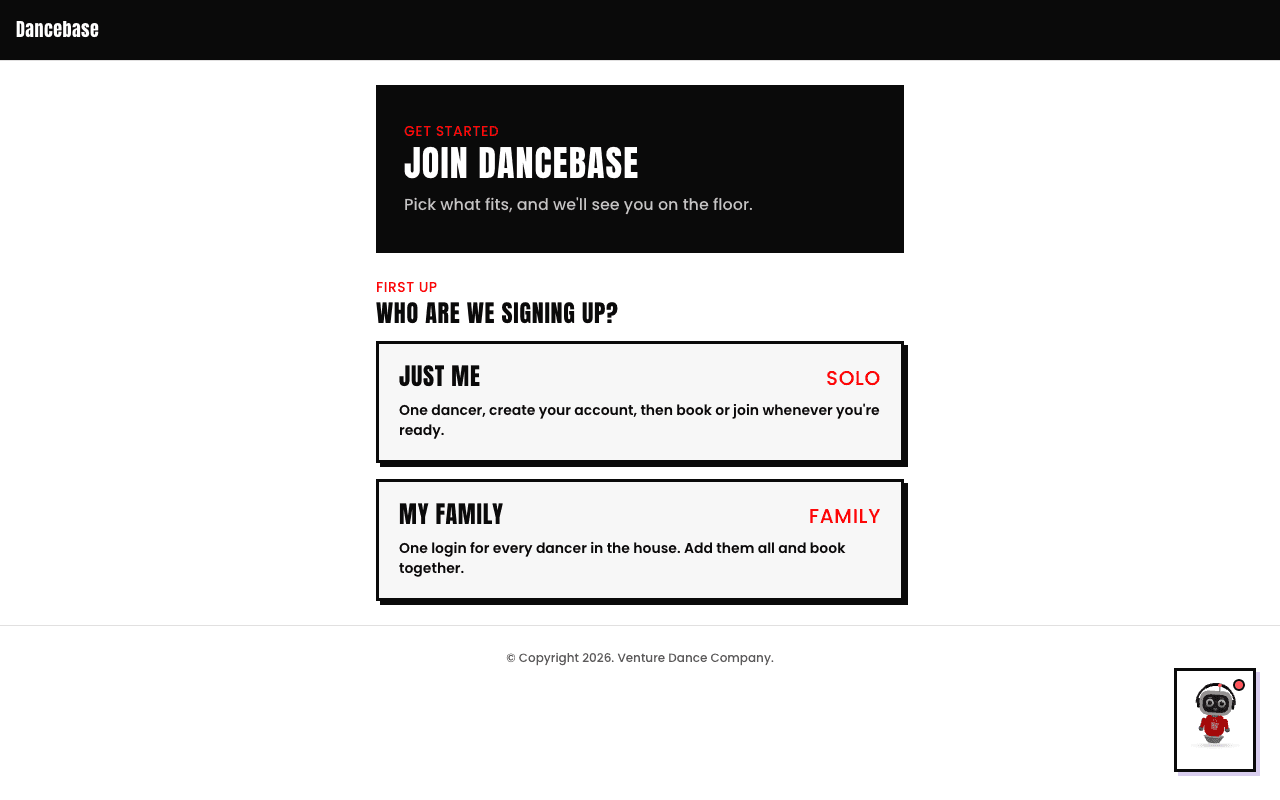
Eve's closed chat launcher docked in the bottom-right corner of a student-facing page, a small animated 3D avatar in a rounded square with a pink notification dot
Eve, docked and closed. She's there on every page of your student-facing site, not just the homepage.

What she actually does

Eve answers real questions, in plain, casual language, about your studio: what a tier costs, what Team involves, where a specific thing lives on your site. She's grounded in your studio's real, live settings and your own knowledge base content, not a generic script, so she describes your actual tiers and your actual nav tabs, never ones you haven't turned on. She greets a student by name right after they sign up, again the first time they open their profile, and with a short "welcome back" on every ordinary login after that.
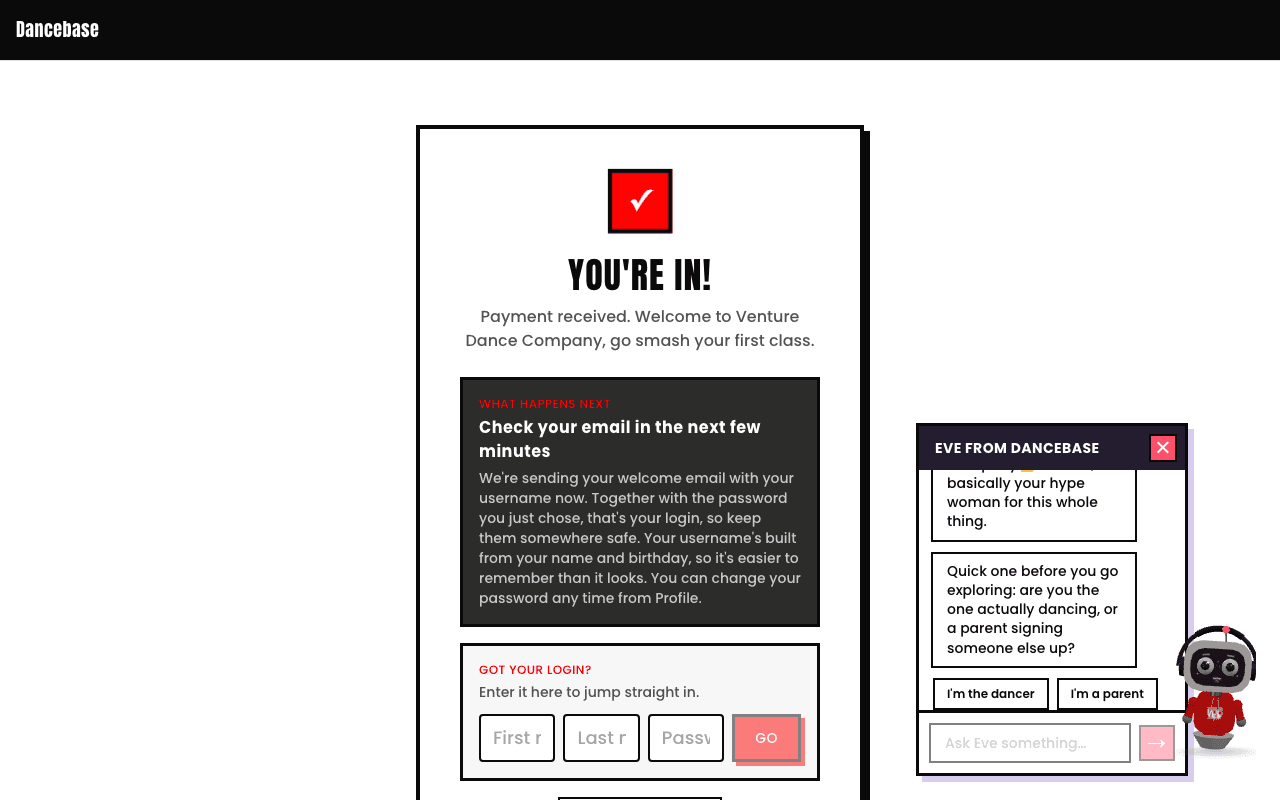
Eve's chat panel open, showing her greeting a new student and asking whether they're the one dancing or a parent signing someone else up, with two quick-reply buttons
Her real opening move with a brand-new student, one quick question so the rest of the conversation is pitched correctly.

She can't see anyone's bookings, payments, or account data, ever

This is a genuine, structural boundary, not a prompt asking her nicely not to look. The request that answers her questions has no database connection and no session behind it at all, so there's nothing for her to leak even if asked directly. If a student wants to know what they've actually booked, she'll point them at Profile or My Bookings instead of guessing.

What matches your studio automatically

  • Her avatar wears your studio's own accent color, and your logo appears on her hoodie in place of her default heart, both pulled from settings you've already set, nothing extra to configure.
  • She only ever talks about tabs and features you've actually turned on, a studio without Passes enabled gets an Eve who doesn't mention Passes.
  • Every fact she states about your policies comes from your own knowledge base and settings, so keeping those accurate keeps her accurate too.

Quick answers

Can I turn Eve off for my studio?
Not from the admin panel today, she's built as a permanent, always-there part of the student experience rather than a per-studio toggle. If you have a real reason to need her off, that's a conversation worth having directly rather than a setting to hunt for.
Does Eve appear in the admin panel too?
No, she's scoped entirely to your student-facing site, the signup flow and the student portal. Nothing in your admin panel changes because of her.
Is she the same thing as Comps?
No, unrelated. Eve is a feature of your own studio's booking site. Comps is a genuinely separate competition-hosting product, covered in the next article.