Your first fifteen minutes
4 min read
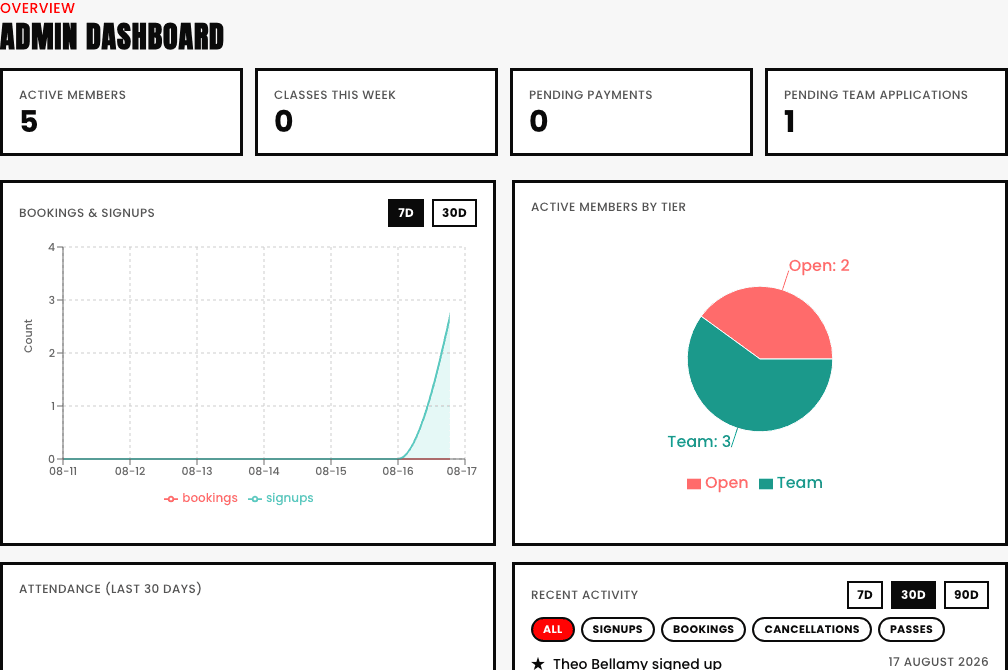
You're in. Here's exactly what you're looking at, and the order that gets you from "just created" to "genuinely taking real bookings" the fastest way possible.
The order that actually matters
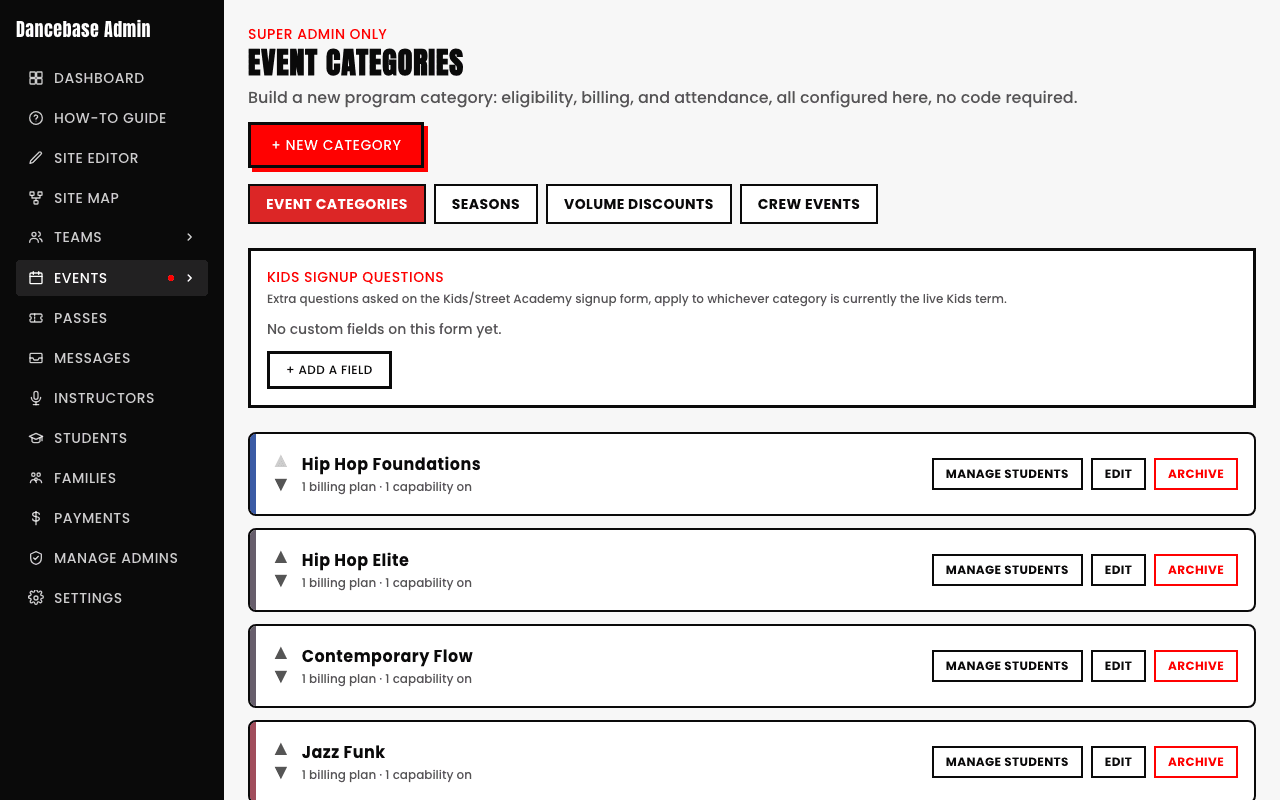
- 1Add a category. A category is anything a student pays for, weekly membership, a term program, a single drop-in class. Genuinely nothing else works until at least one exists, this is the real starting point, not optional setup. Full walkthrough in Creating your first category.
- 2Schedule a real class against it. A category on its own is just a price and a policy sitting on a shelf, a scheduled session is when it actually, genuinely happens on a real calendar. See Scheduling classes for exactly how.
- 3Connect Stripe. Without this step, students can still browse your site and even walk through a "booking," but no real money actually lands anywhere. See Connecting Stripe.
- 4Double-check your look. Your style and accent color are already set from signup, but Settings is where you fine-tune either one further, or finally add the logo you skipped past the first time around.
- 5Share your address. That's genuinely it. Put it on Instagram, your linktree, a poster on the studio door, wherever your students already look. Students can find you and book the moment it's public.
- Running a competitive team too? Set it up whenever suits you, it's completely independent of your categories, see the Team section for the full picture.
- Want an iPad by the front door for check-in? That works the instant you have real classes on the calendar, see Kiosk Check-In for setup.
- Nervous about getting the billing decision wrong on your first category? Don't be, most studios adjust their exact pricing structure a few times in the first month as they figure out what actually fits, and nothing about that early experimentation breaks anything already booked.