Troubleshooting kiosk check-in
3 min read
Most "the kiosk is broken" reports genuinely aren't a broken kiosk, they're one of a small handful of real, checkable causes.
"No booking found"
- Check they're actually booked into today's specific session, not just enrolled in the category generally.
- Check the name they typed matches their real student record, a typo genuinely won't match.
"Nothing currently running"
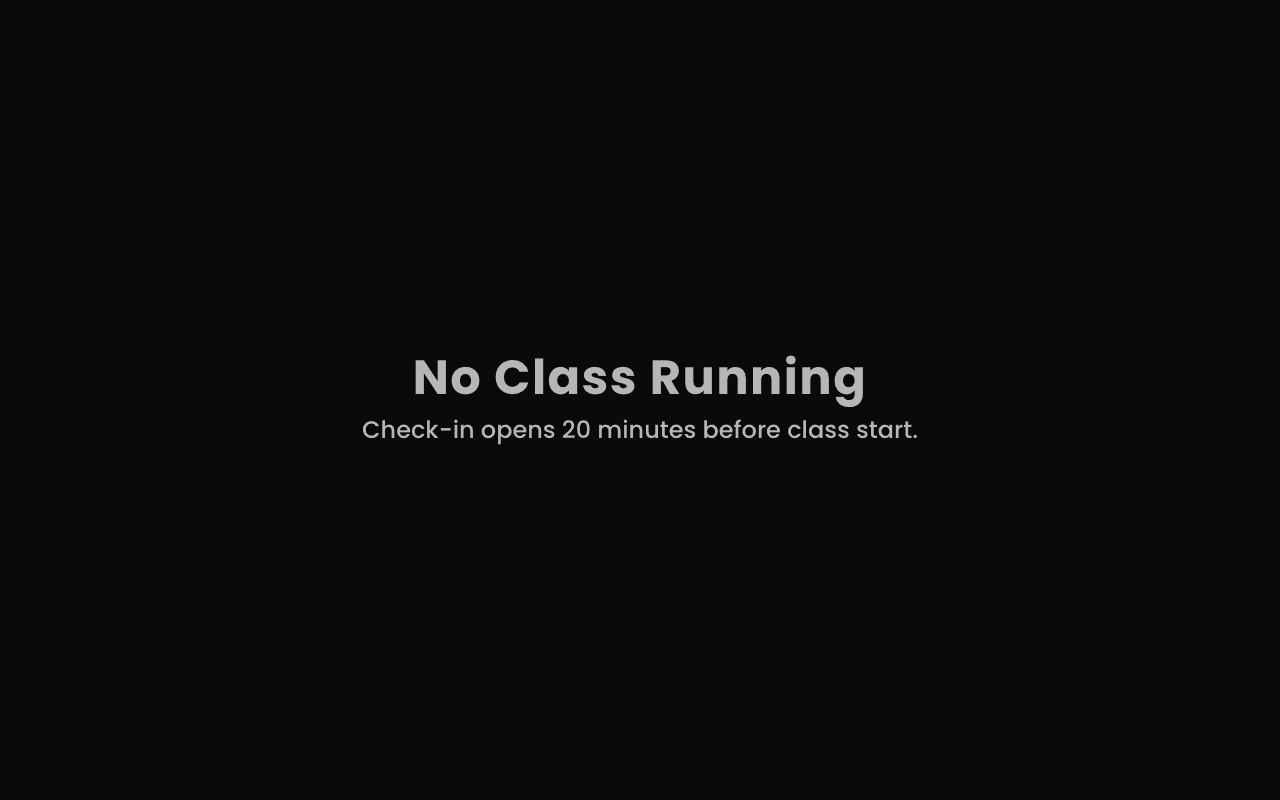
- Check the session's actual scheduled start time against the current time, this is the single most common real cause.
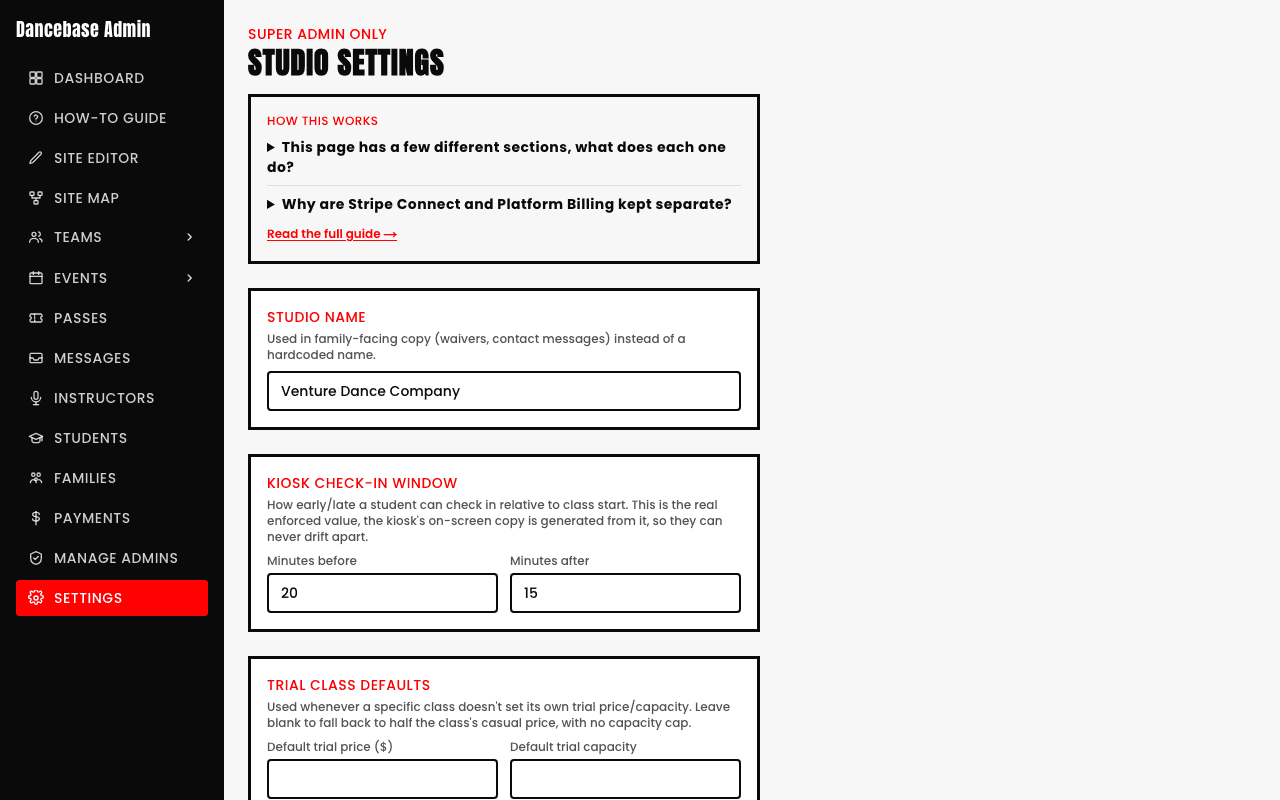
- Check the check-in window isn't simply too narrow for how early or late your students tend to arrive.
Quick answers
A student says they tapped in but it doesn't show on my end, what happened?
Check whether it actually registered as "Already checked in" on a second attempt, that state confirms the first tap genuinely worked, sometimes a student taps twice and assumes the first one failed.
Can I widen the check-in window if my students consistently arrive earlier or later than it allows?
Yes, it's configurable from Settings, if your studio's real arrival patterns don't match the default window, widening it is a legitimate fix, not a workaround.