Connecting Stripe
4 min read
Everything else in Dancebase can be genuinely finished and polished, a beautiful site, a full class schedule, a real team roster, and it still won't actually put a single dollar in your bank account until this one step is done. Worth doing early, even if you're still fussing over your logo.
Every real payment your students make, memberships, drop-ins, team fees, needs to land in an account that's genuinely yours, not Dancebase's. Stripe Connect is how that happens: a short, entirely Stripe-hosted onboarding flow where you provide your own business details, and payouts go straight to your own bank account, with Dancebase never sitting in the middle as a holding pen for your money.
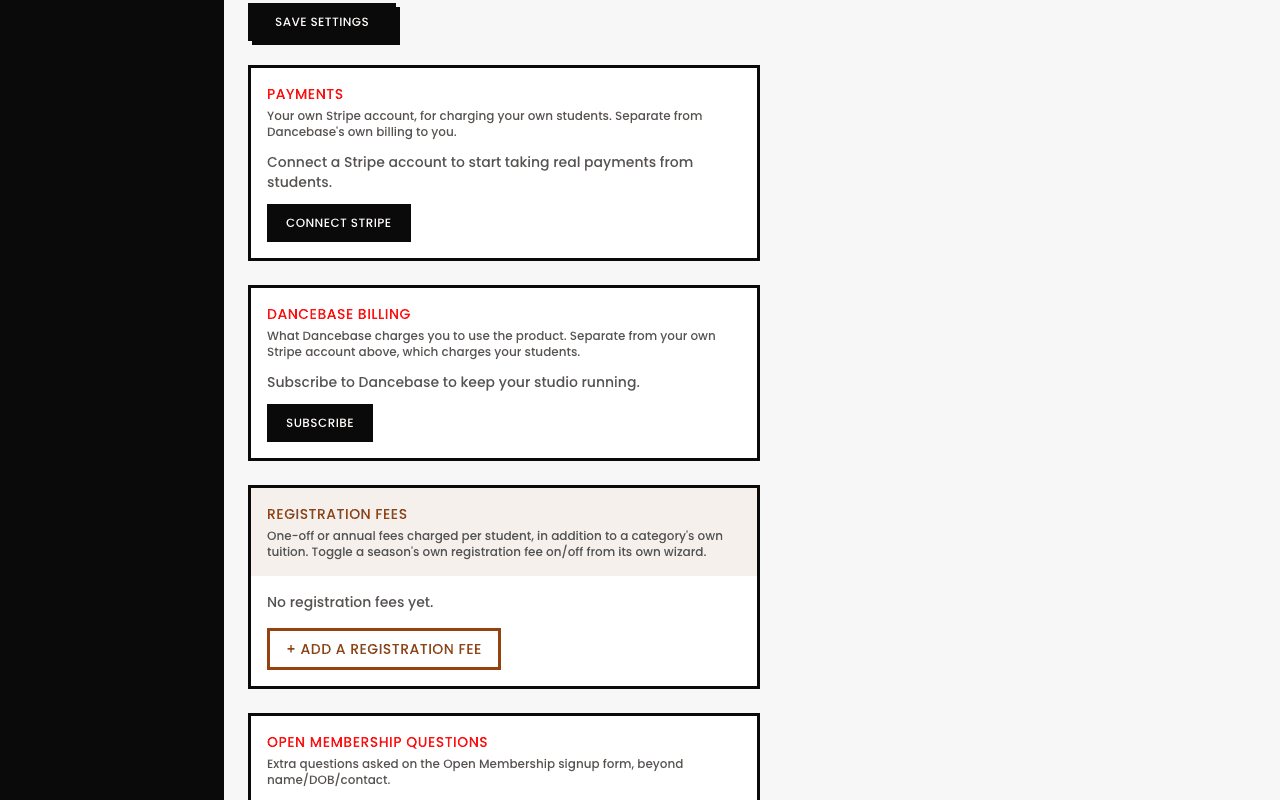
Connecting it, step by step
- 1Go to
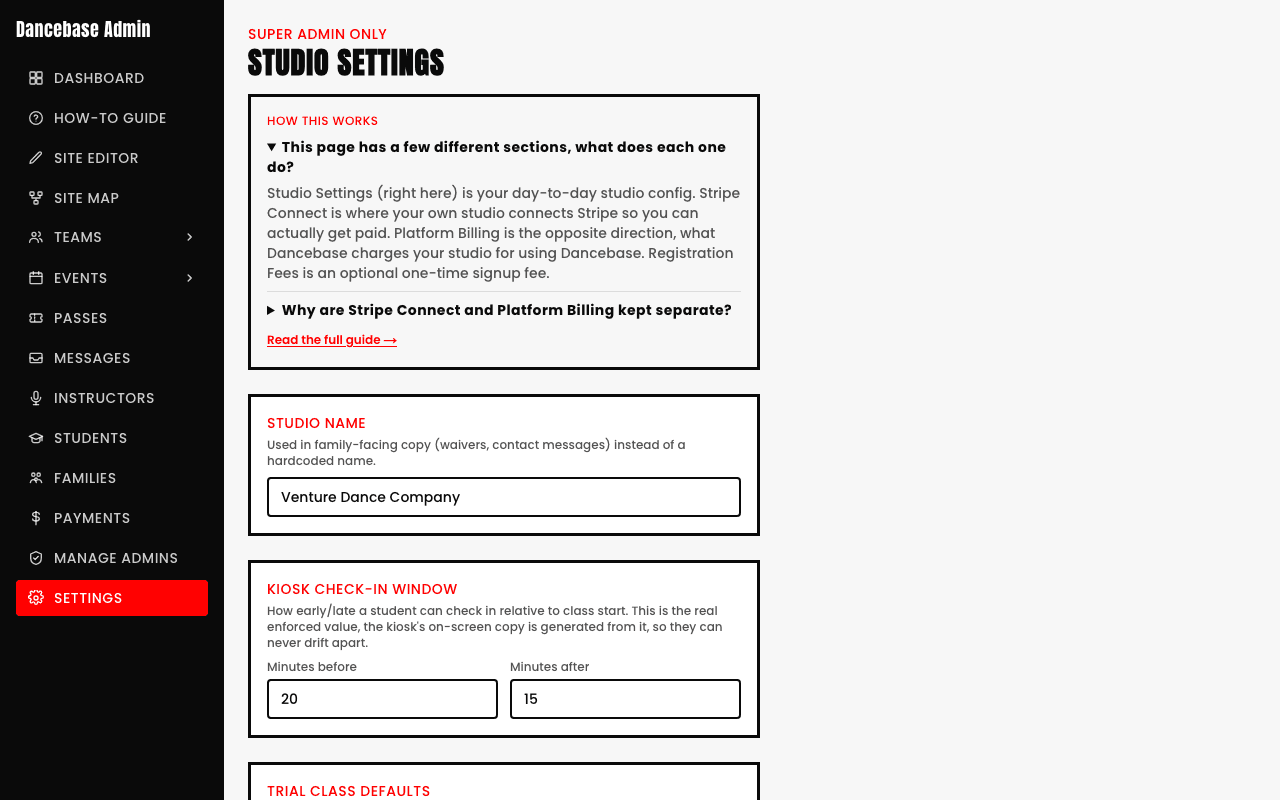
Settings → Payments. - 2Tap
Connect Stripe. - 3You're handed off to Stripe's own hosted onboarding, business details, bank account, identity verification, entirely on Stripe's own secure side, Dancebase never sees or stores your banking details directly.
- 4Finish it, and you're redirected straight back to your admin panel, fully connected.
Nothing charges live until this is genuinely done
A real decision worth making deliberately
Not sure whether you or your students should absorb Stripe's own processing fee on each transaction? That's a genuine business decision worth thinking through on purpose rather than defaulting into without noticing, some studios build it quietly into their listed prices, others pass it through directly. Either is completely valid, it's entirely your call to make as the studio owner.