Broadcasts, Noticeboard, and Automations, the three ways to talk to your studio
4 min read
Messages covers three genuinely different tools, they all live under the same tab because they're all about reaching your students, but they work in completely different ways. Getting them straight in your head makes the whole section much less confusing.
The three tools
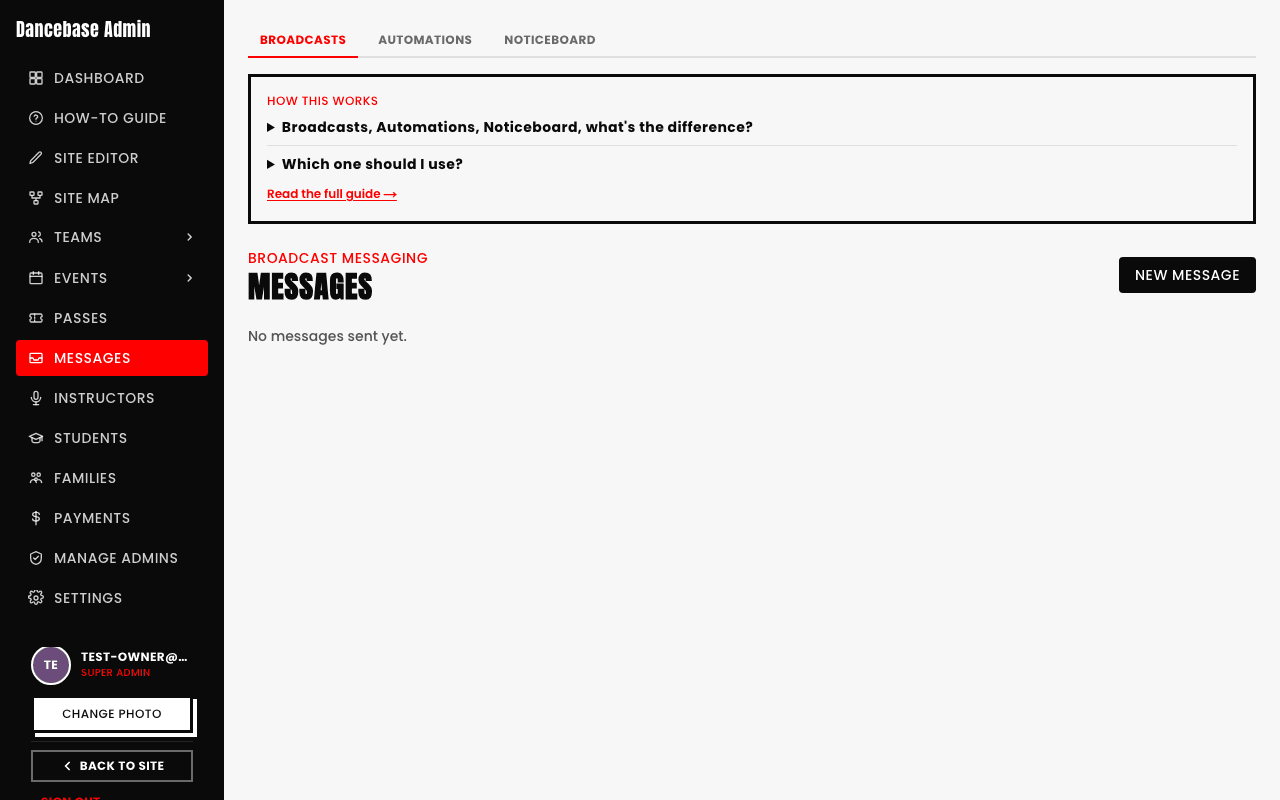
- 1Broadcasts. A real email you write and send out to a chosen audience, everyone, just one tier, just one team, whatever you pick. This is the closest thing to a regular newsletter, one-off, sent when you hit send, not recurring.
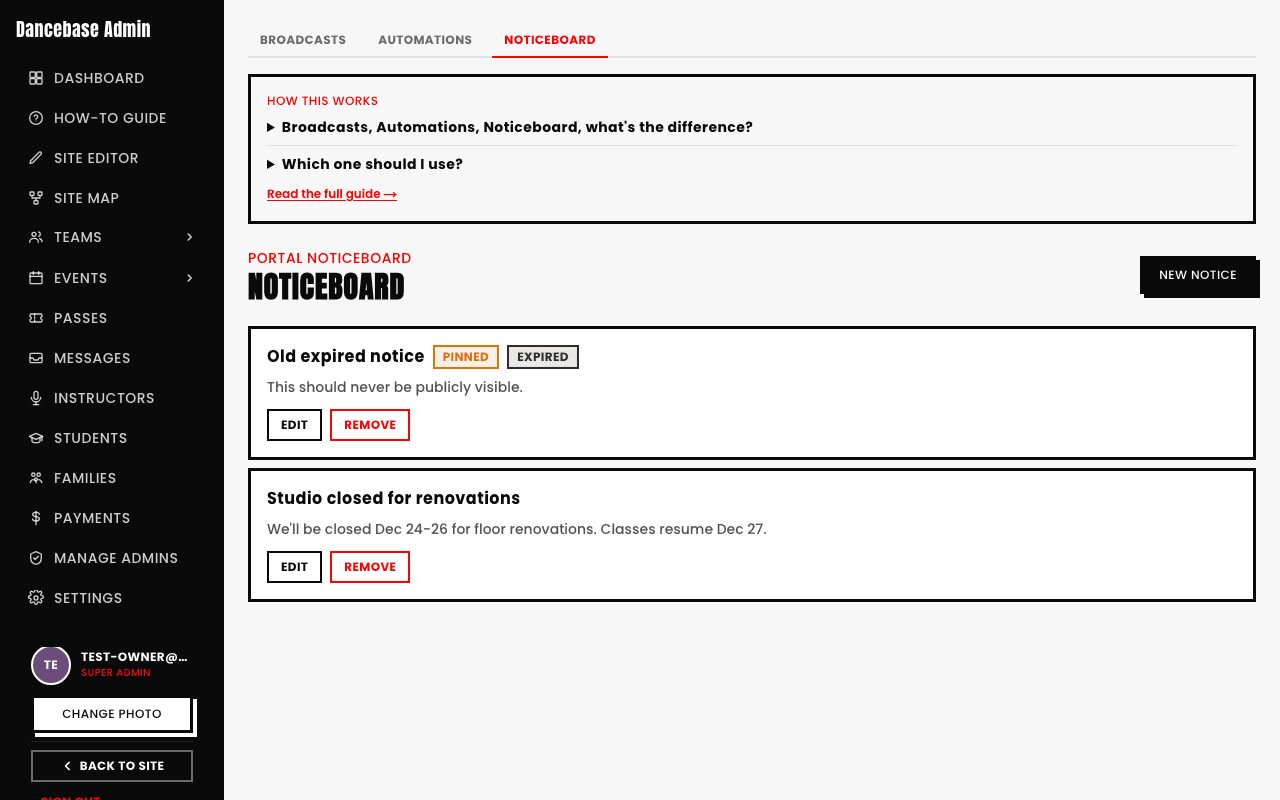
- 2Noticeboard. A posted notice students see inside their own portal when they log in, more like a bulletin board than an inbox. Good for anything that only matters while someone's actively using the app, a schedule change, a closure notice, something time-boxed. Notices can be pinned to stay at the top, and once one expires it stops showing to students even if it's still pinned.
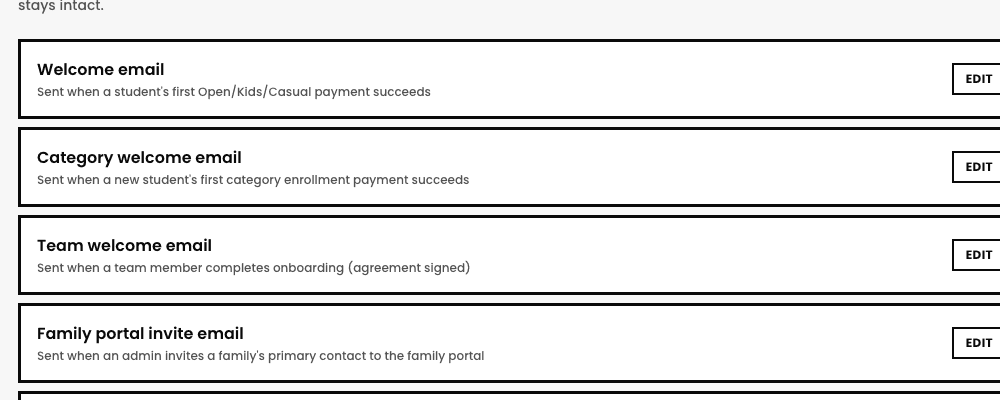
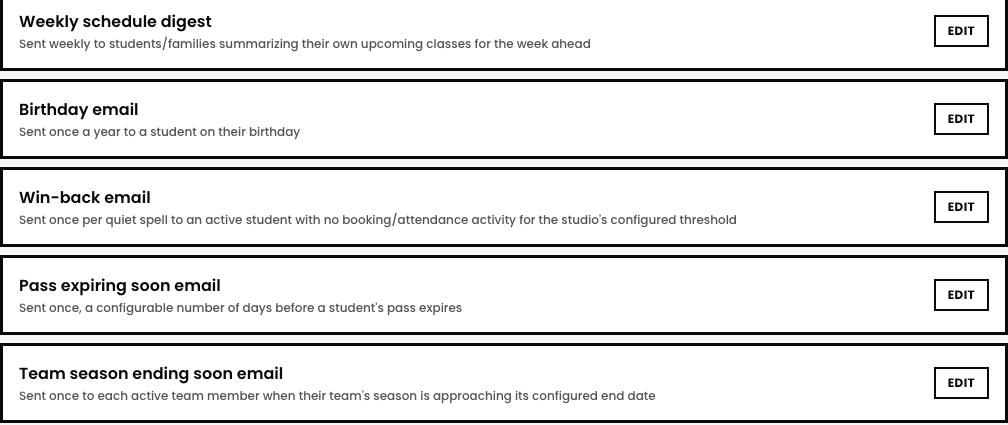
- 3Automations. Around twenty real email templates that send themselves automatically. Most are transactional, tied to a real event, a welcome email on first payment, a booking confirmation, a family portal invite, a password reset, a waitlist spot offer. A smaller set are genuine lifecycle nudges: a birthday email, a win-back email for a student who's gone quiet, a pass-expiring reminder, a team season-ending reminder, and a weekly schedule digest. You customize the subject and wording, locked content like login details and payment summaries always stays intact.
Broadcasts and Noticeboard both need an audience, Automations don't, that's the whole point
A Broadcast or Noticeboard post is you deciding, right now, who should see this message. An Automation has no "who" to pick each time, its trigger (a birthday, a lapsed membership) already defines exactly who it applies to, one student at a time, whenever their own trigger fires.
Picking the right one
- Announcing something once, to a group you choose yourself? Broadcast.
- Something students should see while they're in the app, not necessarily in their inbox? Noticeboard.
- Something that should happen automatically, forever, without you remembering to send it? Automations.
Draft with AI is a real, optional shortcut
The compose screen has a "Draft with AI" field, describe what you want in plain language, e.g. "remind everyone Friday's class moved to 6pm," and it fills in a real Subject and Message for you to edit before sending. Entirely optional, you can ignore it and write the email yourself.
Quick answers
Can I preview a broadcast before it actually sends?
Yes, the compose screen shows you exactly who's in the chosen audience and what the email looks like before you commit to sending anything.
Does a Noticeboard post also send an email?
No, it's portal-only, a student only sees it if they log in and look. If you need it to reach their inbox too, that's what Broadcasts are for, the two aren't the same delivery channel.
What happens if I edit an Automation template after it's already been sending for a while?
Your edit applies going forward, to the next student who triggers it, it doesn't reach back and resend anything to someone who already received the old version.
Does a brand-new studio have full access to Broadcasts right away?
Not quite: a studio not yet approved for broadcast sending can still send a real test to a single person (the One person audience), but bulk audiences stay blocked until Dancebase approves the studio.