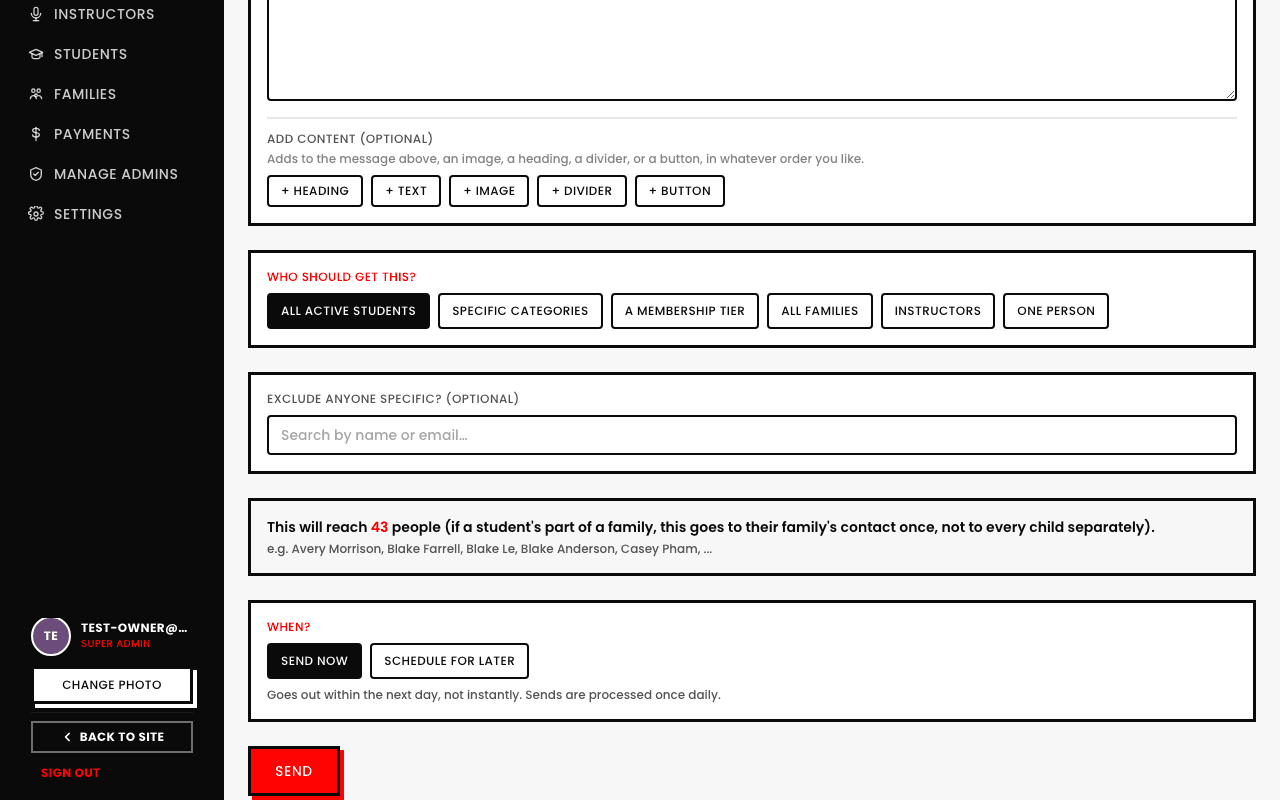
Picking your audience: tiers, categories, or everyone
3 min read
A Broadcast's audience isn't just "everyone" or "one person," there are six real, distinct choices.
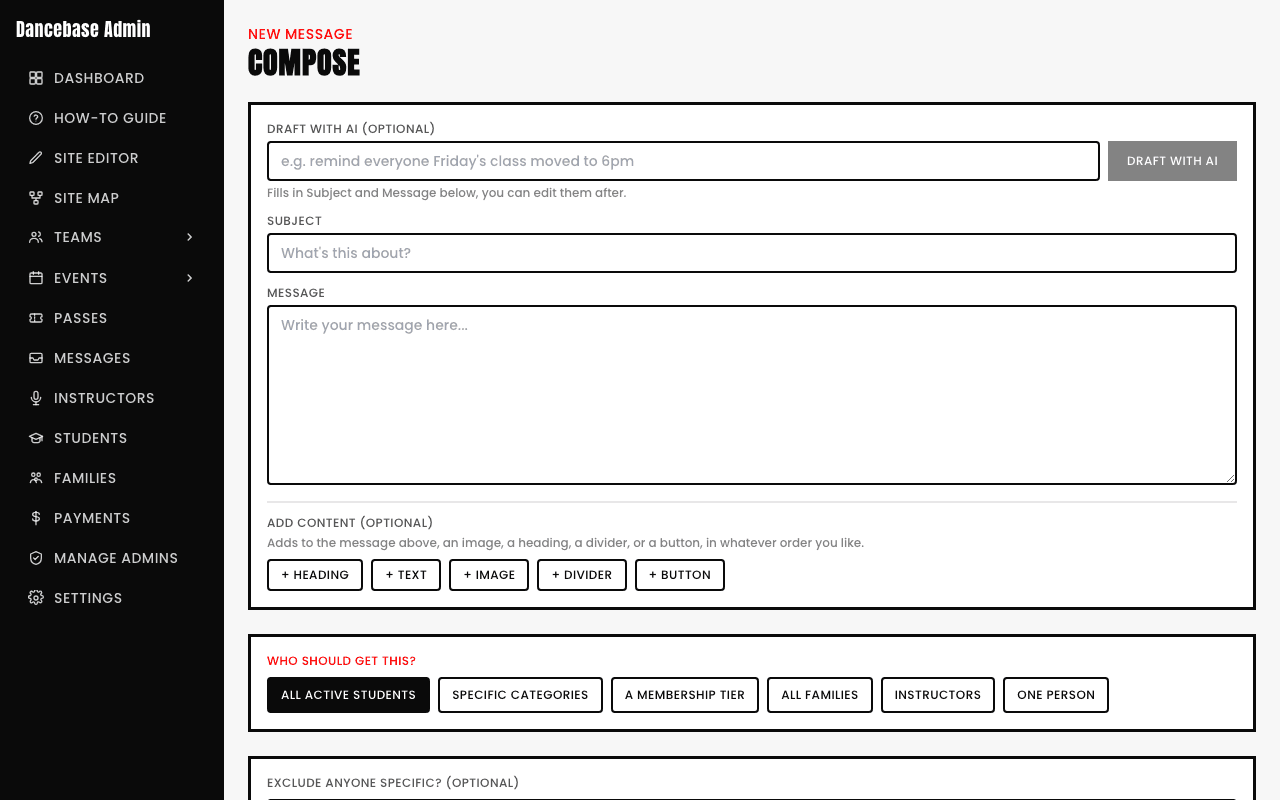
- All active students. Every currently active student, studio-wide.
- Specific categories. Search and check as many categories as apply, everyone actively enrolled in any of them.
- A membership tier. Everyone currently holding a specific tier, whichever ones your own studio runs.
- All families. Every family's primary contact, studio-wide.
- Instructors. Your own teaching staff.
- One person. Search and pick a single student, family contact, or instructor by name or email.
A family-linked student's message goes to their family once, not to every child separately
If a student is part of a family, their message reaches that family's contact a single time, not once per sibling. Three kids in one household all matching your audience produces one email to their family, not three separate ones.