Excluding someone from a broadcast
2 min read
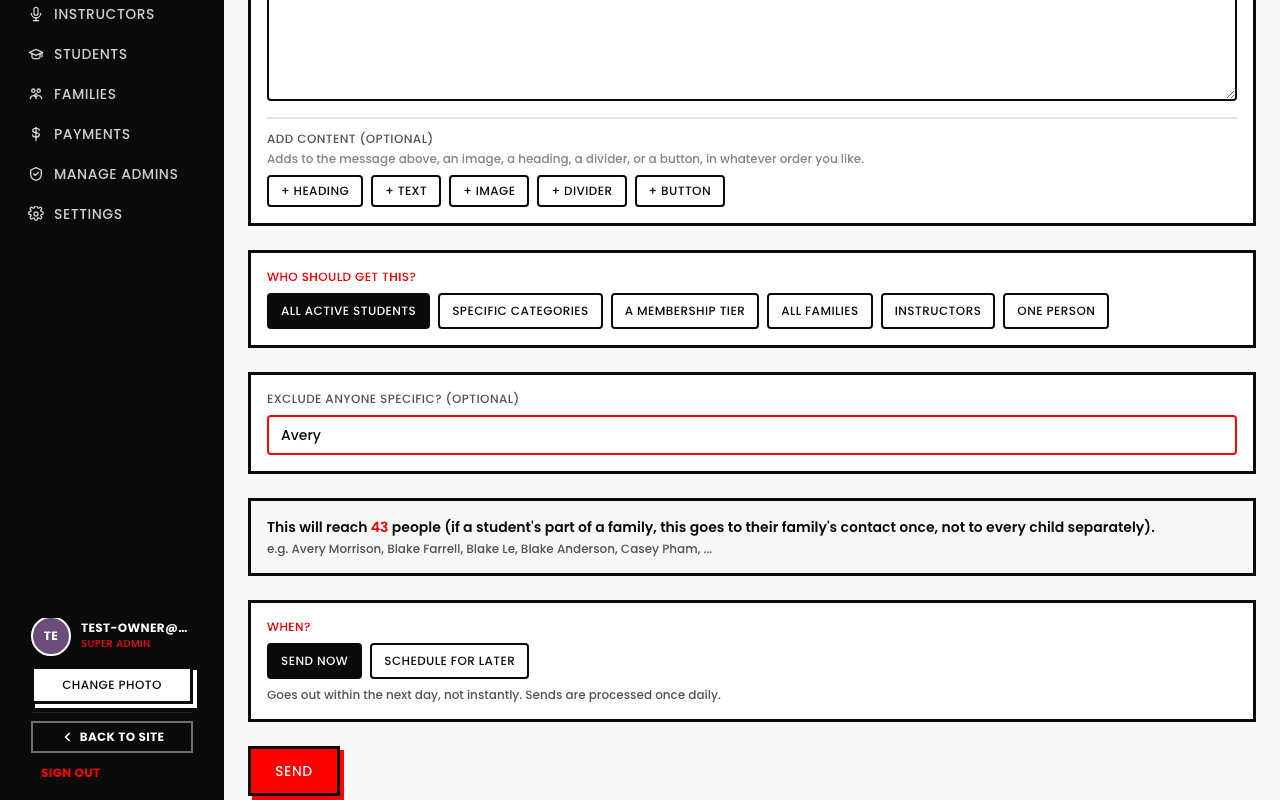
Sometimes your audience is almost right, but not quite, a whole tier or category, minus one specific person. Rather than building a narrower audience from scratch, the compose screen has a separate Exclude anyone specific? search box.
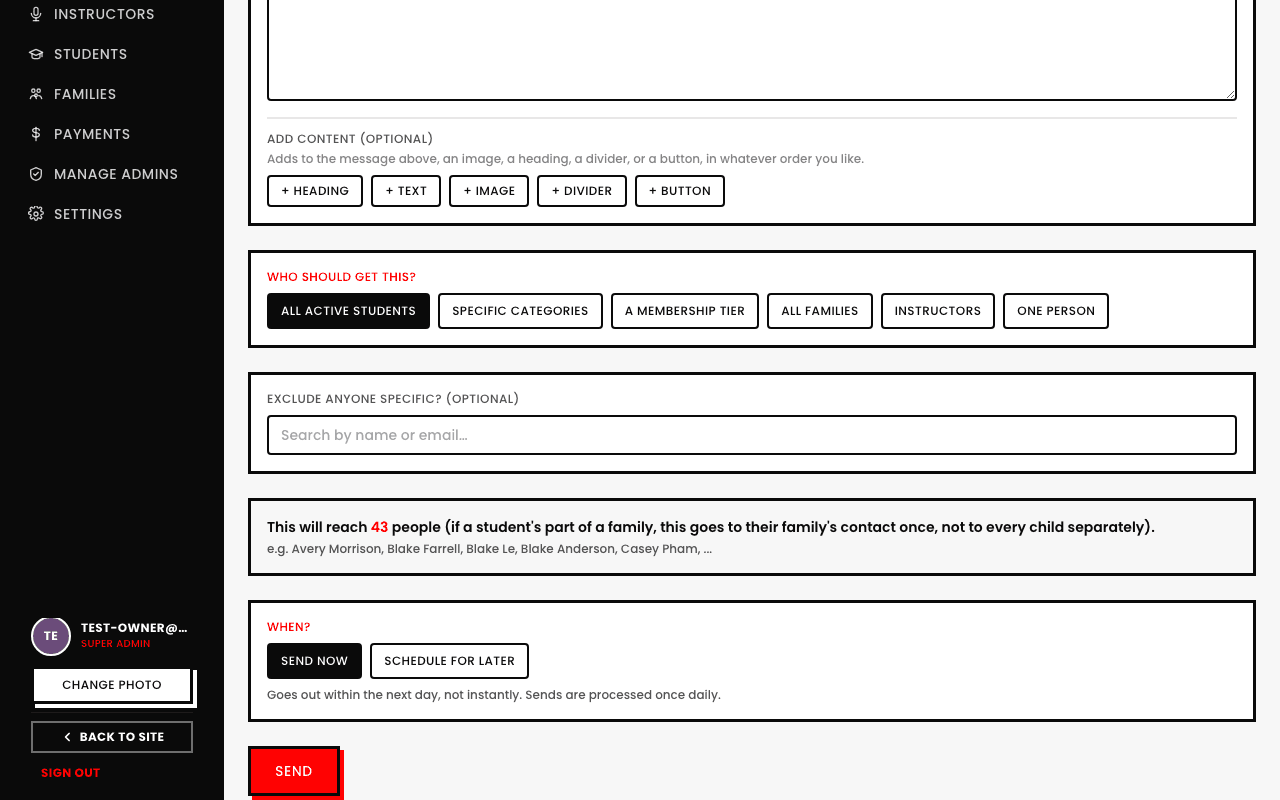
- 1Search by name or email, same search used everywhere else in Broadcasts.
- 2Pick anyone you want left out, they show up as a removable chip.
- 3The live recipient-count preview updates immediately to reflect the exclusion.
Not available for a One person audience, there's nothing to exclude from a single already-chosen recipient.