Scoping a pass to specific categories or teams
2 min read
A pass type's Scope step decides exactly what a credit can actually be spent on.
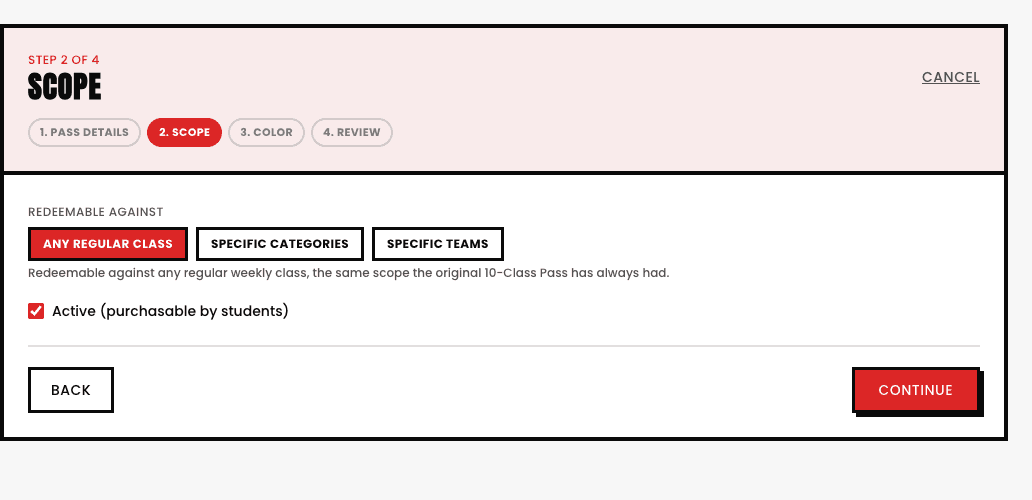
- Any regular class. The default, a credit works on any regular class, the most flexible option.
- Specific categories. Pick the exact category or categories this pass redeems against, down to a specific session within one if needed, useful for a pass sold specifically for one program.
- Specific teams. Scope a pass to one or more named teams instead, e.g. a drop-in practice pass.
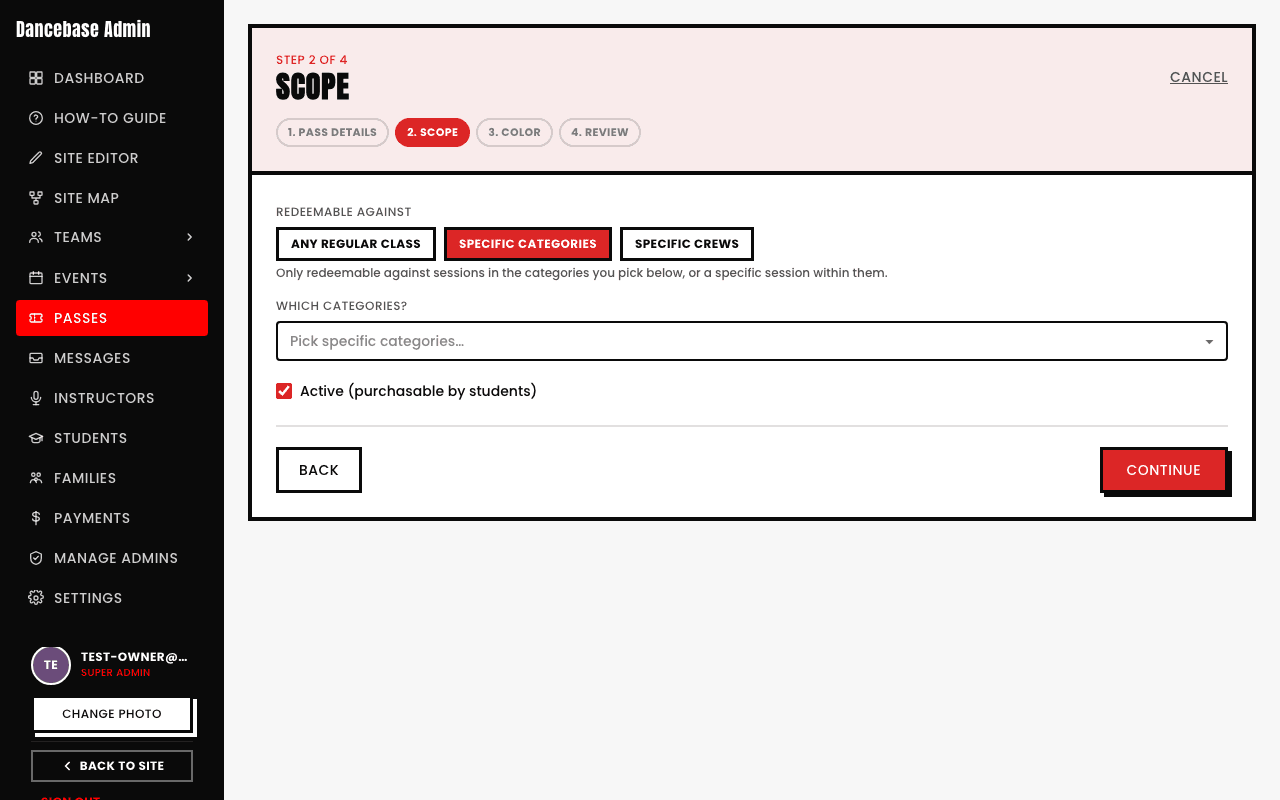
Scope, price, and color are all set once, at pass-type creation
A pass type's wizard is four steps, Pass details, Scope, Color, and Review, the color you pick is what visually distinguishes it on the Passes list once you have more than one type running.
See also