Reading & managing the Payments page
3 min read
The Payments page is a single running list of every payment your studio has taken (or tried to take), across every tier and every student. Once your student numbers grow, the filters at the top, Status, Type, Team, a date range, and an amount range, are what make this page actually useful rather than an overwhelming wall of rows.
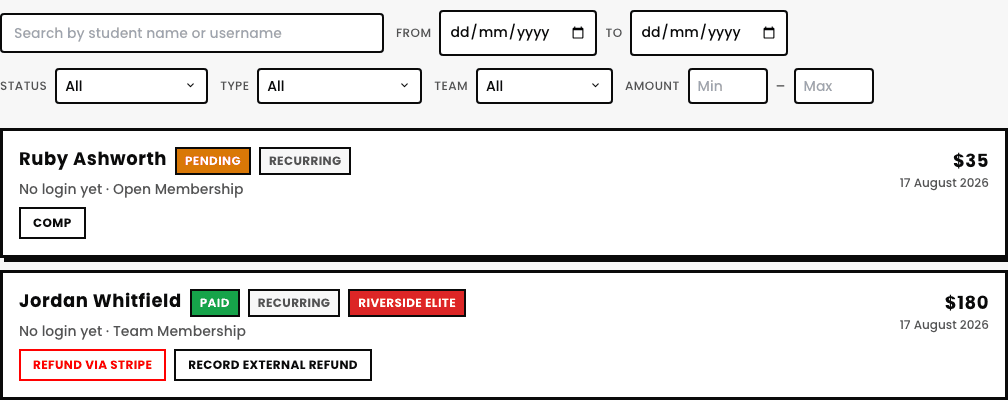
The statuses you'll actually see
- Paid. Money's in, nothing to do.
- Pending. Expected but not yet collected, e.g. a direct debit that hasn't cleared yet.
- Failed. The charge itself didn't go through, a card was declined or similar.
- Unfulfilled. Recorded, but something's outstanding beyond just the money.
- Refunded / Refund pending. Money's going back (or already went back) to the student.
- Comped. Marked as free, deliberately, by an admin, not a real payment at all.
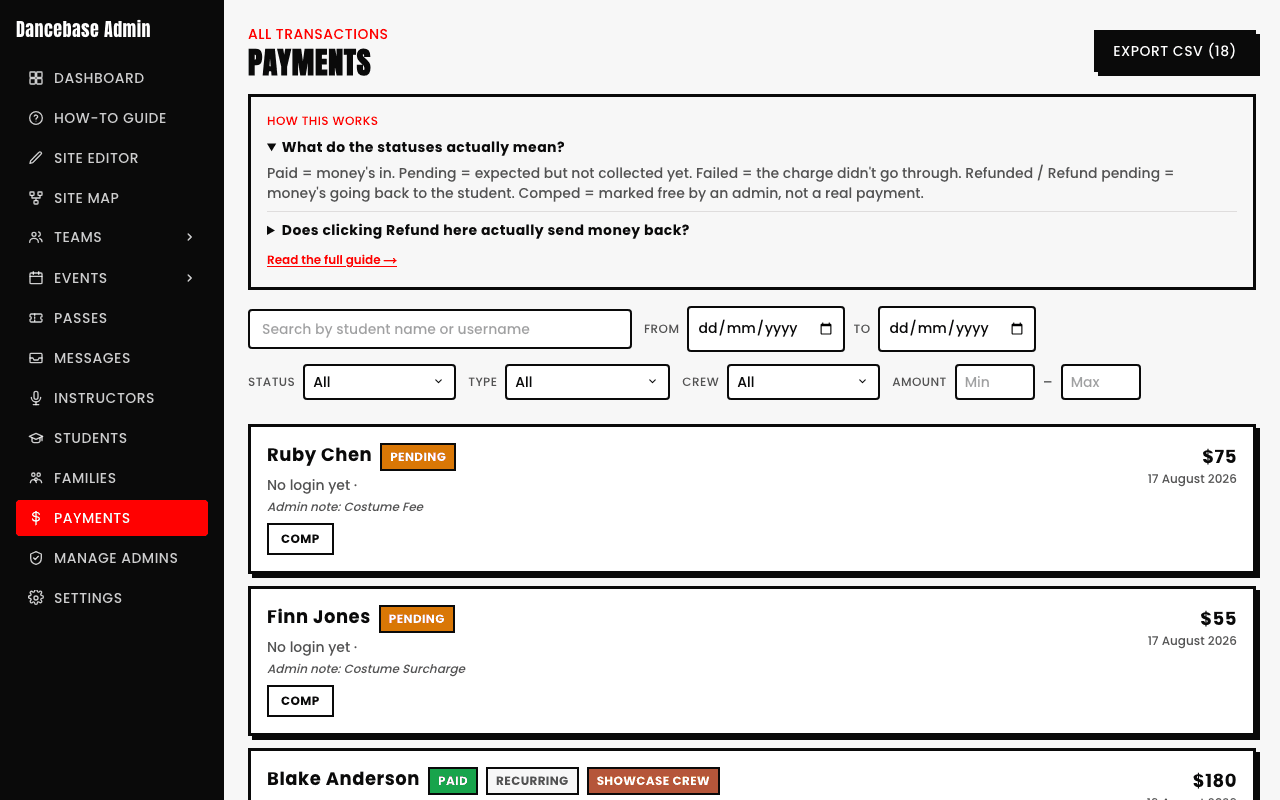
A refund here talks to your real Stripe account
Issuing a refund from this page isn't just a label change, it's a genuine instruction to Stripe to actually send money back, through the same Stripe Connect account covered in the two-billing-systems article. Treat it with the same care you would any real refund.