Changing a student's tier or status
2 min read
A student's tier buttons on their own record aren't a single dropdown, they're independent toggles, reflecting the real rule that a student can genuinely hold more than one tier at once, when your studio's own tier rules allow it. The buttons themselves are labeled with your studio's real category names, whatever you've actually called them, rather than generic tier names.
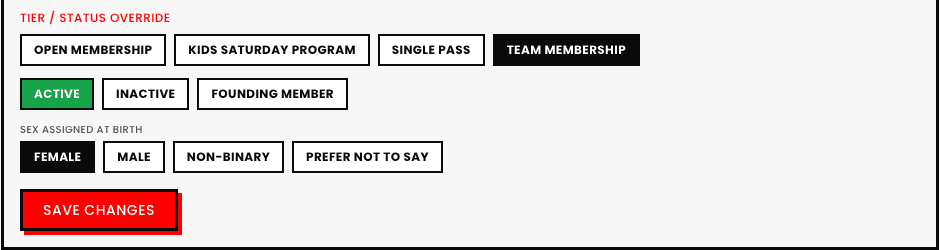
Status: Active vs. Inactive
Separate from tier entirely. Marking a student Inactive is the right move for someone who's stepped away without formally leaving, it stops them showing up in day-to-day active-roster views without deleting a single thing about their history.
Changing a tier doesn't retroactively touch past bookings or payments
Removing a tier from a student today has no effect on classes they already attended or already paid for under that tier, it only changes what they're eligible to book going forward.

See also