Paying for an entry
3 min read
Once an entry's in, head to My Entries to pay for it. Everything owed to one organizer is grouped together, so if you've entered five sections with the same competition, it's one checkout, not five.
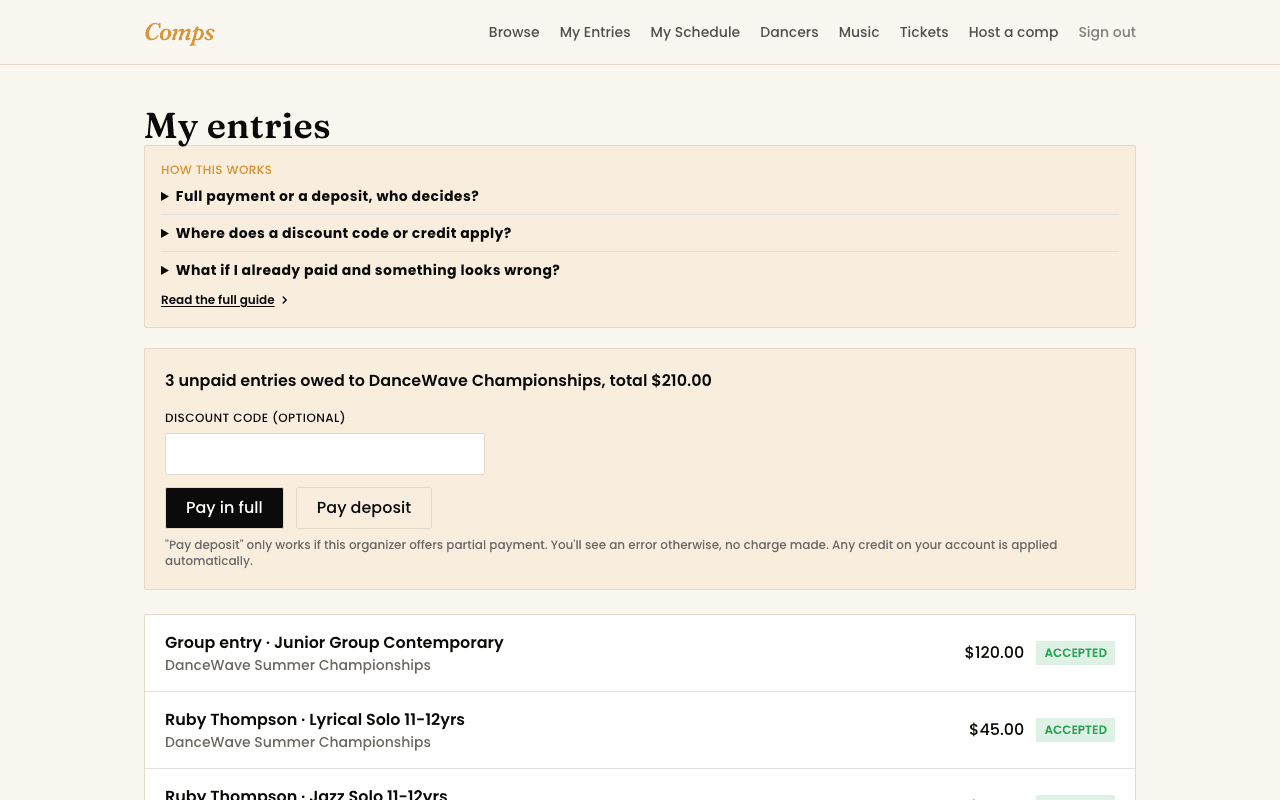
How the total is worked out
Comps applies things in a fixed order, every time, so the number you see is never a surprise:
- The real entry fees, straight from what each section actually costs.
- A discount code, if you have one, entered right on the payment screen. It's checked for real against the organizer's own rules, expiry date and use limit included, not just accepted because it's the right shape.
- Any credit on your account with that organizer, applied automatically. You'll never need to remember to use it, and it never applies to the wrong organizer's entries.
Whatever's left after that is what you actually pay. If a discount and your credit balance cover the whole thing, the entry is marked paid immediately, no card required at all.
Full payment or a deposit
Some organizers allow paying a deposit now and the rest later instead of the full amount upfront, you'll only see that option if they've turned it on. Choose "Pay deposit" and Comps works out your share using that organizer's own settings (or a rate they've set specifically for you). The remaining balance is charged automatically, to the same card, closer to the organizer's own payment deadline, you don't need to come back and pay it manually.
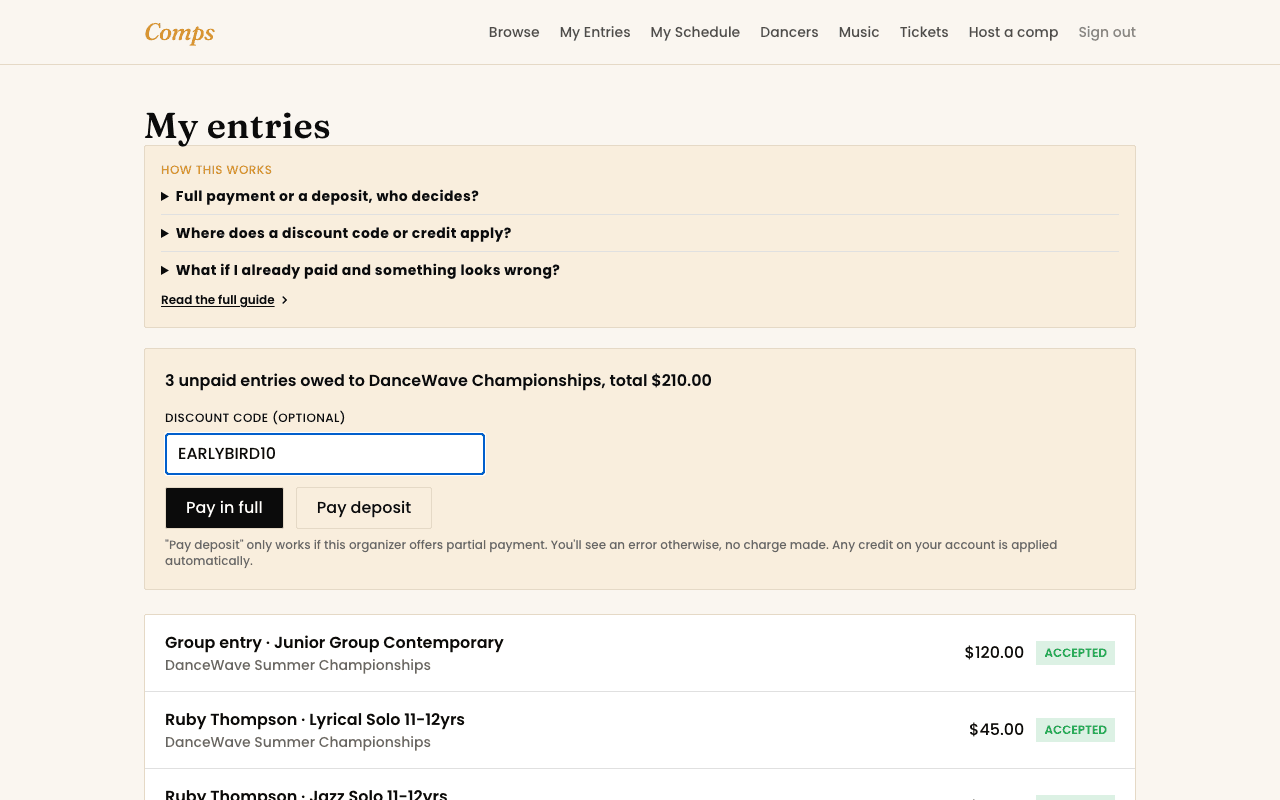
Where does a credit come from?
You might also want to read
Entering a Competition
How entering a competition actually works
From browsing to a confirmed entry, and what happens if a section is full.
Payments, Discounts & Credits
Using a discount code
Where it goes, how it's checked, and why it might not apply.
Payments, Discounts & Credits
Credits explained: where they come from and how they're used
A real balance on your account with one organizer, applied automatically.