Building your category's signup form
3 min read
The Onboarding Form step of the category builder is where you decide what a student answers when they sign up for this specific category, on top of the name, date of birth, and contact details every signup already collects.
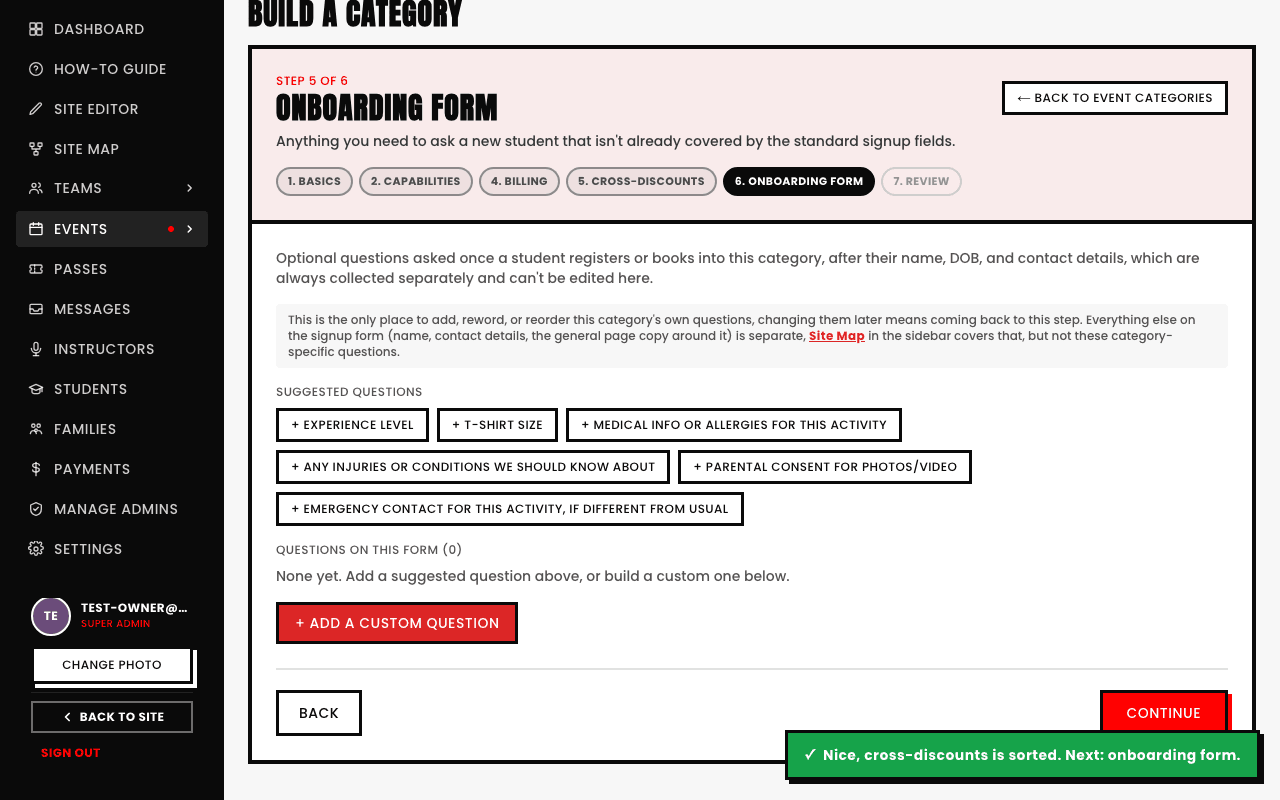
Ready-made suggestions
- Experience level
- T-shirt size
- Medical info or allergies for this activity
- Any injuries or conditions we should know about
- Parental consent for photos/video
- Emergency contact for this activity, if different from usual
Add any of these with one click, or skip the suggestions entirely and build your own from scratch, same field types as Custom Form Fields elsewhere in the app.
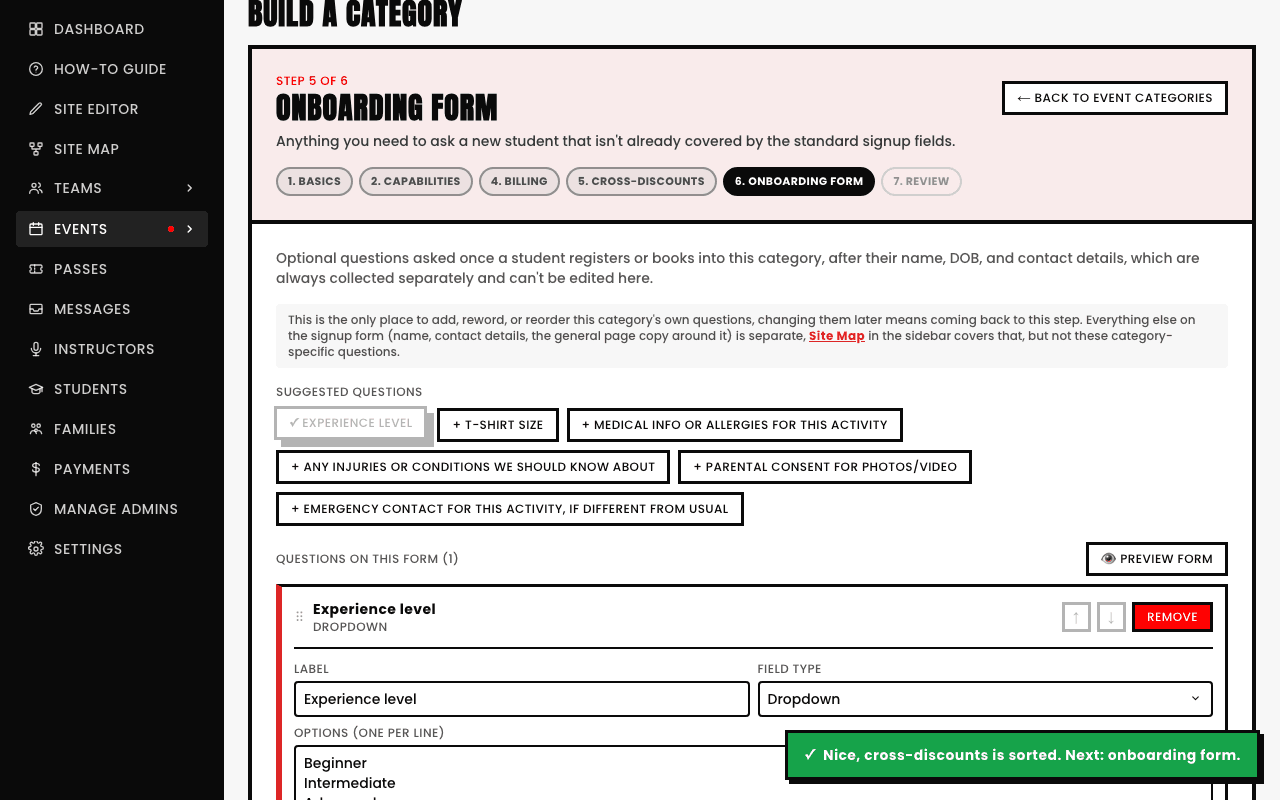
Reorder freely, and check the real preview before you save
Questions appear to a student in the exact order you've arranged them here, use the up/down arrows (or drag the grip handle) on any question to change that order. Tap Preview form any time to see the actual thing a student will fill out, rather than guessing from the editor alone.