What is a category?
4 min read
If there's exactly one idea worth truly understanding before anything else in this knowledge base, this is it. Almost every other feature, scheduling, payments, the calendar, even parts of Team, is built as a layer sitting on top of this one concept, so getting a real feel for it now saves a lot of confusion later.
A category is anything a student pays for: a weekly membership, a termly program, a single drop-in class, a seasonal intensive. Every real class you ever schedule belongs to exactly one category, and the category is what decides the price, the billing rhythm, and who's even allowed to book into it in the first place.
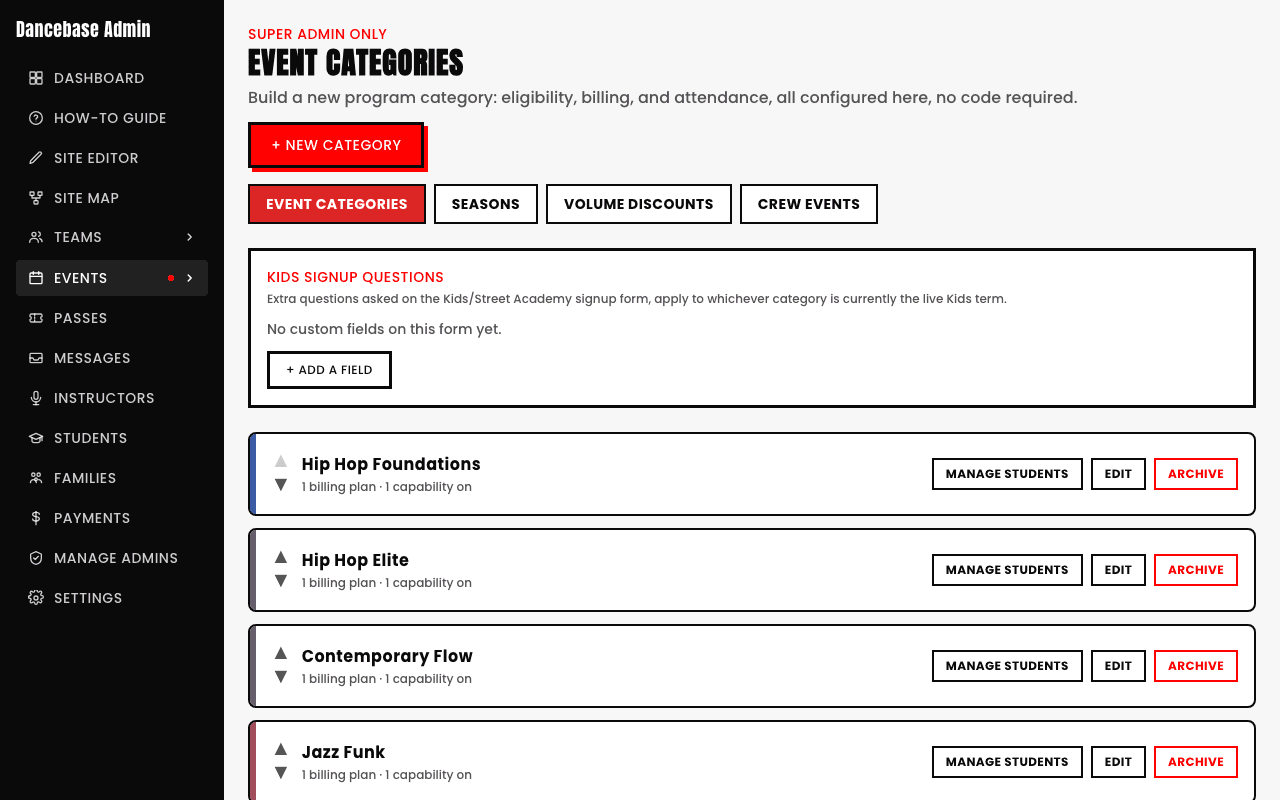
What a category actually configures, underneath the hood
- Billing. One or more named plans, each with its own price and how often it charges, or pay-per-class with no recurring fee at all, just a price tag on each individual session. You pick this shape once, early, and it shapes everything downstream.
- Eligibility. Age, gender, team membership, or a fully custom condition, only turned on if this category actually needs gatekeeping, useful the moment you run anything age-restricted with a hard cutoff date.
- Sessions. The actual real classes scheduled underneath it, recurring weekly on autopilot, or one-off for something like a single intensive weekend.
- Capacity. How many students one single session can hold before it's genuinely full and stops accepting new bookings, useful the moment your studio space has a real physical limit.
- Onboarding form. Any extra questions you want a student to answer specifically for this category at signup, medical notes, emergency contacts, experience level, whatever's actually relevant to that specific program.
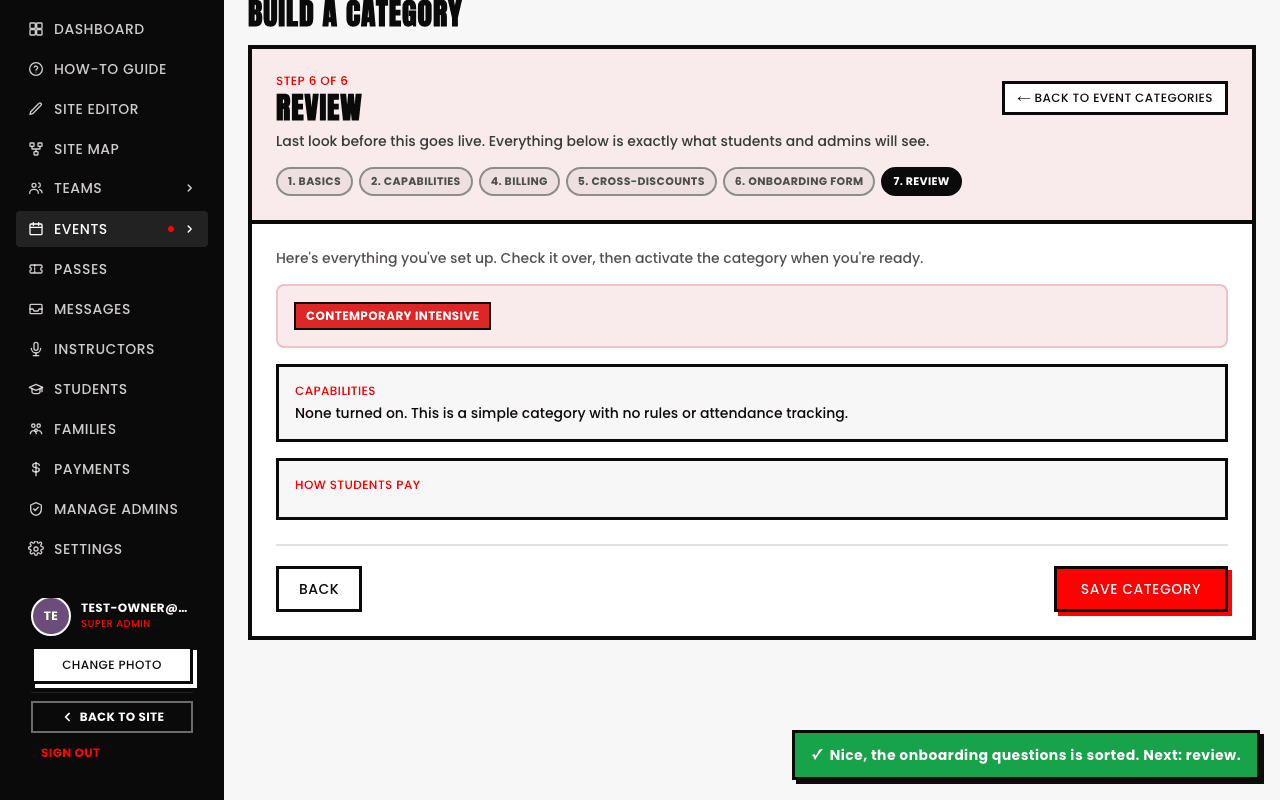
A category isn't just for regular weekly classes
You can archive a category you no longer offer without losing its history, past bookings and payments made against it stay fully intact and visible, it just quietly stops accepting new ones going forward.