Copying and sending a family their portal link
3 min read
This is genuinely one of the most-used things on the whole Families page, and the easiest to overlook if you don't know it's there. The Portal Links panel gives you three real, shareable links, not something you type or read out loud, just click Copy and paste it wherever you'd share any other link.
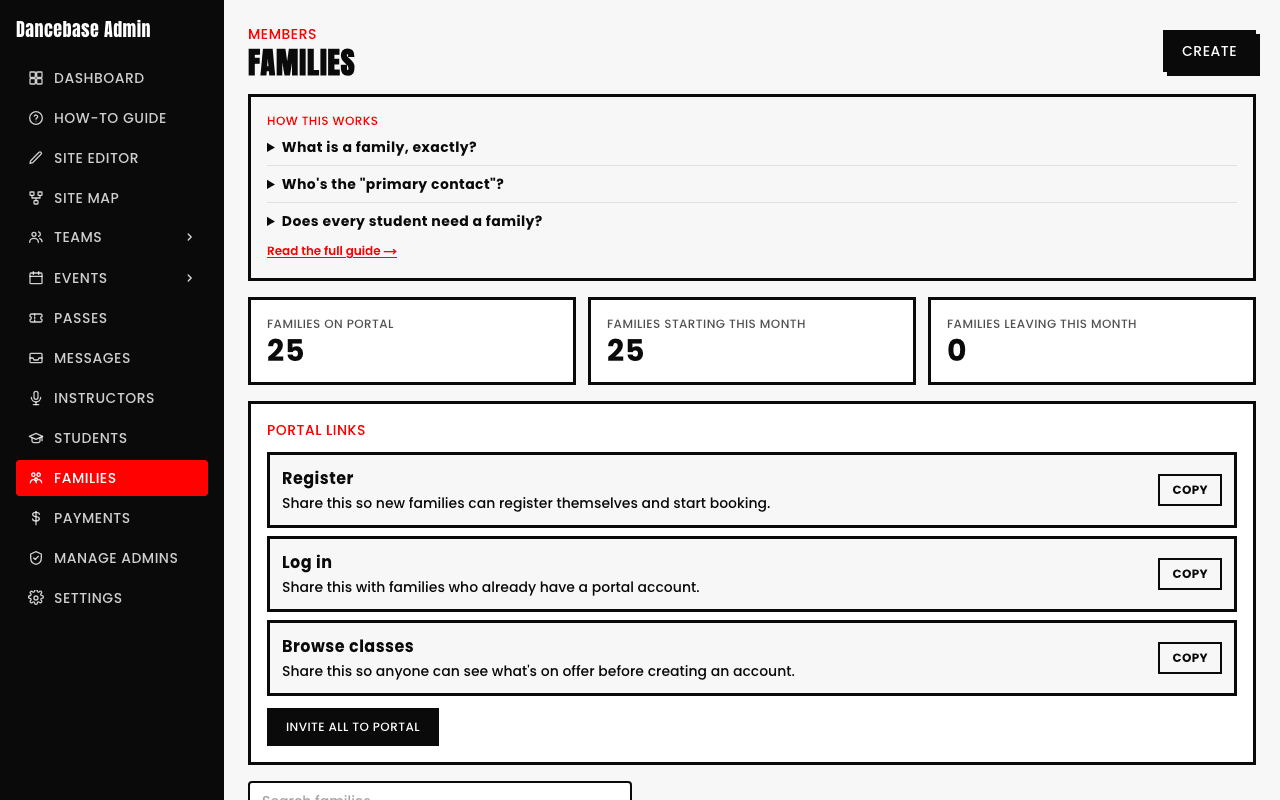
- Register. For a brand-new family who's never used Dancebase before, share this so they can create their own portal account and start booking.
- Log in. For a family who already has an account, gets them straight back into their existing portal.
- Browse classes. For anyone who wants to see what's on offer before committing to creating an account at all.
These are shared links, not personalized per family
All three are the same URL for every family, exactly the same link works whether you're sharing it with one specific household or posting it on your studio's own website or social media. There's no separate "link for the Chen family" to hunt down.
Inviting everyone at once
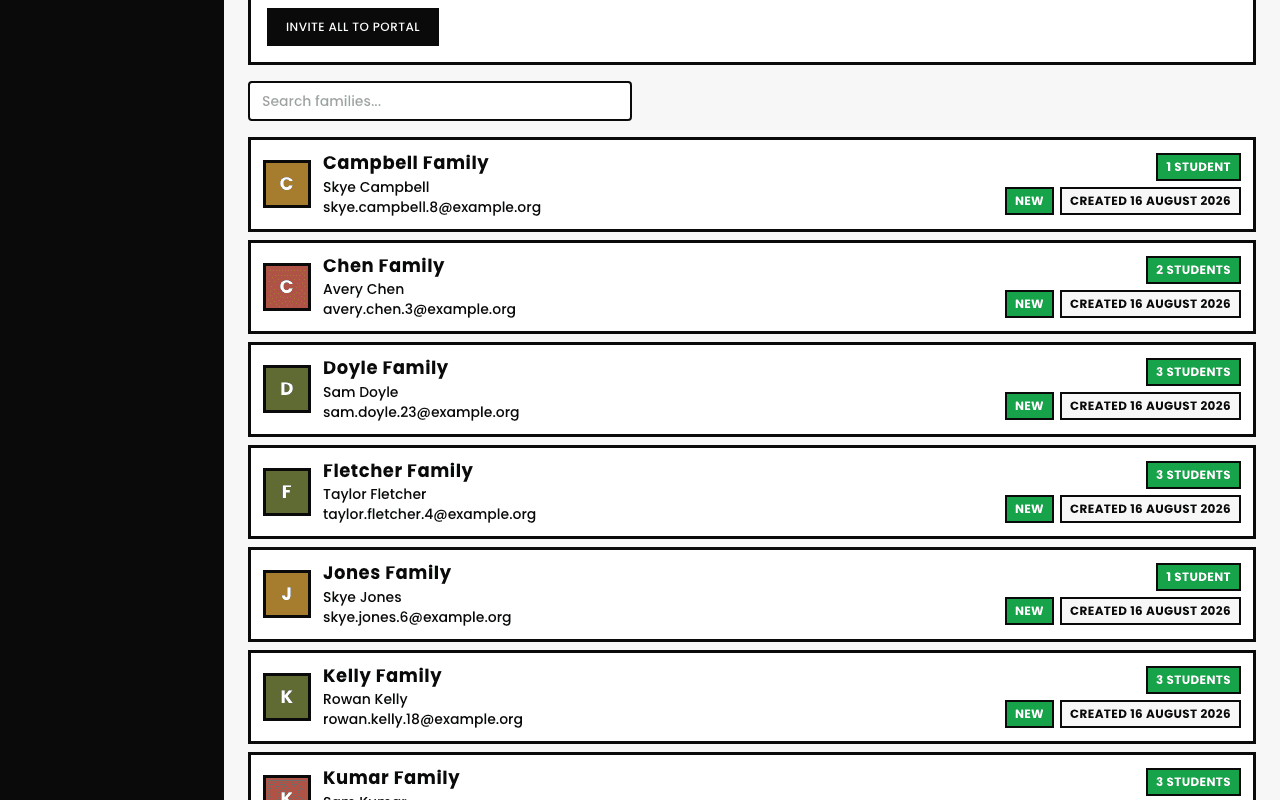
Below the three links, Invite all to Portal sends the Register link by email to every family contact who hasn't already been invited, one click, instead of copying and pasting the same link into individual emails.
See also