DancebaseCreate Your Studio

How families work, start to simple

4 min read

Think of a family the same way you'd think of a household. If the Nguyen family has three kids taking classes with you, that's one family record holding three student records underneath it, not three separate unrelated customers who happen to share a last name. That one connection is what makes the whole family side of Dancebase work the way it does.

The three things every family is made of

  1. 1
    The family itself. Just a name and a link between everyone who belongs to it, nothing more.
  2. 2
    A primary contact. The grown-up who actually logs in, pays the bills, and manages everything for the whole household, their own login is family-wide, not per-child.
  3. 3
    One or more students. Each child (or adult, a grown-up on their own membership counts too) gets their own real student record, their own login, their own bookings, but all of it sits underneath the same family.

A family can have more than one contact, only one is 'primary'
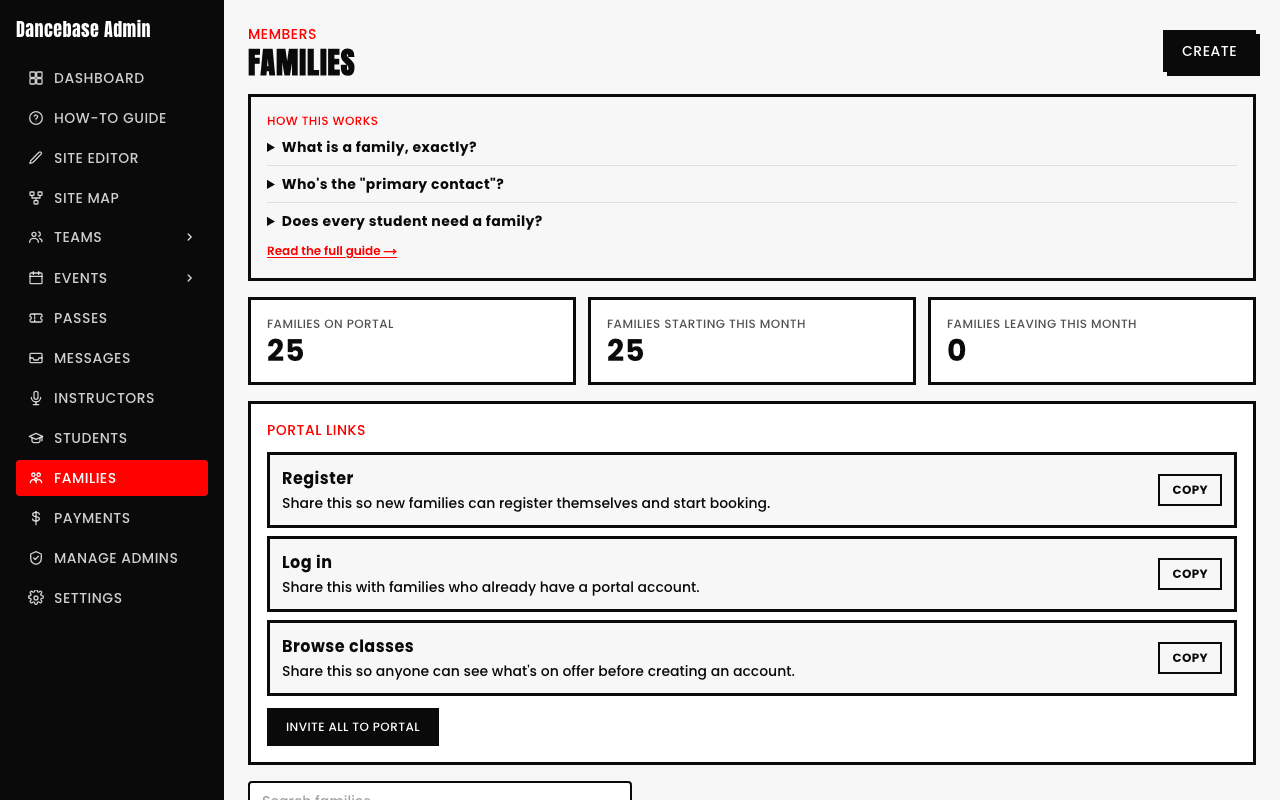
You can add a second parent or guardian as an extra contact on a family (Families → open a family → Contacts), but only the primary contact can change payment methods, add or remove children, or change another family member's settings. A second contact can still be genuinely useful, just with a smaller set of powers.
Families admin page showing real stats, 25 Families on Portal, 25 Families Starting This Month, 0 Families Leaving This Month, above the Portal Links panel
Families → overview. Real, live counts of how many households are actually using their portal.

What a family sees on their side

The primary contact logs into the family portal and sees every one of their kids listed together, one dashboard, not one login per child. From there they can book classes, see who's enrolled in what, pay an outstanding balance, and (this is a newer addition) add a photo for each family member so the cards are easy to tell apart at a glance.

What you, the admin, actually do on the Families page

  • Create a new family record when a household signs up (or it's often created for you automatically the first time they register).
  • Open any family to see its Contacts, its Payment Methods, and its signed Waivers, three separate tabs, three separate concerns.
  • Use the Portal Links panel to send (or resend) a family their login link, the one thing that gets them into their own portal in the first place.
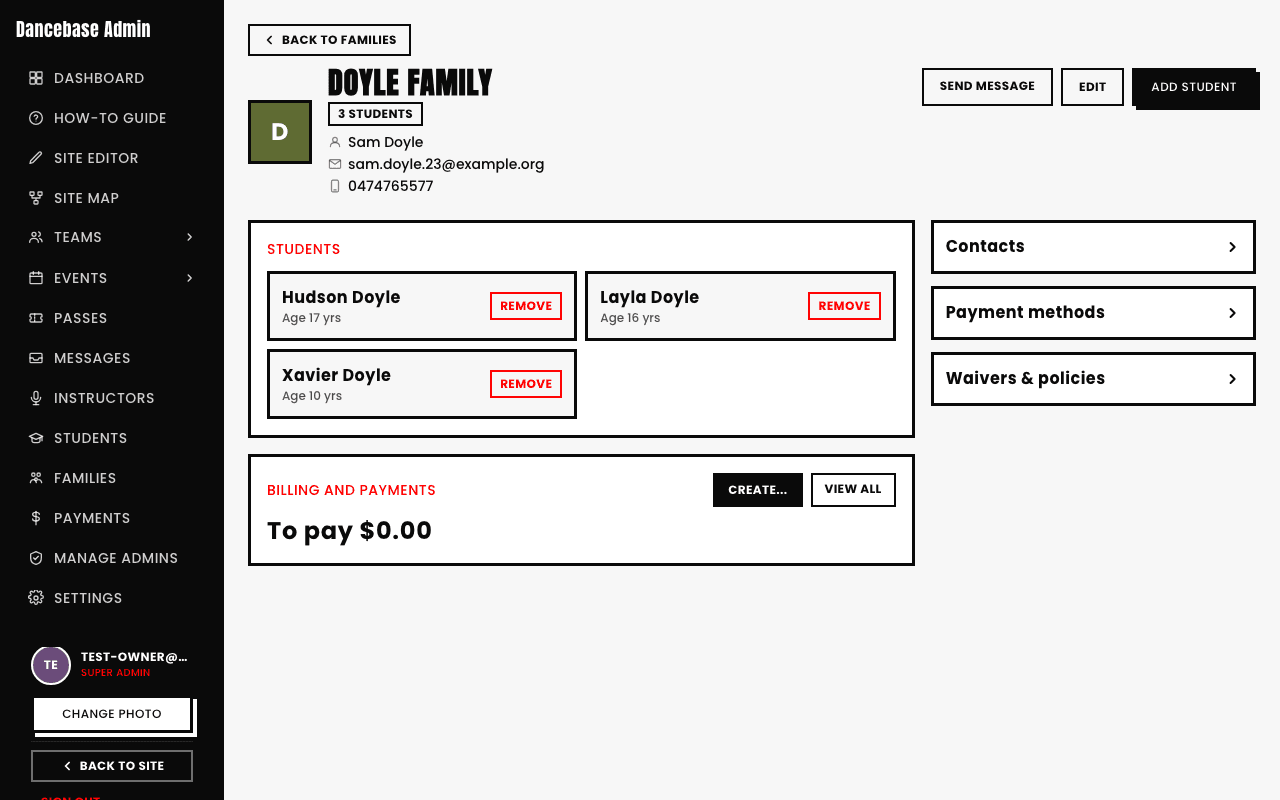
A real family's detail page, Doyle Family, with 3 students (Hudson, Layla, Xavier), a Billing and Payments panel, and Contacts, Payment methods, and Waivers & policies links
One family's own page. Every student underneath it, plus the three separate concerns covered in the next article.

Quick answers

Does every student need to belong to a family?
No. An adult student on a recurring or pay-per-class tier can exist entirely on their own with no family record at all, families exist for households with more than one person to manage together, most commonly parents booking classes for kids.
What actually identifies a student, if not the family?
A student's own email address is their real identity anchor, the family link is about who manages and pays for them, not who they are as a student. Two kids can share a family and still each have their own separate email/code.
Can a student move to a different family?
That's a rare, edge-case action (a change of custody, a re-blended household), and it isn't a simple toggle on this page on purpose, since it touches billing history and access. If you ever genuinely need this, it's worth treating carefully rather than as routine.
What's the difference between the Families page and the Students page?
Families is organized by household, the Students page (its own section) is organized by individual, one flat list of every student regardless of which family they're in. Use Families when you're thinking "this household," use Students when you're thinking "this one kid."