Contacts, Payment Methods & Waivers tabs explained
3 min read
Open any family and you'll see three tabs beyond the main overview: Contacts, Payment Methods, and Waivers. They're genuinely separate concerns, worth knowing apart.
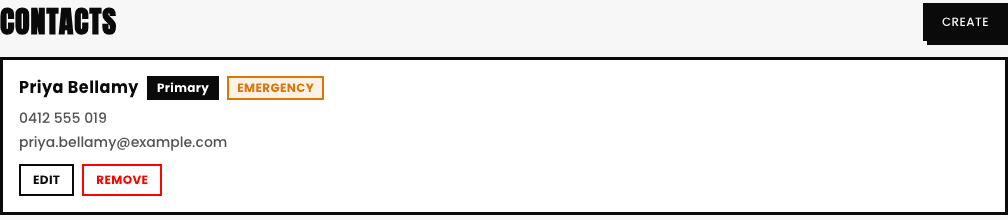
- Contacts. Everyone linked to this family and their role, primary contact vs. an additional one.
- Payment Methods. The cards/accounts on file for this family's own billing.
- Waivers. Whether the family's accepted every currently-active waiver your studio has, Terms & Conditions and Privacy Policy always exist, plus any custom ones you've written, read-only for admins, a family accepts these themselves, from their own portal, it shows automatically as a card right on their dashboard the moment they log in with anything still pending. A waiver can show three real states here, not just two: Accepted, Pending, or (if you've edited a waiver's text since this family last accepted it) Outdated, meaning they agreed to an older version and need to accept the current one. Writing the real content is its own separate step, covered next.

Why admins can't accept a waiver on a family's behalf
It genuinely has to be the family agreeing, not an admin clicking a button for them on a busy day, the same reason a signature can't be forged even with good intentions. If a family says they can't find it, tell them to check their portal home page right after logging in.