Signing in as staff
3 min read
Here's a genuinely nice side effect of building something in 2026 instead of 2012: nobody has to remember a password for this. Your admin panel sits at a separate address from your student-facing site, and getting into it is deliberately, almost boringly simple.
Getting in, step by step
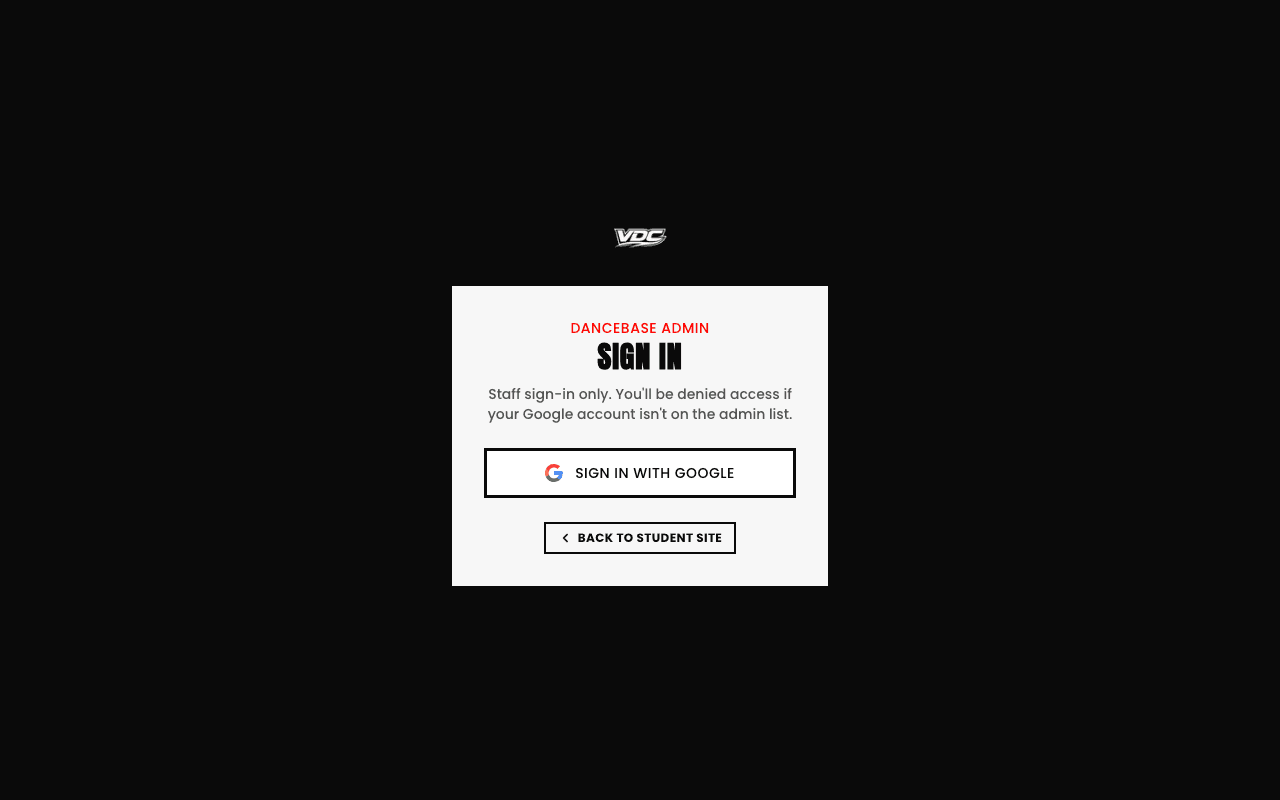
- 1Open
yourstudio.dancebase.com.au/admin/loginin a browser, on your laptop, your phone, whatever you've got handy. - 2Tap the "Sign in with Google" button, the only button on the page.
- 3Pick the exact Google account matching the email you used during signup. That specific email is the only one recognized as an admin until you deliberately add more people.
- 4You're dropped straight into your Dashboard, and from that moment on, staying signed in works exactly like any other Google-backed app, no re-entering anything each visit.
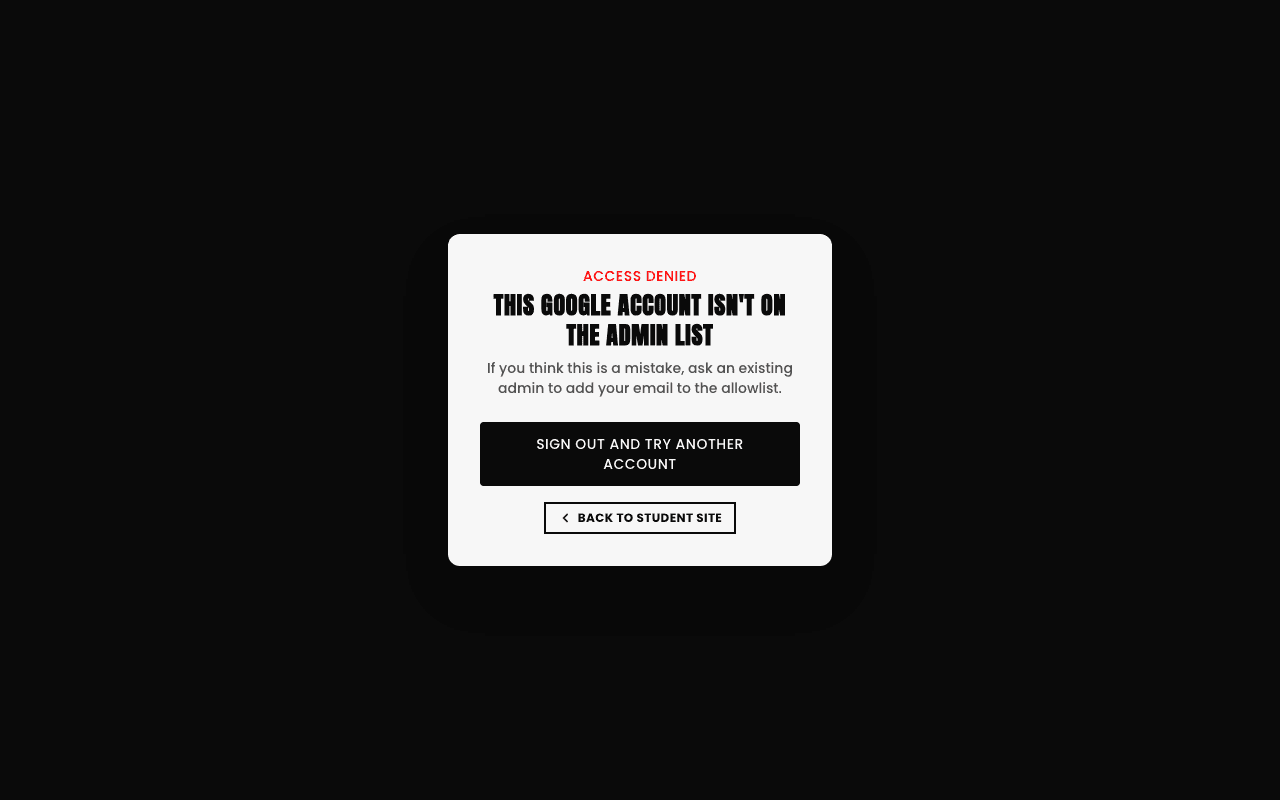
If you try signing in with a Google account that isn't on your studio's admin list, you'll be told plainly and immediately rather than let in by accident, admin access is a real allowlist per studio, checked every single time, not a loose "anyone with a Google account" door.
Adding more staff later
One more honest note worth flagging: Google sign-in relies on a small piece of configuration behind the scenes that connects your studio's address to Google's side of the handshake. If sign-in ever bounces you somewhere unexpected instead of into your dashboard, that's almost always this connection needing a quick check, not something wrong with your account itself.